Coway Airmega and Blueair show up on the same shortlists, and both sell purifiers across several sizes and price levels. That is why “which brand is better” has no useful answer. The useful question is which specific model fits your room, costs a sensible amount to keep running, and comes with an app you will tolerate.
This article gives you a way to work that out with numbers from the product pages on the day you buy. It does not quote prices or model specs, because those change and a stale figure could steer you wrong. For the basics of smart purifiers in general, the smart air purifier buying guide covers them, so this piece stays on the Coway and Blueair decision.
Start with your room and your air problem, not the brand
Before you open either brand’s website, write down three things about the room where the purifier will sit.
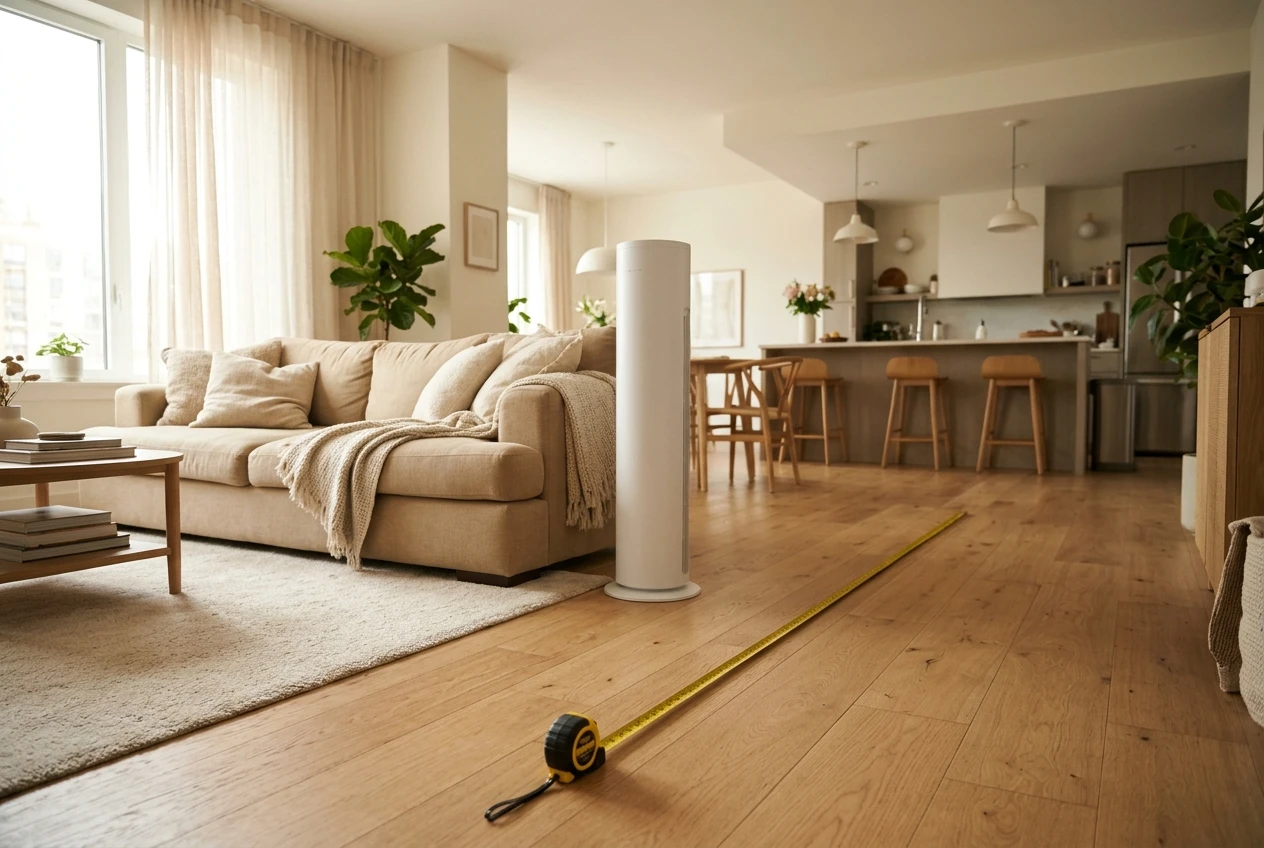
- Floor area and ceiling height. Multiply length by width, then note whether the ceiling is the usual 8 feet or higher. An open-plan living area that flows into a kitchen counts as one large room, not the sofa corner.
- What you want to remove. Dust, pet hair, pollen, cooking smoke, wildfire smoke and odors are different problems. A particle filter handles particles. Odors and gases need a carbon stage, and how much carbon a model includes varies, so a purifier that suits a dusty bedroom may disappoint in a kitchen-adjacent room.
- How you will run it. A bedroom unit runs overnight at a low setting. A living room unit might run all day, or only when you cook. The speed you actually use matters more than the speed on the box.
Once you have those three answers, the brand question gets smaller. You are looking for a model that is rated for your room’s size at a speed you can live with, and that is the filter you apply to both lineups.
What “cleans better” really means: CADR, room size and how to read the numbers
CADR stands for Clean Air Delivery Rate. It is a measure of how much filtered air a purifier delivers, in cubic feet per minute, and it is tested by the Association of Home Appliance Manufacturers (AHAM) for three particle types: smoke, dust and pollen. A higher number means more clean air delivered per minute. Smoke is the smallest of the three test particles, so the smoke figure is the one to read first.
A quick way to size by CADR
AHAM’s rule of thumb is that the smoke CADR should be at least two-thirds of the room’s floor area in square feet, for rooms with 8-foot ceilings. A 300 square foot room therefore wants a smoke CADR of about 200 or more.
If you like to see air changes per hour, the arithmetic is simple: CADR times 60, divided by the room’s volume in cubic feet. As an illustration only, with made-up numbers: a purifier with a CADR of 200 in a 300 square foot room with 8-foot ceilings (2,400 cubic feet) gives 200 × 60 ÷ 2,400 = 5 air changes per hour. Swap in the real CADR from the model’s spec sheet and your own room measurements.
What to do with a “covers up to X square feet” claim
Manufacturers state room coverage using their own assumptions, such as how many times per hour the air is cleaned, so two boxes that both say “up to 500 square feet” may not be equivalent. When a model lists a CADR, size from the CADR. When it lists only a coverage figure, treat that figure as a ceiling for a room that is not very dusty, and consider the next size up.
What a spec sheet cannot tell you
CADR is measured in a test chamber, usually at the highest fan speed. It does not reflect your furniture, your open doorways, or where you place the unit. It also says nothing about how loud the purifier is at the speed that produces that number.
If your room is large or open, the large living room sizing guide goes further into airflow-based sizing. For a typical bedroom or small living room, the two-thirds rule applied to a published smoke CADR is a solid starting filter for both brands.
Filter life and yearly cost: how to work out what each brand will really cost you
The purchase price is the smaller part of owning a purifier over a few years. Filters are the recurring cost, and the way to compare brands is to convert each model’s filter cost into a yearly figure.
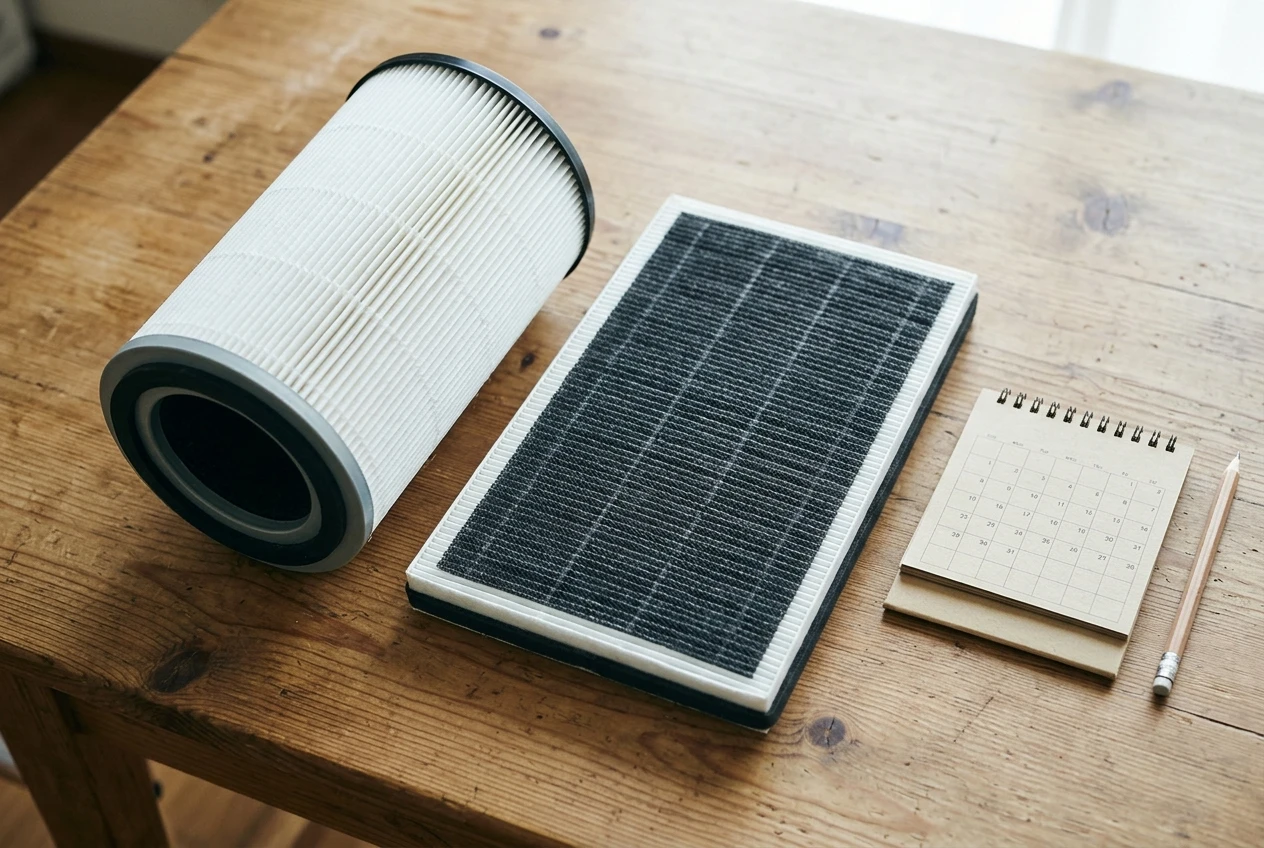
The formula
- Add up the price of every filter the model needs for a full replacement. Some models use one combined filter. Others use a separate pre-filter and main filter, or add a carbon layer, and each has its own replacement schedule.
- Divide that total by the rated life in months.
- Multiply by 12.
As a made-up example: a filter set priced at $60 with a rated life of 6 months works out to $120 a year. If a different model’s $90 set lasts 12 months, it costs $90 a year even though each replacement looks pricier. Use the real prices and rated lives from the pages for the models you are comparing.
Why the rated life is an estimate
Rated filter life assumes a certain number of running hours per day in a typical home. A household with shedding pets, someone who cooks daily, or a room beside a dusty road will use filters up faster. If you plan to run the purifier around the clock, treat the rated life as the best case.
Check how the filter reminder works too. Some indicators count run time, and others respond to something else. The manual for the model will say which. A timer-based reminder cannot tell you the filter is clogged early, so a visual check still matters. If a filter looks clean but the light says to replace it, or the reverse, the checks in this article on filters that still look clean are worth running.
Add the electricity
Find the wattage at your usual fan speed on the spec sheet, multiply by the hours you run it per year, and multiply by your electricity rate per kilowatt-hour. For most people this is a small number next to filters, but it is worth knowing if you run the purifier 24 hours a day.
Filter types and availability: original, compatible and what to check before you commit
A low yearly filter cost means nothing if you cannot buy the filter when you need it. Before choosing a model, search for its replacement filter by exact model number and look at what comes up.
- Stock in more than one place. If only one retailer carries the filter, you depend on that retailer’s pricing and stock.
- Model age. Both brands update their lineups. A model that is a few years old may eventually have filters that are harder to find, and the guide on what to do when you can’t find your filter shows how that situation plays out.
- Filter name versus model. Filters often look alike across a brand’s range but are not interchangeable. Match the filter’s part name or number to your model, not just to the brand.
- Fit. A filter that is slightly wrong can leave gaps around the edges, which defeats the point of having one. If a replacement will not seat properly, see these checks before forcing the cover.
Original and compatible filters
Compatible filters from third-party sellers are usually cheaper, and some people use them to lower the yearly cost. They are made by different companies with different standards, so check the seller’s stated filter grade, read reviews that mention fit, and read your warranty terms for any language about third-party parts. The article on original versus compatible filters lays out that trade-off in detail.
Before you stock up
Buying several filters at once can lower the per-filter price, but it makes sense only for a model you are confident you will keep. Filters also have a shelf life in storage and take up space. The bulk filter checklist covers what to confirm first.
App and smart features: what to look for in stability, setup and offline use
Both brands offer smart models with app control. Whether the app is pleasant or irritating changes how you feel about the purifier, and a spec sheet will not tell you. These are the checks to make before you buy.
Read the app’s store page, not just the product page
- Sort reviews by newest. Look for recent complaints about connection drops, failed setup or login problems. Older reviews may describe problems that were fixed, or problems that never were.
- Check the last update date. An app updated in the last several months is being maintained. One untouched for a year or more may fall behind newer phone software.
- Look at what the reviews complain about. Occasional frustration is normal. A pattern of “can’t connect” is a warning.
Check setup requirements
Many smart home devices connect only to a 2.4 GHz Wi-Fi band. If your router combines bands under one name, setup can fail for reasons that have nothing to do with the purifier. Read the manual or support page for the model’s requirements, and find out whether you need to create an account to use the app at all.
Know what works without the app
This is the most practical check. Find out whether the purifier’s buttons control fan speed, auto mode and any timer without the app, and what happens to its settings when Wi-Fi goes down. A purifier that runs fine from its own buttons is low-risk even if the app is mediocre. If a feature you care about, such as scheduling, lives only in the app, weigh that accordingly.
Also check voice assistant support on the specific model’s page, since support can differ between models within one brand.
Test it during the return window
Once the unit arrives, set it up in the first few days. Restart your router, unplug the purifier and plug it back in, and see whether it reconnects without help. That ten minutes tells you more about daily life with the app than any review.
If you are still deciding whether you need smart features at all, the comparison of a smart purifier and a basic HEPA unit is a useful companion.
Noise, placement and daily living: bedroom, living room and small apartment scenarios
Noise ratings are published in decibels, usually at the lowest and highest speeds. Compare the same speed across models, and remember that the number comes from a test setup rather than your room.
Bedroom
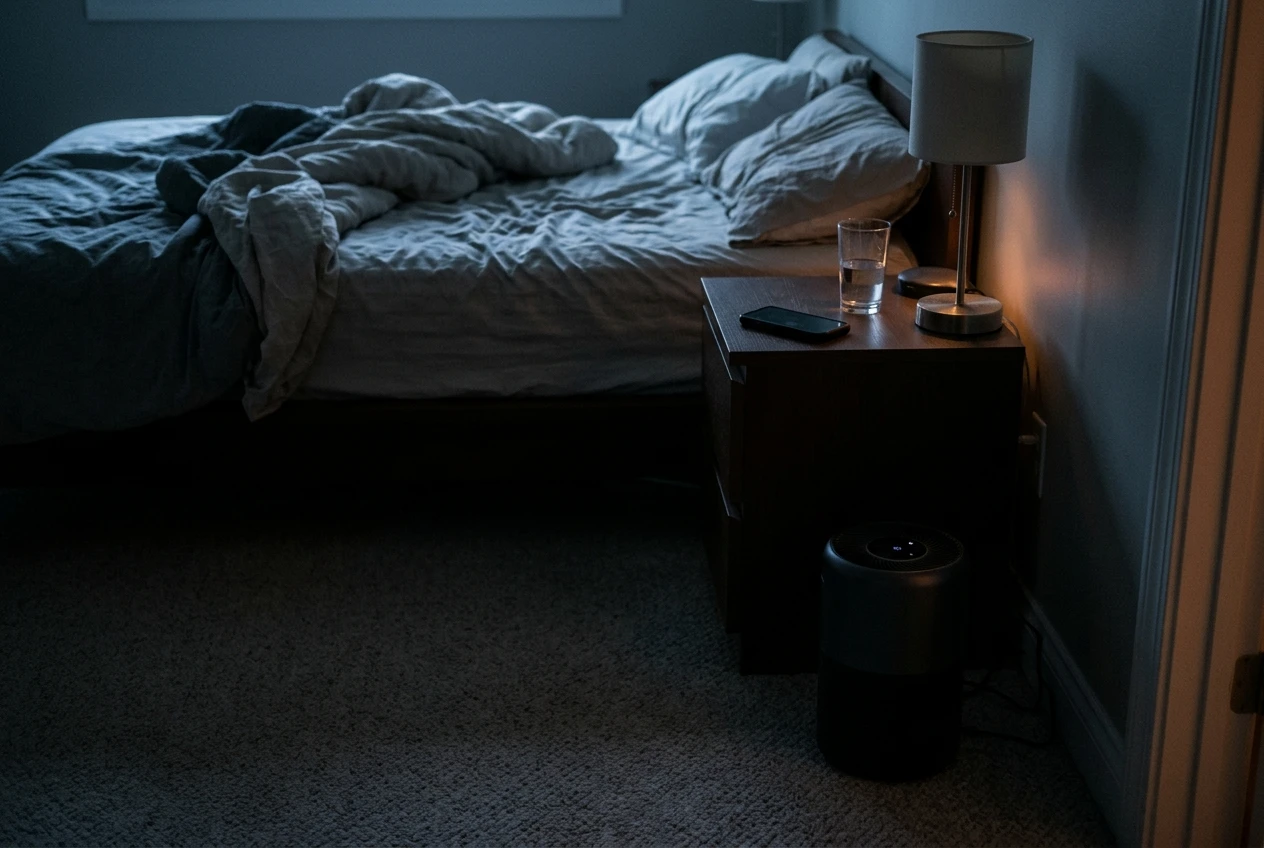
Look at the noise rating at the lowest speed, since that is where the unit will spend the night. Check whether the indicator lights can be dimmed or turned off, and whether the display is visible from the bed. Also confirm that the model’s CADR at its low speed is still reasonable for the room, or that you are happy to run it on a higher setting during the day and a lower one at night.
Living room
You will want the model’s CADR to be sized to the room, and you will likely run it on a medium speed while people are home. A unit that is sized only for the highest speed will be loud in the room where you watch television. Size up if you can, so a lower speed still delivers enough airflow.
Small apartment
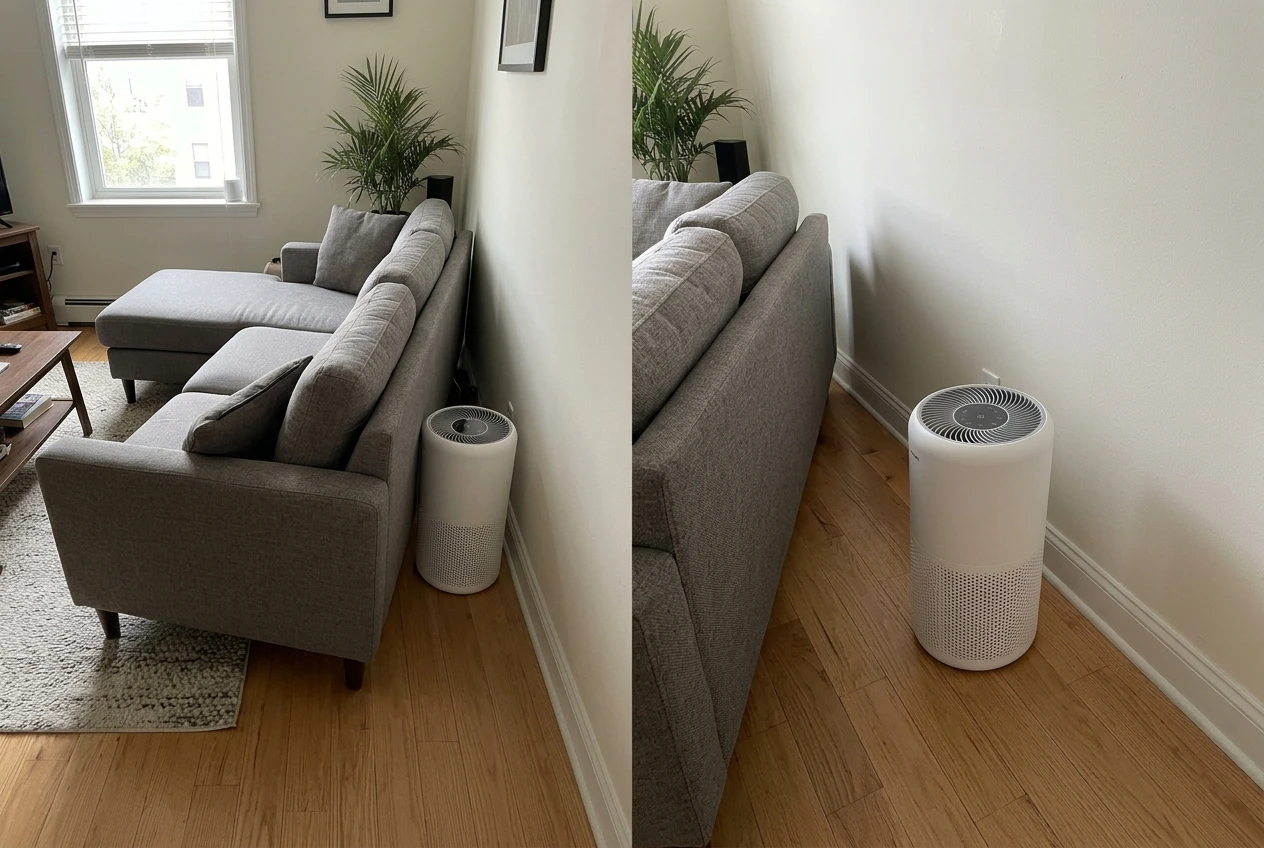
Footprint and clearance matter. Most purifiers need space around the intake, so a unit pushed flat against a wall or tucked behind a sofa cannot move as much air as its rating suggests. A smaller model placed well often does more than a larger one that is boxed in. If you plan to place it on a rug, see whether carpet blocks the intake for what to check.
Which one fits which home: a simple pick-by-situation chart
Each brand sells several model lines, and the gap between two models from one brand can be wider than the average gap between the brands. Compare model to model, using the same criteria.
Your situation What should decide it What to compare on the two models Bedroom, light sleeper Noise at the lowest speed, light controls Decibel rating at low speed, dimmable display, CADR at low speed Standard living room (around 300 to 400 sq ft) CADR sized to the room at a medium speed Smoke CADR against the two-thirds rule, yearly filter cost Open-plan or large room Airflow, not the coverage claim Published CADR, air changes per hour, whether one unit is enough Small apartment or rental Footprint and placement clearance Dimensions, intake clearance in the manual, filter availability Pets or daily cooking Filter life under heavy use, carbon content Yearly cost assuming shorter filter life, carbon stage details You rely on the app for schedules App stability and offline behavior Recent reviews, last update, which controls work from the buttons You want the lowest running cost Yearly filter cost, not sticker price Filter set price divided by rated months, times 12, plus wattage
If two models tie after that comparison, choose the one whose replacement filters are easier to find in your country or region. That is the tiebreaker that matters in year two.
Before you buy: a short checklist to confirm the exact model, room match and filter cost
Run through this list for each model on your shortlist.
- Exact model name and number. Brand lineups include similar-looking models with different CADRs and different filters.
- Room match. Measure your room, find the model’s smoke CADR, and apply the two-thirds rule. If the room is open or large, size up.
- Noise at the speed you will use. Check the decibel rating at the low and medium settings, not only the high one.
- Yearly filter cost. Add up all the filters in the set, divide by rated months, multiply by 12, and assume shorter life if you have pets or cook often.
- Filter availability. Search for the replacement by model number and confirm it is sold in more than one place.
- App check. Read the newest reviews, see the last update date, and confirm what works from the unit’s own buttons.
- Return window. Know the retailer’s return policy, and plan to set up and test the app in the first few days.
- Placement. Pick the spot ahead of time and confirm the clearance the manual asks for.
If a model passes all eight, it is a reasonable purchase whichever name is on the front. Join the email list for plain-English purifier comparisons and filter maintenance reminders, so you only buy what your room actually needs.