Shopping for an air purifier usually starts with a list of models, and that is the wrong place to start. Models change every year, spec sheets are written to flatter the product, and a unit that suits a bedroom can be the wrong choice for an open kitchen and living room. A better starting point is the air problem you can notice and the room it happens in.
This smart air purifier buying guide works as a five-question path. You answer the questions in order, write the answers down, and end up with a short list of specs to shop from: how much air the unit needs to move, which filter types it needs, which smart features you will use, what the filters will cost, and how loud it can be where you plan to put it. Three of the questions have deeper articles on this site, linked where they come up, so this guide stays focused on the decision itself.
Keep a notepad or a notes app open. By the end you will have a one-page brief you can take to any retailer.
Start with the problem you can actually notice in your room
Different air problems call for different filtration, so name yours before anything else. Most people have one main problem and one or two minor ones. Pick the main one first.
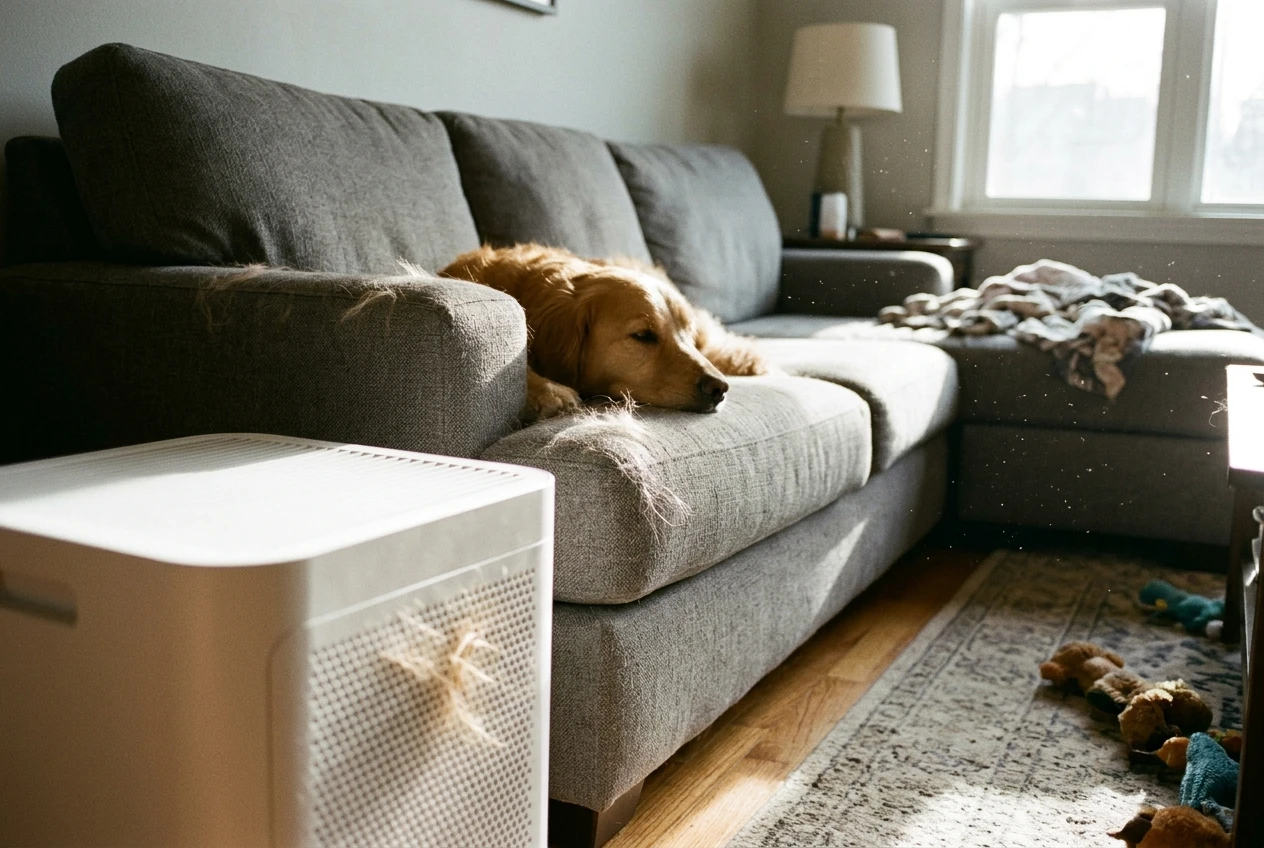
Here is how common complaints map to what a purifier needs:
- Dust on surfaces and in the air: Dust is mostly fine particles, so you want a true HEPA filter and enough airflow to cycle the room several times an hour.
- Pet hair and dander: Visible hair is large and gets caught by a washable or replaceable pre-filter, which keeps it from clogging the main filter. Dander is much finer and is what the HEPA filter is for. If you have a shedding dog or cat, a pre-filter that is easy to reach matters more than most app features.
- Cooking smells: Odors are gases, and a HEPA filter does not capture gases. You need a purifier with a meaningful amount of activated carbon, which is a different thing from a thin carbon-coated sheet. Ask how much carbon the filter holds, and check whether the maker lists a weight.
- Smoke, from wildfires or a fireplace: Smoke has fine particles and a strong smell, so you need both a HEPA filter and a carbon layer, plus high airflow. Smoke is the problem where undersizing the purifier shows up fastest.
- Allergy season: Pollen grains are relatively large and are caught by HEPA filtration. Pollen also arrives with open windows and on clothing, so the room and how you use it matter as much as the unit. A purifier can reduce airborne particles, but it will not guarantee that symptoms go away, and this guide makes no health promise.
Write your main problem and your secondary problem at the top of your page. If your main problem is odors, you already know carbon is on your spec list. If it is dust or dander, you know the pre-filter and HEPA grade matter most.
One caution: “HEPA-type” and “HEPA-like” are marketing phrases, not the same as true HEPA. Look for the words “true HEPA” or “H13” in the product listing. If a listing only says “HEPA-type,” treat that as a reason to look at other units.
Measure the room and note what’s in it before you look at a single model
Purifier boxes list a recommended room size, and those numbers assume ideal conditions, often a closed room with a low ceiling and a single source of dust. You will get a better answer from a tape measure and a little arithmetic.
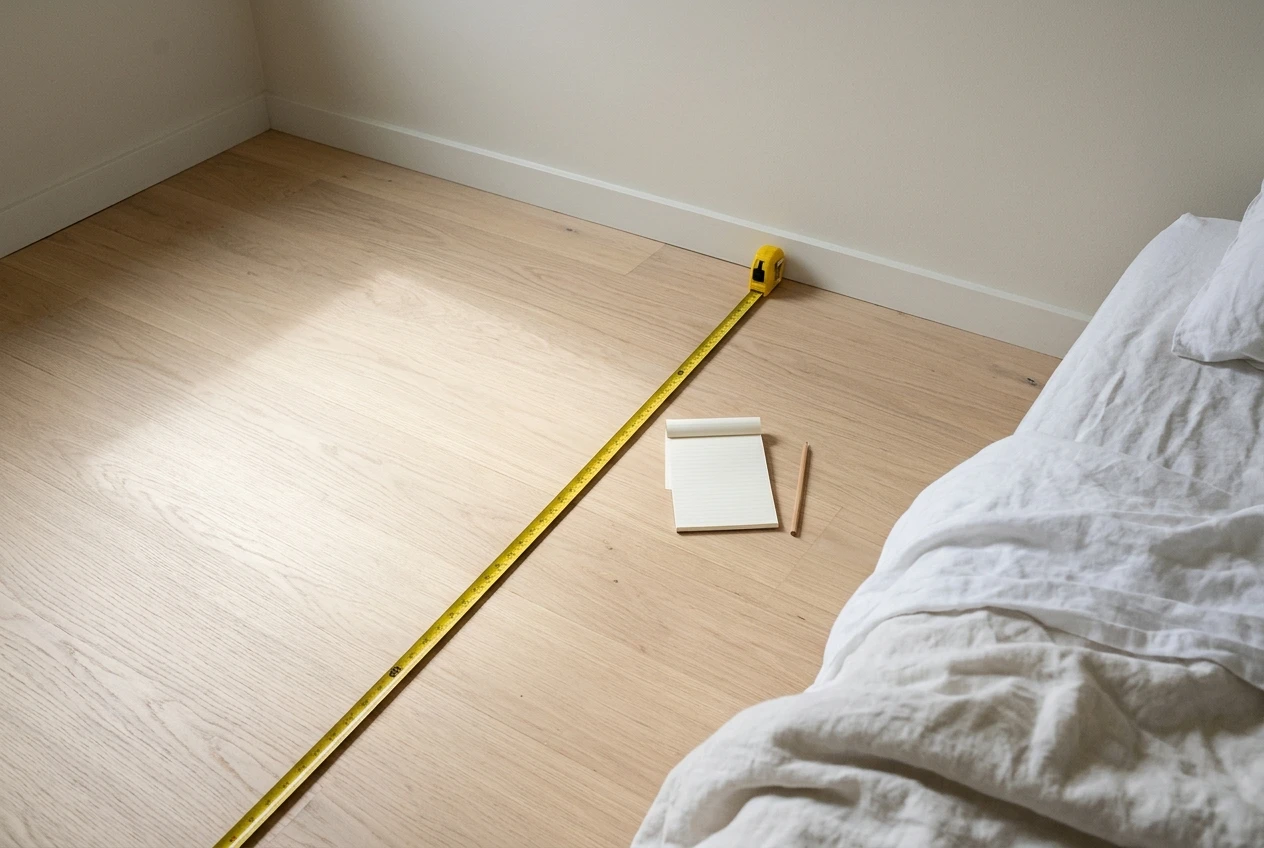
Get three numbers
- Floor area: Length times width in feet.
- Ceiling height: Most rooms are eight feet. Vaulted ceilings or open lofts change the answer a lot.
- How open the room is: A bedroom with a door is one space. A living room that flows into a kitchen is effectively one larger space, whether or not a wall is drawn between them.
Turn the numbers into a target
The spec to compare is CADR, the clean air delivery rate, usually given in cubic feet per minute (cfm). Some brands list cubic meters per hour instead, so check the unit before you compare two products.
The calculation is simple. Multiply length, width, and ceiling height to get the room’s volume. Multiply by the number of air changes per hour you want, then divide by 60.
Take a 15 by 12 foot bedroom with an eight foot ceiling. The volume is 1,440 cubic feet. For four air changes an hour, 1,440 times 4 divided by 60 gives 96 cfm. That is the minimum CADR to look for. Buying a unit with a somewhat higher CADR lets you run it on a lower, quieter fan speed and still hit your target.
Four air changes an hour is a common starting point for general use. If your main problem is smoke or heavy allergy exposure, aim higher. A widely used shortcut from the appliance industry says the CADR should be about two thirds of the floor area for rooms with eight foot ceilings, which for the same bedroom would be 120 cfm. Both methods land in the same range, so pick the higher number if you are undecided.
Note what is in the room
Write down anything that changes the load on the filter:
- Pets that shed, and where they sleep
- A kitchen or cooking area open to the room
- Carpet, which holds dust and releases it when walked on
- Windows you open often
- A humidifier, which can affect some sensors and filters
If your room is large or open, the box’s square footage number is especially unreliable. The article on sizing smart air purifiers for large living rooms by airflow walks through that case in more detail than there is space for here.
Which smart features earn their place, and which are just an app icon
“Smart” covers a wide range, from a unit that connects to Wi-Fi and does nothing useful with it to one that adjusts its fan speed to the air in the room. Look at each feature and ask whether you would notice if it were missing.
Features that tend to earn their place:
- An air quality sensor with automatic fan control. If the purifier raises its fan speed when you cook or vacuum and slows down afterward, you get cleaner air without adjusting anything. This matters most in living areas and kitchens. In a bedroom, a sensor that ramps the fan up at night can be a nuisance, so check that the unit has a sleep mode that caps the speed.
- Scheduling. Running the unit harder before you get home, or quieter during work calls, is a real use for a schedule.
- Filter life tracking and replacement alerts. A good alert tells you when to reorder. Note that it counts running time and does not measure how dirty the filter is, so use it as a reminder and check the filter by eye as well.
- Voice assistant or app control. Useful if the unit sits somewhere you cannot reach easily, such as behind furniture or across a large room.
Features that are often just an app icon:
- Detailed dashboards and history charts that you will check twice and forget
- Particle readouts that disagree with a separate air monitor and give you nothing to act on
- Integrations with platforms you do not use
Cheaper sensors in consumer purifiers estimate particle levels rather than measuring them precisely. That is fine for triggering a fan speed change. It is not good enough to settle an argument about whether the air is clean.
Before you pay extra for any of these, think about whether a basic unit with a good filter and a simple fan dial would do what you need. The article on smart versus basic HEPA purifiers compares what the price difference buys, so you can decide with the numbers in front of you.
On your page, list the smart features you would use at least weekly. Leave out the rest. That list is the one that goes into your shortlist.
Check the filter before you check the purifier: availability, compatibility, and what it costs to keep running
The purchase price is only part of what a purifier costs. Filters wear out, and a unit whose filters are expensive, hard to find, or discontinued can become a poor buy within a couple of years. This is the question people skip, and it is the one that most often leads to regret.
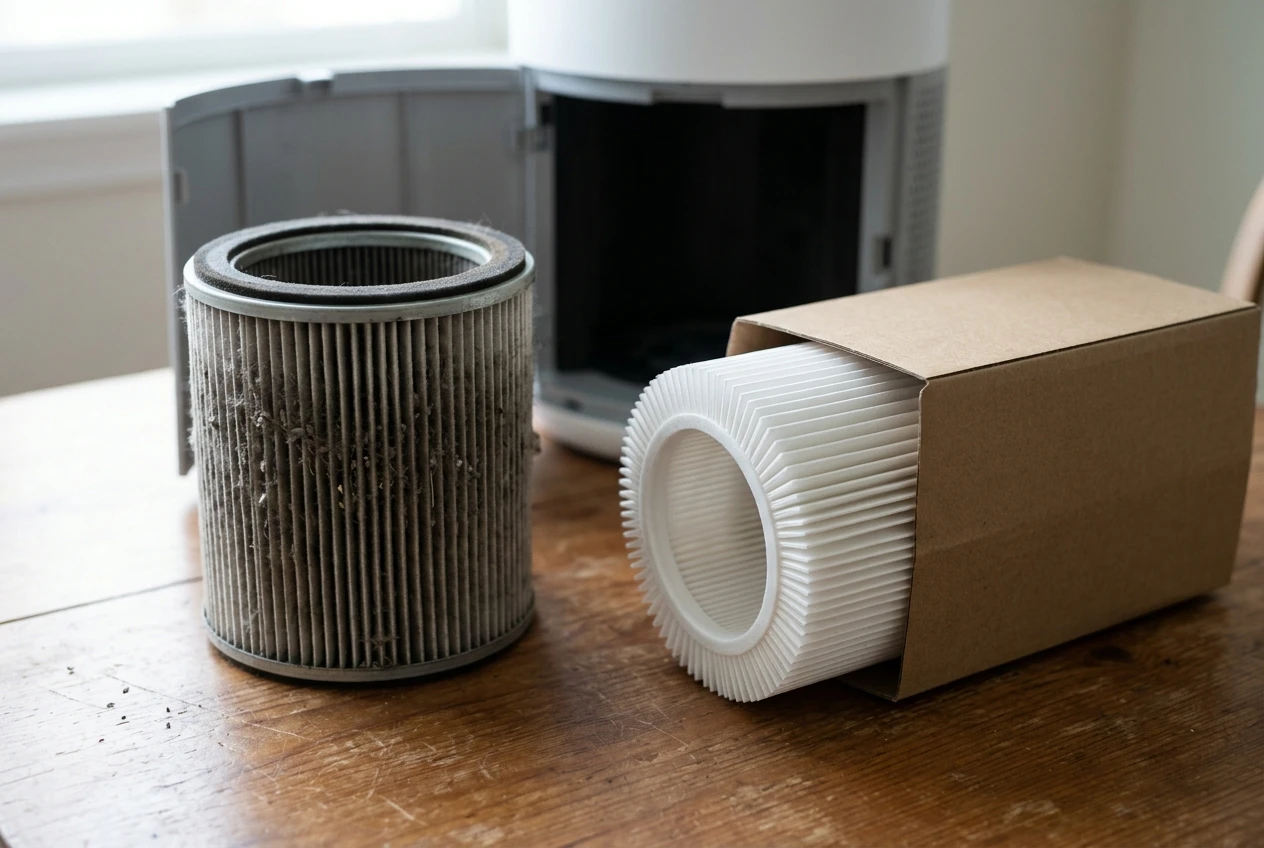
Before you commit to a model, look up its replacement filter and find out:
- What the filter costs and how many you will need. Some units use a single combined filter. Others use a separate HEPA filter, a carbon filter, and a pre-filter, each with its own price and schedule.
- How often the maker says to replace it. Manufacturers give a range, usually in months of running time. Heavy use, pets, smoke, and cooking shorten it.
- Whether the filter is in stock and available from more than one seller. If the only source is the manufacturer’s own site, that is worth knowing now. The article on what to check when you can’t find your air purifier filter covers what to do when that happens after you have bought.
- Whether compatible filters exist. Third-party filters are often cheaper, but fit, filter media, and sensor behavior can differ. The comparison of original versus compatible air purifier filters lays out the tradeoffs.
Then do a simple annual cost calculation. Take the price of one full set of replacement filters, multiply by how many sets you expect to use in a year, and add that to the purchase price divided by the number of years you expect to keep the unit. Do this for each model on your list. A cheaper purifier with pricey filters can cost more over three years than a mid-priced one with inexpensive filters.
Also check whether the filter is a standard size or a proprietary shape. A proprietary shape ties you to one supplier. That is not always a problem, but it means the supplier’s pricing becomes your cost for as long as you own the unit.
Write the annual filter cost next to each candidate. If a model has no clear replacement filter listing, drop it from the list.
Where it will sit, how loud is too loud, and what that means for placement
A purifier that is too loud gets turned off, and one that is turned off cleans nothing. Noise and placement decide whether the unit actually runs.
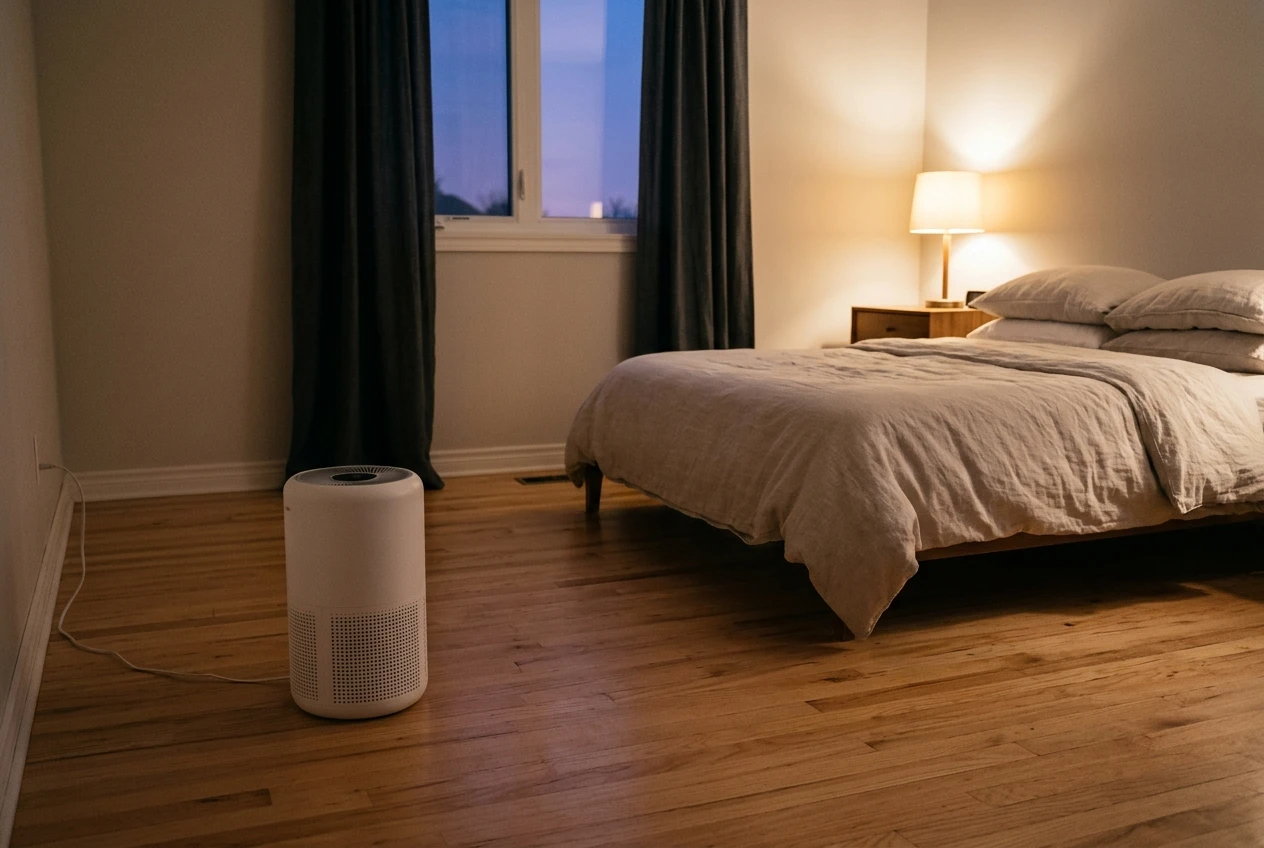
Noise
Manufacturers list noise in decibels, usually at the lowest and highest settings. The low-speed figure tells you how it will sound in a bedroom at night. The high-speed figure tells you how it will sound when you are running it hard after cooking or during smoke. A fan that is quiet only at its lowest setting may not deliver its listed CADR at that speed, so check what CADR the unit delivers at the speed you will actually use.
Decide where the line is for you:
- Bedroom: You want a quiet sleep mode and a display you can dim or turn off.
- Living room or home office: You can accept more fan noise, but you will notice a whine or a rattle.
- Kitchen-adjacent space: Airflow matters more than quiet, because the unit will mostly run hard briefly after cooking.
Placement
Purifiers need clear space around the intake and the outlet. Pushing one flat against a wall or behind a sofa restricts airflow and cuts how much air it moves. Check the manual for the minimum clearance, which is commonly several inches on the sides and more above the unit.
Some placement problems come up repeatedly:
- Carpet: Some units pull air in from the bottom, and a thick carpet can partly block that. The piece on air purifiers sitting on carpet explains what to look at.
- HVAC vents: A purifier close to a supply or return vent can interfere with the airflow of both. See whether placing a purifier next to an HVAC vent helps or hurts.
- Corners and open doorways: Corners give the air less room to circulate, and a doorway to a large adjacent space lets the unit work on more air than you intended.
In a bedroom, a spot a few feet from the bed with the outlet not aimed directly at you is usually comfortable. In a living room, somewhere with open space on all sides and not too near the kitchen is a sound starting point.
Add two lines to your page: the maximum noise level you will accept at the speed you plan to use, and the spot where the unit will sit, with its clearance.
Turn your answers into a shortlist you can shop from
You now have what you need to shop. Put your answers together into a one-page brief like this:
Question Your answer Main air problem (for example, pet dander) Secondary problem (for example, cooking smells) Room volume (length × width × height) Minimum CADR (volume × air changes ÷ 60) Filter types needed True HEPA, plus carbon if odors or smoke matter Smart features you will use (only those you would use weekly) Annual filter budget (your ceiling) Noise limit and placement (decibels at working speed, location, clearance)
Use the brief as a filter on the product listings you look at. Start by discarding any model whose CADR is below your minimum. Next, discard any that lack the filter types you need. Then discard any whose replacement filters are hard to find or cost more than your annual filter budget allows. Whatever remains is your shortlist, and it is often two or three models, sometimes only one.
When you compare what is left, read the specification section of each listing and not just the headline. Confirm the CADR figure, the filter type, the noise at working speed, and the filter price. If a listing leaves one of those out, ask the seller or look at the manual, which is usually available as a download.
If two models are close, choose the one with the easier filter access and the more widely available replacement filters. Over several years that matters more than a small difference in price today.
Affiliate links on this site, where they appear, point to products that meet the criteria in this guide, but your brief is what decides, not any link. A purifier that fits your room and your filter budget is a better buy than a more popular one that does not.
A simple upkeep routine so the purifier you buy keeps working
A purifier only helps if its filters are in good condition and air can flow through it. A short routine handles most of that.
Every few weeks:
- Wipe the exterior and the air intake grille with a dry or barely damp cloth.
- Vacuum or tap off the pre-filter if your model has one. Only wash it if the manual says it is washable, and let it dry completely before putting it back. If you have washed a filter by mistake, read what to do before you turn it on again.
- Check that nothing has been moved in front of the unit, such as a chair, a curtain, or a laundry basket.
Every few months:
- Look at the main filter. A visibly gray or heavily loaded filter is a sign to replace it, even if the alert has not triggered yet. A filter that still looks clean can still be at the end of its life, so do not rely on appearance alone.
- Check the sensor window, if there is one, for dust. Follow the manual for cleaning it.
On the schedule the maker gives, adjusted for your home:
- Replace the filters. If you have pets, run the unit constantly, cook often, or had a smoke event, replace them earlier than the minimum interval suggests.
- Reset the filter timer in the app or on the unit after you replace the filter, or the alert will keep showing.
If you notice a musty smell, weak airflow, or a warning light that stays on after you change a filter, those are usually fixable. The checklists for a musty or sour smell and for weak airflow after a filter change cover the likely causes in order.
Buying a replacement filter set when you first buy the unit can seem like a good way to save time, but filters have a shelf life and your needs can change. Check the points in whether to buy air purifier filters in bulk before stocking up.
Keep your filters and your air in order
Choosing the purifier is the one-time decision. Keeping it working is the part that repeats every few months, and it is easy to lose track of when the filter was changed or what to order next.
If you would like plain-English purifier and filter upkeep tips, join the email list. Messages go out only when there is something practical worth sharing, so you will not get a weekly flood of promotions.