You unpack a new purifier, open the app, and find a toggle labeled “Ionizer,” “Plasma,” or “Fresh Air” sitting next to the fan speeds. It sounds like a bonus. It is also a feature that, on some models, can release a small amount of ozone into the room you sit in.
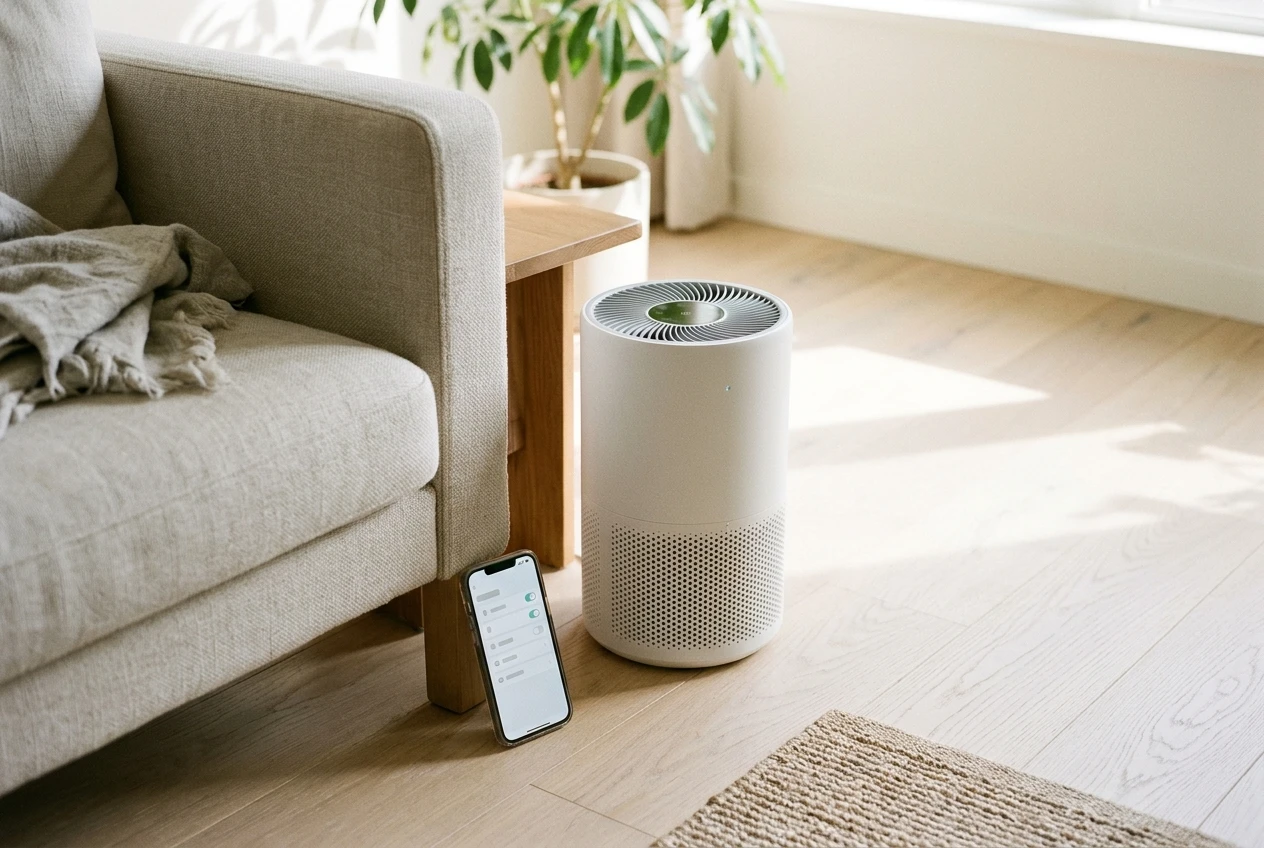
This guide answers one question: is your purifier adding anything to your air, and what should you do about it? It takes about five minutes to check, and you do not need any equipment. It also answers the question many owners search for: do air purifier ionizers produce ozone?
Ozone in plain words, and why a purifier is the wrong place to make it
Ozone is a gas made of three oxygen atoms, where the oxygen we breathe has two. It is reactive, which is why it can break down some odors and why it irritates the lungs and throat when you breathe it. Outdoors it forms in sunny, polluted weather. Indoors, it comes from a short list of sources, and certain air cleaners are one of them.
The point of a purifier is to take things out of your air: dust, pollen, pet dander, smoke particles. A device that releases ozone does the opposite, because it adds a gas you then breathe. Ozone is not a reliable way to clean room air either. At levels low enough to be considered safe for a lived-in room, it does little to the particles and odors people buy purifiers to deal with.
For this reason, California regulates it. The California Air Resources Board (CARB) requires indoor air cleaners sold in the state to be tested and to emit no more than 0.050 parts per million of ozone. Certified models go on a public list. That list is the most useful tool you have for this question, and I’ll show you how to use it below.
Most purifiers with these features are not designed to make ozone. Ozone is usually a byproduct of how the feature works, which is why a quick check is worth doing.
Ionizer, plasma, hydroxyl, “bipolar” and “photocatalytic”: what each feature name usually means
Manufacturers use different names for similar ideas, and the names are not standardized. Treat the descriptions below as what the label usually refers to, not a guarantee about your model.
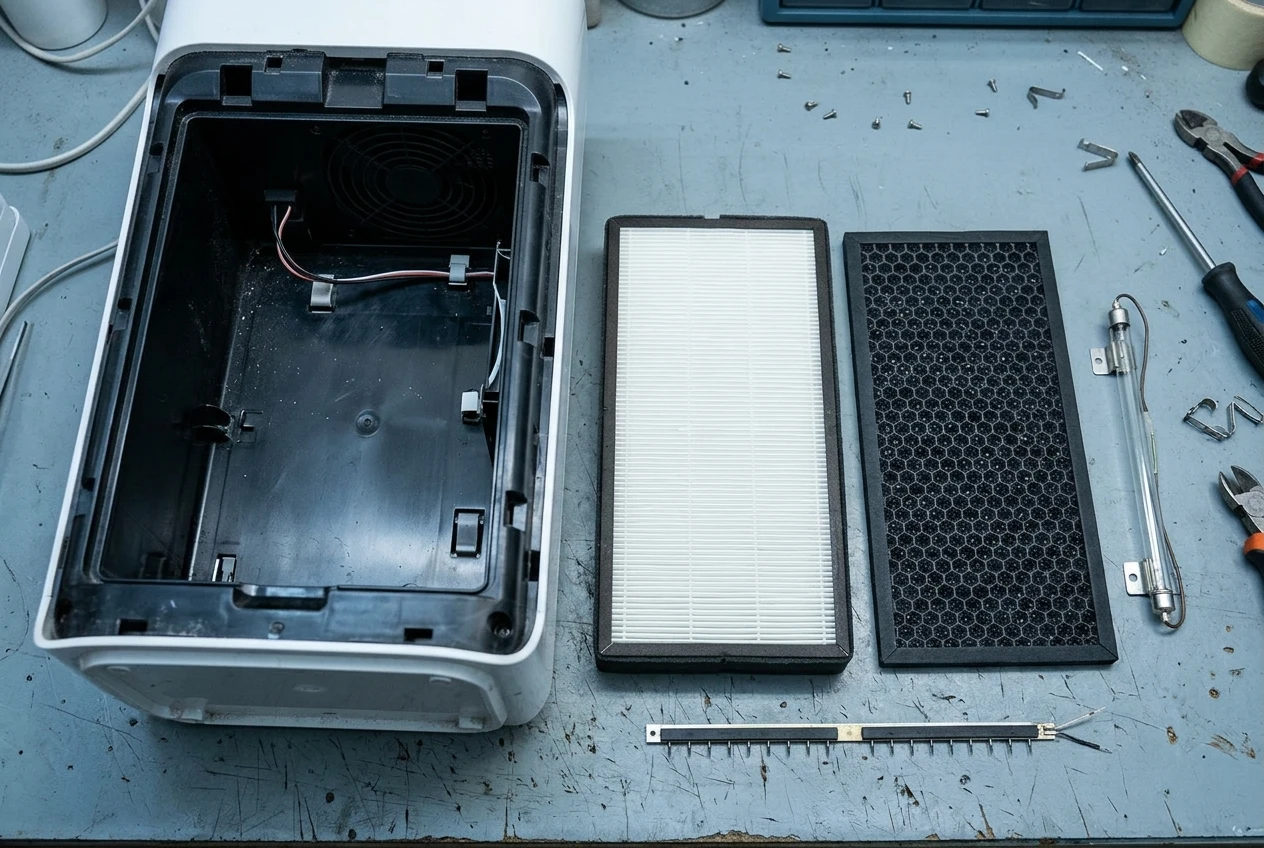
- Ionizer: Releases electrically charged particles (ions) into the room. The charge makes airborne particles clump together or stick to surfaces. Some ionizers produce ozone as a side effect of the electrical charge.
- Plasma: A marketing term. It usually describes an electrical process that creates ions and other reactive molecules. It is closely related to an ionizer, so give it the same second look.
- Bipolar ionization: Produces both positively and negatively charged ions. The name suggests a more controlled version of an ionizer, but whether a given model emits ozone still has to be checked for that model.
- Hydroxyl: Releases hydroxyl radicals, highly reactive molecules meant to break down odors and some airborne chemicals. Because it relies on reactive chemistry, it earns a second look.
- Photocatalytic (PCO): Shines light, often UV, onto a coated surface to trigger a reaction that breaks down gases. Depending on the design, it can leave byproducts in the air.
- “Fresh Air,” “Clean Air,” “Pure Mode,” “Active Air”: These are brand names that tell you nothing by themselves. They can mean an ionizer, a fan mode, or just a filter setting. Look up what the manual says each one does.
A UV-C lamp inside the housing is a related case. Some UV lamps are designed to avoid producing ozone and some are not, so the manufacturer’s statement matters here too.
A plain HEPA filter, a carbon filter, and a pre-filter do not generate anything. They only catch and hold what passes through them.
Check your own purifier in five minutes
Work through these in order. Stop when you have an answer you trust.
- Open the app and the settings menu. Look for any toggle named ionizer, plasma, bipolar, hydroxyl, UV, or a “fresh air” style mode. Note whether it is on. Some models switch it on by default.
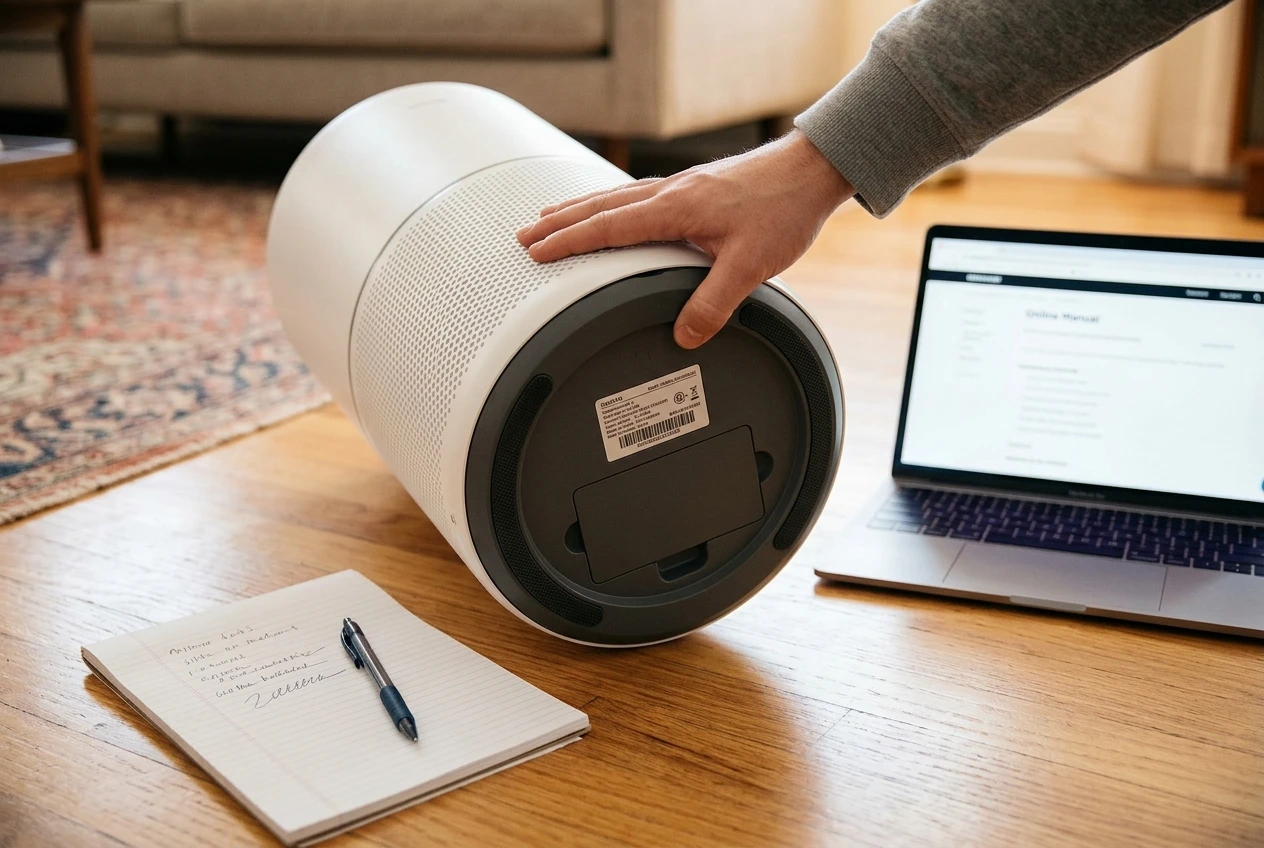
- Find the model number. It is usually on a label on the back or the bottom of the unit, and in the app under device info. Write down the exact number, because many brands sell near-identical models that differ in the clean-air feature.
- Read the manual or product page for key words. Search the PDF or page for “ozone,” “ionizer,” “UV,” and “plasma.” A manual that explains the feature and states its ozone behavior is a good sign. One that mentions the feature with no ozone information is a reason to go to the next step.
- Search the CARB list. CARB publishes a list of certified air cleaners, searchable by brand and model, on its website. Search your exact model number. If it appears, the model passed the 0.050 ppm ozone limit when tested. If it does not appear, that does not prove it makes ozone: it may not have been submitted, or it may only be sold outside California. It does mean you have no independent confirmation, so move to step 5.
- Look for the manufacturer’s own statement on ozone. Check the support pages and the product listing. If you cannot find one, ask support a direct question: “Does model [your exact model number] produce ozone, and has it been certified by CARB?” A clear written answer is useful. A vague answer about “safe levels” is not.
If a model has no ionizer or similar feature at all, you are done. It filters air and adds nothing.
What to do if yours has an ionizer
Your options depend on whether the feature can be turned off.
If the ionizer can be switched off in the app or on the unit, switch it off and keep using the purifier. The fan, HEPA filter, and carbon filter do the cleaning work and keep going without it. You lose very little, because the filters do the real work of removing particles.
If it is on the CARB list, the model passed the ozone limit when tested, so leaving it on is a reasonable choice. Many owners still switch it off simply because the filter does the job and there is no reason to add anything else to the room. Both are fine.
If it cannot be switched off and you cannot find a CARB listing or a clear manufacturer statement, you have a decision to make. Contact support with the exact question from step 5 and see what they say. If you bought recently, check the retailer’s return window before it closes. A purifier you are not comfortable running is one you will stop using, which defeats its purpose.
If you are still shopping, you have the easy version of this decision: skip any model where you cannot find a clear ozone statement or a CARB listing for that exact model.
What to look for instead: filter-based cleaning that doesn’t add anything to the air
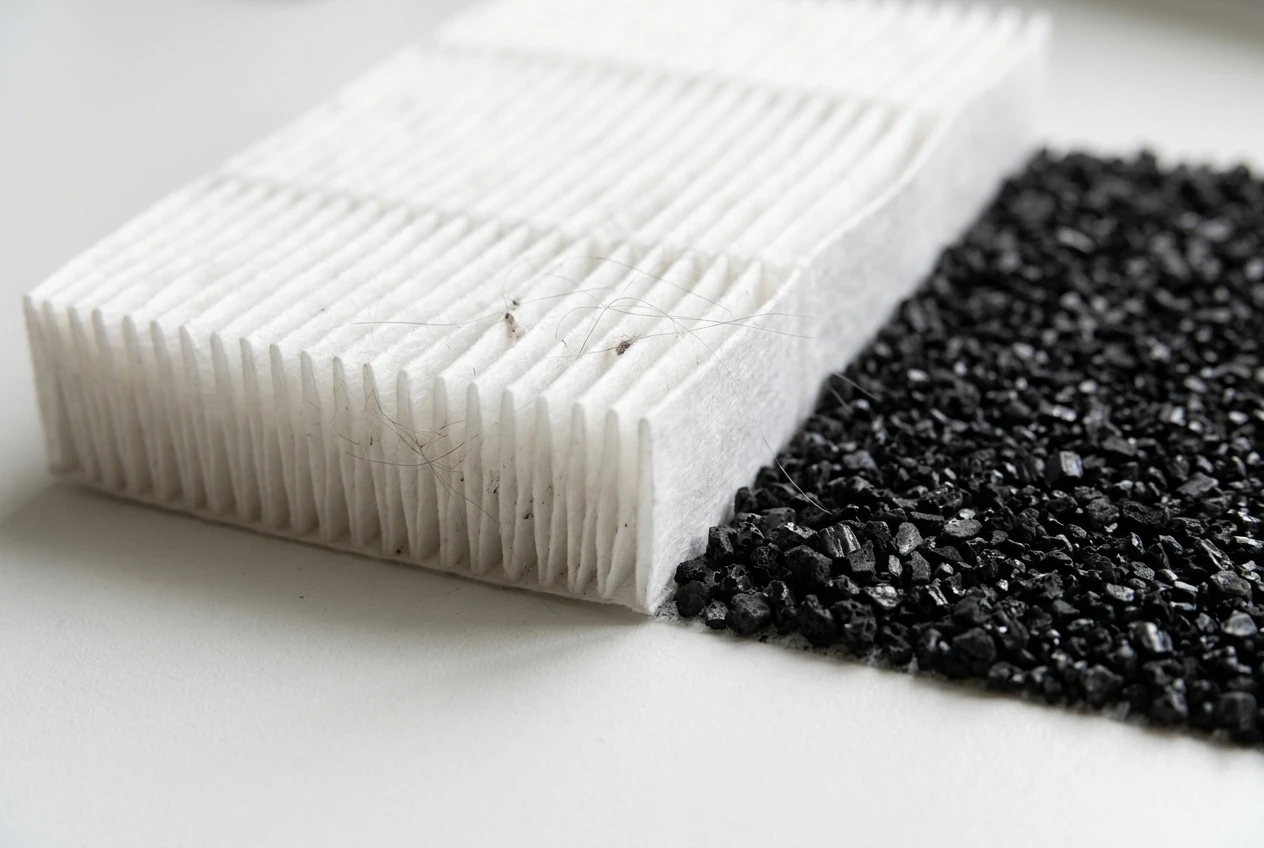
The simplest purifier design is a fan pulling air through a true HEPA filter, with an activated carbon layer if odors or smoke are a concern. Everything it captures stays in the filter. Nothing is released back into the room.
When you compare models, these are the questions worth asking:
- Does the spec sheet list a HEPA filter and, if you need it, a carbon filter?
- Is the clean air delivery rate (CADR) published, so you can match the unit to your room size?
- Is the ionizer or plasma feature optional, clearly labeled, and switchable off?
- Does the manufacturer say whether the model is CARB certified?
Our smart air purifier buying guide walks through matching a unit to your room and your problem. Filters are also where the ongoing cost sits, and the way to estimate it is in how to work out your purifier’s yearly filter cost. A filter-only design usually means fewer extras to explain, and fewer features that can go wrong.
If smoke or strong odors are your reason for buying, the carbon layer matters more than any add-on. We cover this in why carbon matters for wildfire smoke.
Smells, headaches and tingly throats: when it’s the purifier and when it’s something else
If you notice something off in a room with a purifier, it is natural to blame the purifier. Sometimes that is right, but many everyday things cause the same symptoms.
Some people describe ozone as a sharp, clean smell, a bit like the air after a thunderstorm, most noticeable close to the unit. Your nose is not a reliable meter, though. You can have a purifier that emits ozone with no noticeable smell, and you can smell something unpleasant that has nothing to do with ozone.
Other common causes of a stuffy head, scratchy throat, or odd smell in a room include:
- Cleaning products, air fresheners, scented candles, and incense
- New furniture, carpet, paint, or flooring giving off fumes
- Cooking, especially frying or a gas stove
- Dry air, particularly in winter with the heating on
- A dirty or damp filter, which can smell musty (see why an air purifier smells musty or sour)
A simple way to sort it out is to change one thing at a time. If your purifier has an ionizer, switch just that feature off for a week and see whether anything changes. Keep everything else in the room the same while you do it. If the room smells the same either way, the cause is probably elsewhere.
This is not medical advice. If symptoms are persistent, severe, or you have asthma or another breathing condition, talk to your doctor about them.
Whichever way the check comes out, you now know what your purifier is doing. Switching off a feature, confirming a certification, or choosing a filter-only model next time are all small decisions you can make in an afternoon.
Get our free, printable purifier check: five questions to ask about any model before you buy or plug it in, sent to your inbox when you join the email list.