Pollen tends to show up indoors before most people have thought about their purifier. The filter is still the one installed last season, the schedule is whatever got set during winter, and the unit may sit in a corner that made sense for a different problem. Fixing all of that takes a few small jobs, and they go more easily when you spread them over a few weeks instead of doing them on the first day your eyes itch.
This article is a countdown for people who already own a smart purifier. It covers how to use an air purifier during allergy season: what to check, what to stock, where to move it, which settings to change and which routines are worth building. It does not require buying anything beyond a spare filter.
Why the weeks before pollen season are the best time to set up your purifier
A purifier cleans the air that passes through it. Pollen that has already settled on your bedding, sofa and floors is not in the air until something stirs it up, so a purifier that starts running on the first bad day has a head start to make up. A unit that has been running well and has a fresh filter before the season begins is in a better position from the first day.
Timing also helps with practical matters. Replacement filters for popular models can be out of stock or slow to ship when many people reorder at once. Buying in the quiet weeks gives you time to compare options and avoid paying extra for fast delivery.
Your pollen season depends on where you live and which plants affect you, so there is no single start date. A local pollen forecast or a regional allergy report will tell you when your area typically ramps up. Count backward from that date, and use the weekly checklist at the end of this article as your schedule.
Check your filter now: age, condition and whether it will last through the season
Open your purifier app and look at the filter life indicator. Then check the unit itself, because the indicator estimates from run time and does not know how dusty your home is. Note the date you last replaced the filter. If you cannot remember, take that as a reason to replace it soon.
Look at three things:
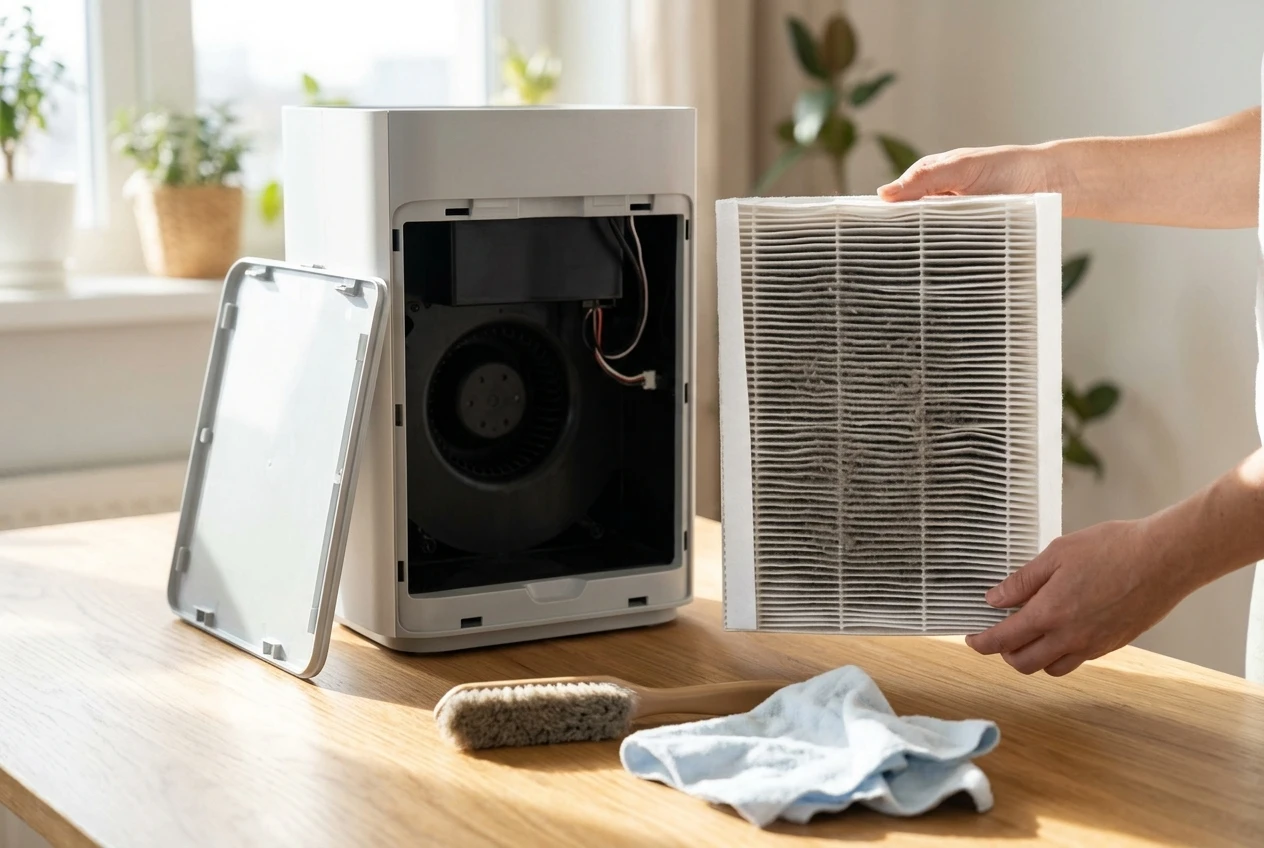
- The pre-filter or outer mesh. If it is thick with dust or pet hair, airflow is restricted. Our guide to cleaning your air purifier’s pre-filter covers how and how often.
- The main filter’s condition. A dark gray surface, bent pleats, damp patches or a musty smell all mean it is past useful life, whatever the app says.
- The remaining life against the season. Check your manual for the rated life, then ask whether the filter will reach the end of that life partway through pollen season. If it will, replace it before the season starts instead of during it.
If you replace the filter, reset the indicator so the app tracks the new one. The steps for resetting the filter light on your smart air purifier are mostly the same across brands. Also wipe the dust sensor window and the air intake grille while the case is open, since a dirty sensor can make auto mode behave oddly.
Stock the right replacement filter before you need it (and what to skip)
Buy the filter that your purifier’s manufacturer lists for your exact model. Filters that look similar often differ in size, frame or sealing, and a poor fit lets air slip around the edges instead of passing through the media. If you consider a third-party filter, confirm that it lists the same dimensions and filter grade as the original, and read what other owners say about the fit.
One spare set is enough for most households. Buying several years of filters at once ties up money and the filters sit in storage, while one spare means you can swap the moment the current one is spent. If your unit uses a separate carbon layer or pre-filter, check whether those wear out on a different timetable from the main filter.
Before you click buy, work out what a year of filters costs. Our guide to your air purifier’s yearly filter cost shows how to do the sum, so a heavy-use season does not catch you out.
Things you can skip:
- A second purifier. First see how the one you have performs once it sits in the right spot with a fresh filter.
- Scented or “boost” filter add-ons. They add cost and can add odor, and they do nothing for pollen.
- Ionizer or plasma modes. You do not need them for pollen, and some are worth understanding before you switch them on. See how to tell if your purifier is making ozone.
Move it where pollen actually enters: bedroom, entryway and the room you live in most
Pollen comes in on open windows, on clothes, shoes and hair, and on pets. That suggests three places to think about.
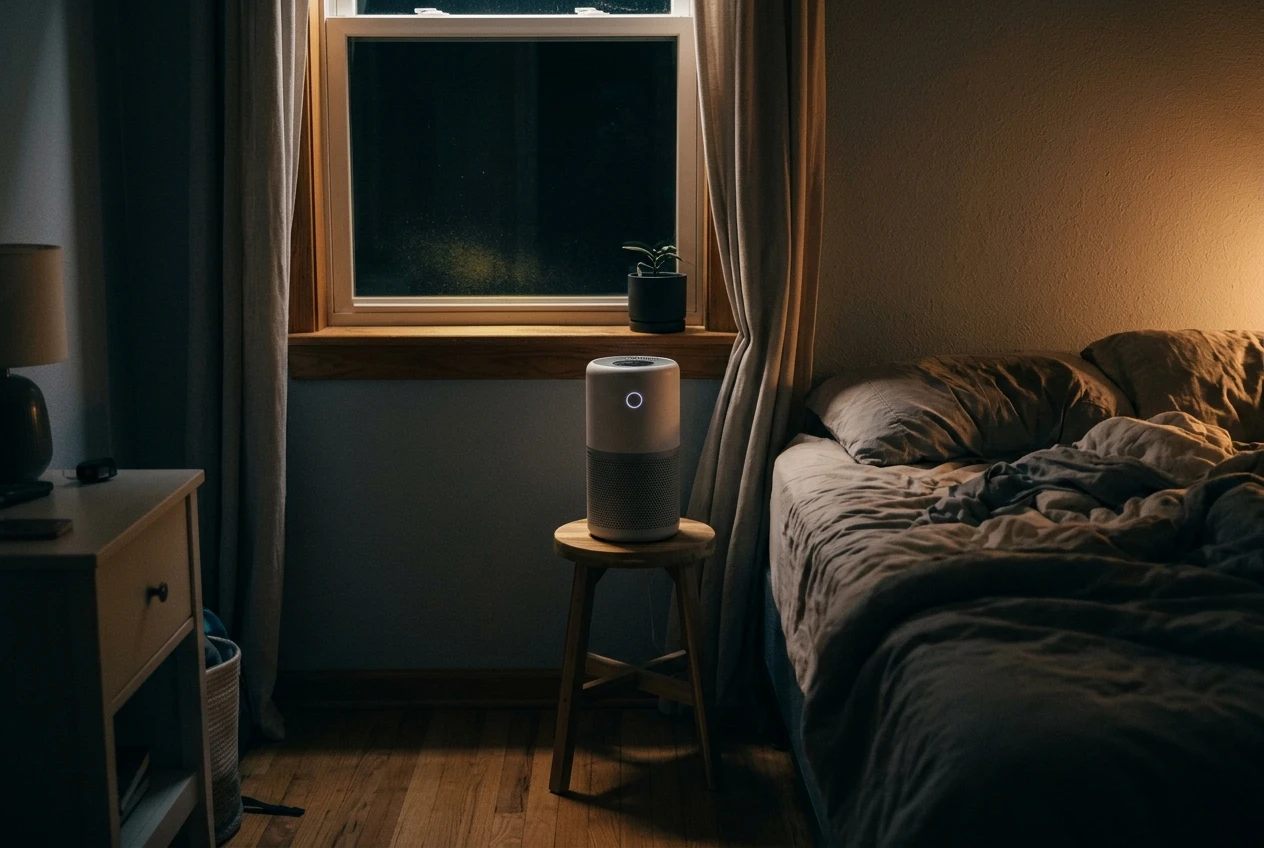
The bedroom. You spend hours there with the door closed, and pollen carried in on your hair and clothes ends up on the pillow. A purifier running in the bedroom overnight cleans the air in the room where you spend the longest uninterrupted stretch. If you are choosing between rooms for a single unit, this is a sensible first choice. Our guide to a quiet purifier for your bedroom covers noise levels at night.
The entryway. A unit near the front door can pick up what you bring in. Keep it a little way from the door itself, since a gust of outdoor air straight into the intake works against it.
The room you live in most. For many households that is the living room or a home office. The purifier needs to be sized for that room, with clear space around the intake and outlet.
If you are moving one unit between rooms, the general rules in where to put your air purifier apply in every season: keep it off the floor behind furniture, leave space on all intake sides, and avoid corners that choke the airflow.
Settings worth changing for pollen season: fan speed, auto mode and night schedules
Most of what you adjust is about when the purifier works hardest. A few changes are worth making.
Fan speed. On high-pollen days, run a higher fan speed while you are home and awake, particularly in the room where you spend the most time. Turn it down when noise matters, such as during a call or while sleeping.
Auto mode. Auto mode responds to the particle level its sensor reads, which makes it a reasonable default. It can lag behind a sudden spike, though, and it relies on a clean sensor. If you are unsure whether to rely on it or leave the unit running all day, should you run your air purifier all day or is auto mode enough goes through the trade-offs.
Night schedules. Set the bedroom unit to run on a low, quiet speed through the night, with a short higher-speed burst before bedtime if your model allows it. Dim or switch off the display light, since many smart purifiers have a bright status ring.
Change one setting at a time and give it a few days. That way, if the room feels better or worse, you know which change did it.
Smart routines that help: window-open alerts, coming-home boosts and weekly check-ins
This is where a smart purifier earns its price. The exact options depend on your brand’s app and on whether it connects to a wider smart home platform, so treat these as ideas to adapt.
Window-open alerts. A purifier cannot tell on its own that a window is open. If you already have a door and window contact sensor, you can build an automation that sends a notification or raises the fan speed when a window opens. Without a sensor, watch the app’s particle reading: a jump after you open a window tells you the same thing.
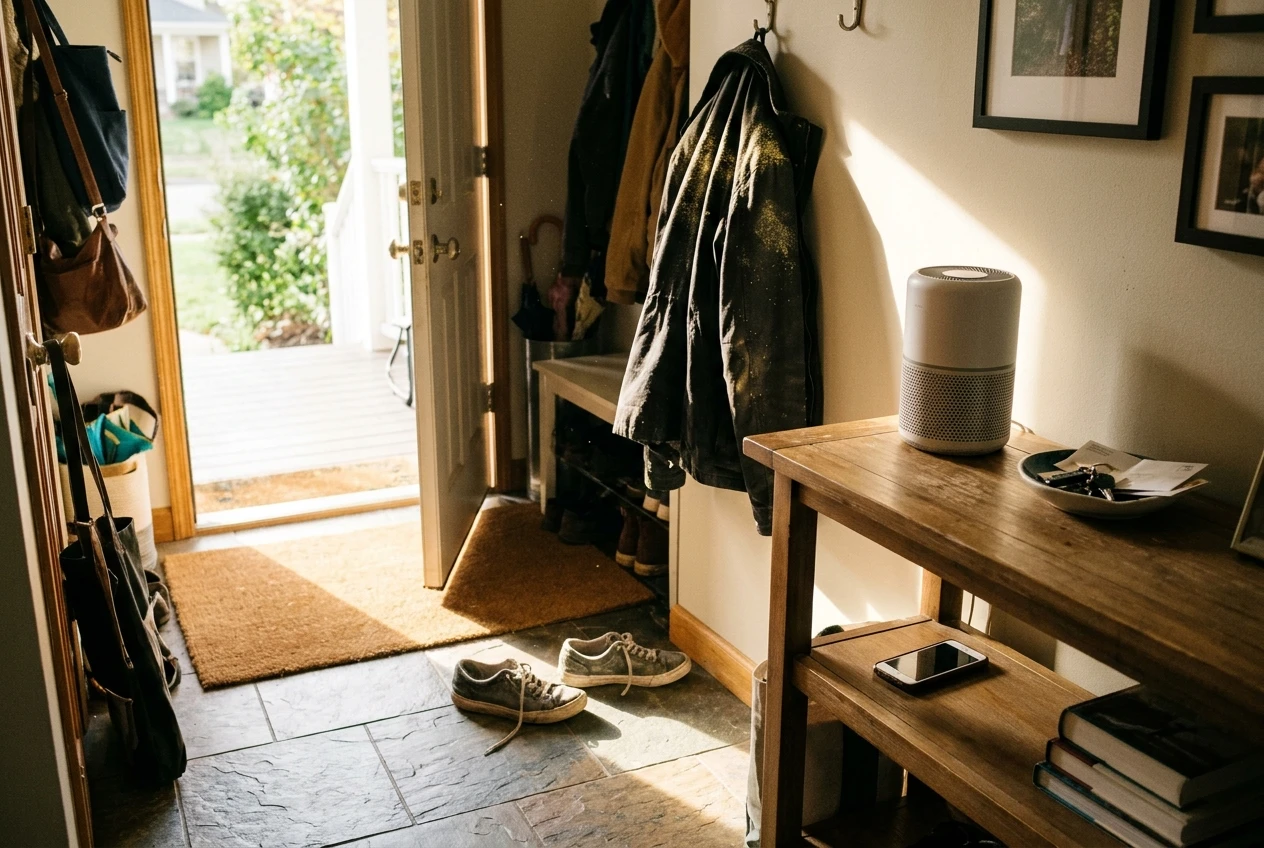
Coming-home boosts. Pollen comes in on your clothes, so the first half hour after you arrive is when the air in your entryway and living space is likely to be worst. Some apps and platforms can trigger a higher fan speed when your phone arrives home. If yours cannot, a schedule set around your usual return time does a similar job.
Weekly check-ins. Set a recurring reminder on your phone to look at the app once a week. Check the filter life, glance at the particle history to see how the week went, and wipe the pre-filter if it looks dusty.
Automations depend on a stable connection. If your purifier drops offline, your routines stop running, so fix a Wi-Fi dropout before the season rather than discovering it mid-week.
What a purifier can and can’t do for allergy season, and the simple habits that back it up
A purifier with a true HEPA filter captures airborne particles that pass through it, and pollen grains are among the larger particles in household air. A well-placed unit with a fresh filter can lower the amount of airborne pollen in a room. It does not remove pollen that has landed on surfaces, and it does not stop pollen entering when doors and windows are open.
It also cannot treat or prevent allergy symptoms, and it should not replace advice from a doctor or pharmacist if you are struggling. Think of it as one way to reduce what is floating around your home.
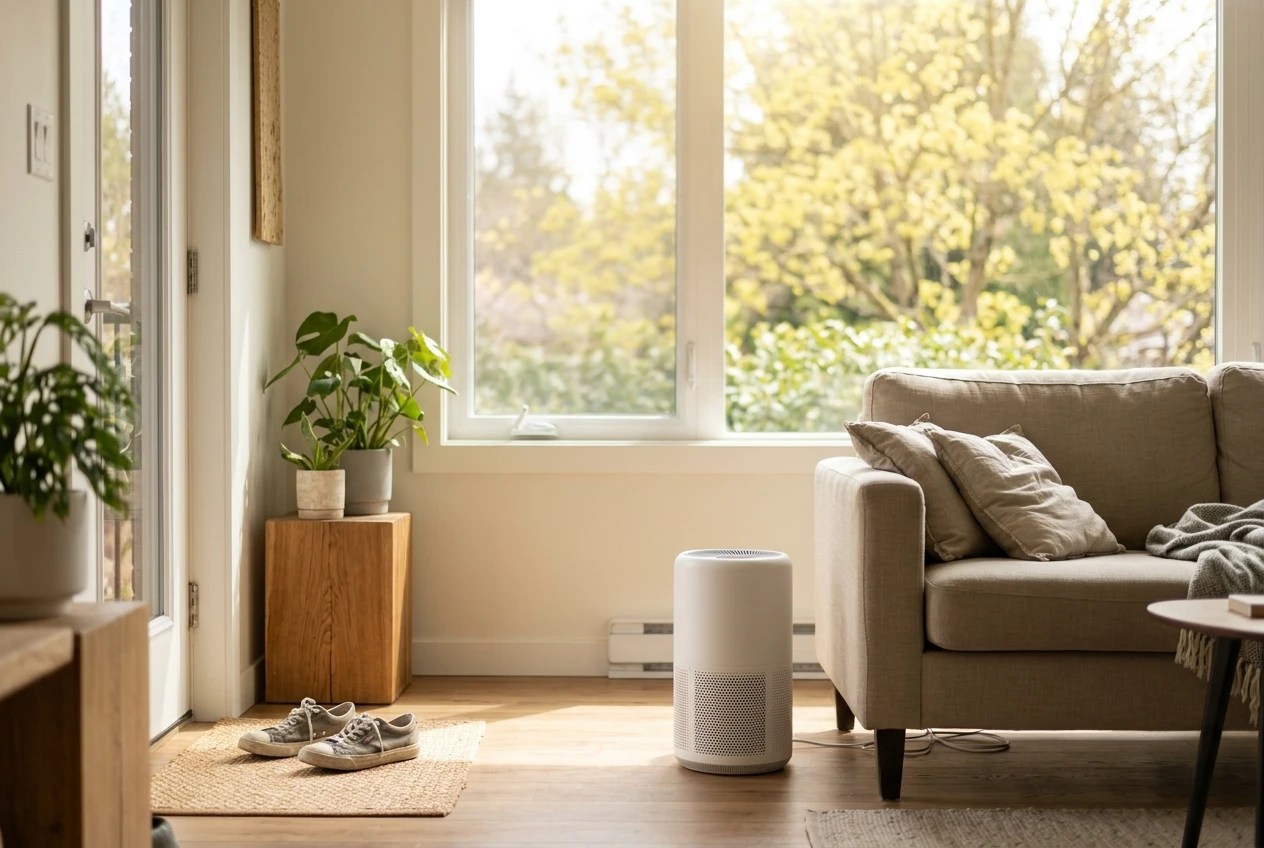
Habits that support the purifier:
- Keep windows closed on high-pollen days, and check a local pollen forecast to know which days those are.
- Take off shoes at the door, and change clothes after spending a long time outdoors.
- Shower or rinse your hair before bed so pollen does not end up on the pillow.
- Wash bedding regularly, and wipe hard surfaces with a damp cloth instead of a dry duster.
- Vacuum with a machine that has a sealed system and HEPA filter, so the dust does not go back into the air.
- Wipe down pets after they come in from outside.
Your pre-season checklist, week by week
Count back from your local pollen season start, using a regional forecast as your guide.
Four weeks before
- Check the filter life in the app and inspect the filter and pre-filter.
- Note when the filter will reach the end of its rated life.
- Work out your yearly filter cost.
Three weeks before
- Order the correct replacement filter for your model, plus one spare if needed.
- Clean the pre-filter, the dust sensor window and the intake grille.
Two weeks before
- Decide where the purifier sits for the season, using the bedroom, entryway and main living room as your guide.
- Set the night schedule and adjust the fan speed and auto mode preferences.
One week before
- Build your window-open alert and coming-home boost, if your setup supports them.
- Confirm the Wi-Fi connection is stable and the app is updated.
- Set a weekly reminder to check in.
When the season starts
- Swap the filter if it will not last the season, and reset the filter light.
- Switch to the higher-use settings for high-pollen days.
- Start the door-and-shoes habits.
Every week during the season
- Check the app, wipe the pre-filter if dusty, and review how the readings looked.
Join the email list and we’ll send a reminder to run this pre-season purifier check before your local pollen season starts.