If you have a smart air purifier, you have probably wondered whether you should run an air purifier 24/7, or whether that just burns electricity and wears out filters early. For most rooms, running it continuously on a low or auto setting is reasonable. How much it runs should follow the times your air actually gets dirty, and you can work those times out in about a week.
This guide covers run schedules and settings. It starts with your room, then goes through power use, filter wear, auto mode, and when to turn the purifier up, down or off.
Start with your room: when does the air actually get dirty?
Air in a room does not get dirty at an even rate. It gets worse in bursts: while dinner is cooking, when you vacuum, when a pet sheds, when you open a window in pollen season, or when something is burning outside or inside. The rest of the day it stays fairly steady.
Before you pick a schedule, spend a week watching your own room. If your purifier has an app, open its air quality history and look for spikes. If it only has a colored light on the front, glance at it at a few set times: morning, after cooking, mid-afternoon, and before bed.
Write down what you find. A short list is enough:
- Which hours show the reading rising?
- What was happening in the room at those times?
- Does the reading settle back down on its own, or stay high for hours?
A room with one spike at dinner and a flat line the rest of the day needs a different schedule from a room beside a busy street with a dog on the sofa. The rest of this article assumes you now have a rough picture of which one you have.
What running it all day does to your power use and your filters
Power use depends mostly on fan speed. A purifier on its lowest setting draws far less than the same unit on its highest, because the fan motor is the main thing using electricity. Running low for 24 hours is therefore a very different load from running high for 24 hours, and the label wattage you see on the box usually refers to the top speed.
Filters work differently. A filter collects whatever particles pass through it, so the more air that moves through the unit, the sooner the filter fills. Running all day moves more air through than running four hours a day, so you will reach replacement time sooner on the calendar. That is the real tradeoff of continuous running: steadier air in exchange for more filter use.
Two details are worth checking in your manual:
- Some purifiers count fan runtime to decide when to show the filter light. Others simply count calendar days. On a calendar-based unit, running less will not stretch the light’s timing, though it may still stretch the filter’s actual life.
- Many models have a washable or vacuumable pre-filter that catches hair and larger dust before it reaches the main filter. Keeping that clean helps the main filter last. Our guide to cleaning your air purifier’s pre-filter explains how often a typical room needs it.
Why auto mode is the easiest default on a smart purifier
Auto mode uses the unit’s built-in sensor. When the reading rises, the fan speeds up. When the reading falls, it slows down or drops to its lowest setting. That matches how air in a home actually behaves: mostly quiet, with occasional bursts.
For most people, this removes the schedule question. You are not choosing between “on all day” and “on at certain hours.” The purifier is on all day and mostly idling, and it works harder only when the sensor tells it to.
Auto mode has two limits worth knowing.
First, the sensor is only as good as it is clean. A dusty sensor can read high when the room looks fine, which keeps the fan running faster than it needs to. If your purifier seems to run hard in a clean room, see why a purifier reads high and how to clean its dust sensor.
Second, most sensors respond to particles. They may not react to cooking smells or other odors, so the unit can stay quiet while a room smells of last night’s dinner. Whether your model has a carbon filter or a separate gas or odor sensor is listed in its specs. Check before assuming auto mode will catch everything.
The moments worth turning it up
Auto mode handles most of the day. Manual control earns its place during certain events, when you would rather clear the air quickly than wait for the sensor to catch up.
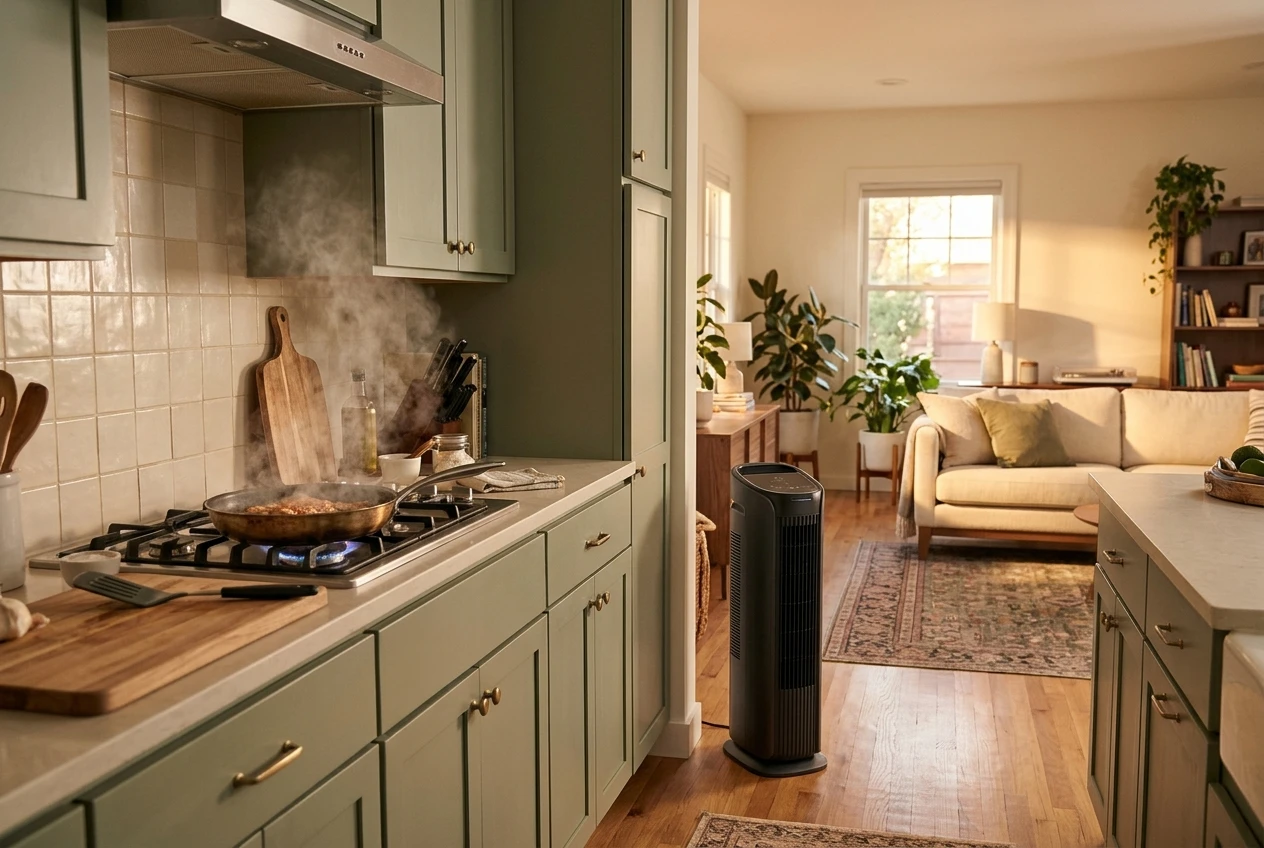
- Cooking. Turn the purifier to a higher speed when you start, and leave it there for a while after you finish. Frying and searing tend to produce the largest bursts. If your kitchen opens onto the living room, the purifier in that room is the one to boost.
- Cleaning. Vacuuming, dusting and sweeping lift settled dust back into the air. Run the purifier higher during the job and for a short time afterward, then switch back to auto.
- Pollen season. If pollen comes in on clothes, shoes and open windows, keep the purifier on continuously on auto or a low-medium setting through those weeks. Closing windows during your worst days helps the purifier avoid working against outdoor air.
- Pets. Hair and dander build up steadily, so a pet household usually benefits from the purifier running all day, with the pre-filter cleaned more often. If pets are your main reason for owning one, our comparison of smart air purifiers for homes with pets looks at hair, dander and filter upkeep.
- Smoke. If there is smoke from a fire outside, or from something burnt indoors, use a high speed and keep doors and windows shut so the unit is not fighting a constant supply of new smoke. For indoor smoke smell, remember that a standard particle filter may not remove odors without a carbon layer.
After the event, move the unit back to auto. Leaving it on high out of habit is where unnecessary electricity use and filter wear come from.
When it is fine to turn it down or off
There are times when running the purifier gains you little.
Away days. If nobody is home, you can lower the speed, switch it off, or leave auto mode running if you have pets or a sensitive stretch of weather. For a long trip, switching it off or unplugging it is sensible. Expect it to take a little while to catch up when you return.
Open windows. With a window open, the room is constantly exchanging air with outside. A purifier on a high setting is trying to clean air that is being replaced right away. Either close the window for the stretch where you want the purifier working, or let the purifier sit on low.
A clean-air stretch. If your history shows a long run of low readings, with no cooking, cleaning or pollen, auto mode will already be idling at its lowest speed. At that point there is not much to save by switching it off, and if you do, the first spike will be handled by a purifier that started from cold. If you want to cut running time anyway, a daytime-off schedule is a reasonable test: turn it off during the quiet hours and see whether the app history shows a difference.
A simple schedule for a bedroom, a living room and a rental
These are starting points to adjust against your own history, not rules.
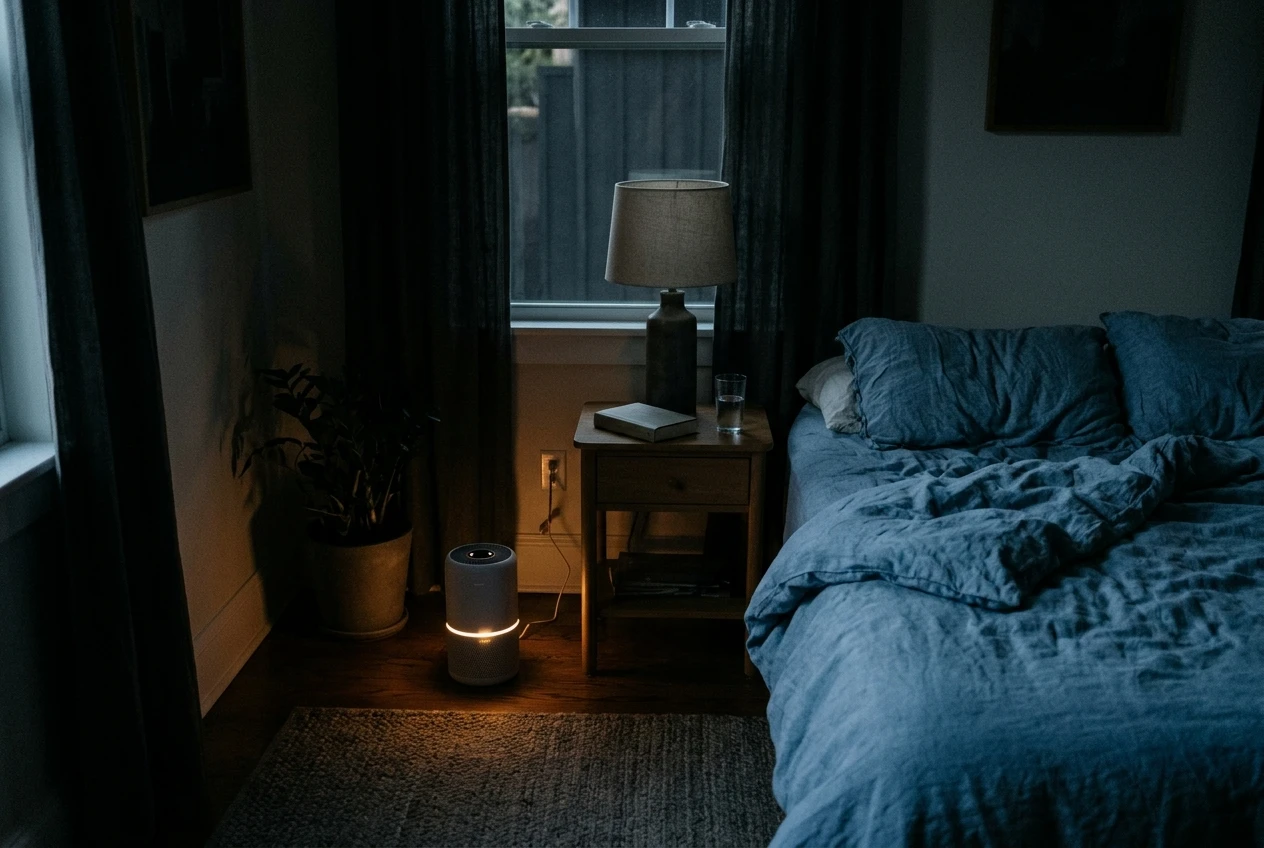
Bedroom
- Auto mode with the unit’s night or sleep setting turned on, so the fan stays low and the lights dim.
- If you want a boost, set a higher speed for the hour before bed, then let it drop to night mode.
- Choose a quiet unit if you are still shopping. Our guide to choosing a smart air purifier for your bedroom covers noise levels and what to look for.
Living room
- Auto mode through the day, since this room usually sees the most movement, pets and cooking from an open kitchen.
- Switch to a higher speed during cooking and cleaning, then back to auto.
- Placement affects results as much as settings. A unit tucked behind a sofa will not clear the room evenly, so check where to put your air purifier in each room.
Rental
- Auto mode as the default, because you may not know what the previous occupants left in the carpets or vents.
- Set up a schedule in the app if you are out during the day: lower or off while you are at work, auto when you are home.
- Rentals often have small kitchens and shared walls, so boost during cooking and open the window briefly afterward if the outdoor air is clear.
- Clean the pre-filter on a regular day each month, so the habit does not slip.
Check your own numbers: the wattage label, the filter light and the app history
You do not need to guess at your costs. Three checks give you real numbers.
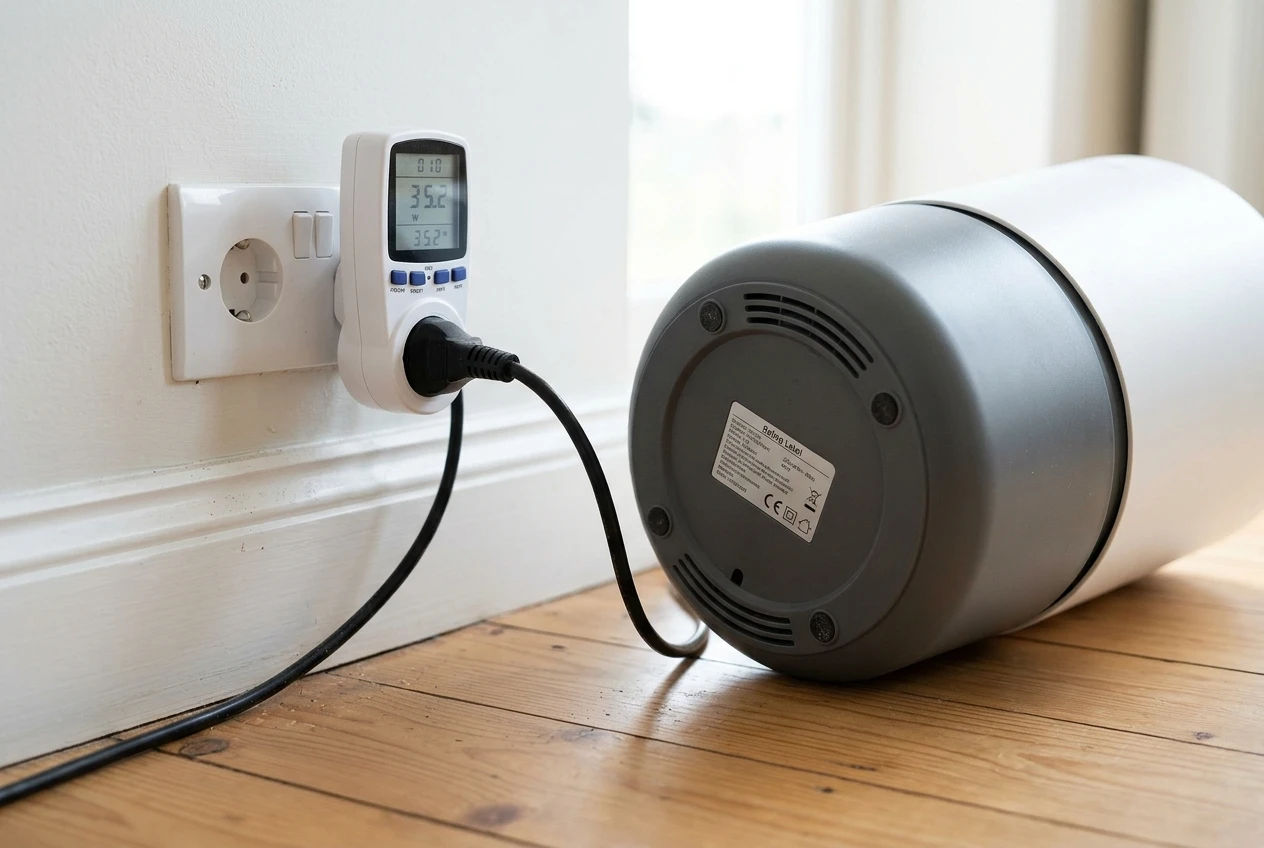
The wattage label. Look on the back or bottom of the purifier, or in the manual, for the power rating in watts. This is usually the maximum draw. To estimate a day’s use at that rate, multiply the watts by the hours it runs, then divide by 1,000 to get kilowatt-hours. As an example only, a unit rated at 40 watts running for 24 hours would use 0.96 kWh. Multiply that by the price per kWh on your electricity bill to get a daily cost. Your unit’s real draw on a low setting will be lower than the label figure, so treat the result as a ceiling. If you want a precise figure, a plug-in energy meter between the wall and the purifier shows what it actually draws at each speed.
The filter light. Note the date you install a new filter and the date the light comes on. After one cycle you will know how long a filter lasts in your room on your schedule. If you change your schedule, compare the next cycle against the first one. When you replace the filter, remember to reset the filter light so the next count starts correctly.
The app history. Compare a week of auto mode with a week of a different schedule. Look at whether the spikes you noted earlier are being handled, how long it takes readings to return to normal, and how many hours the fan spent at each speed if your app reports that. If the readings look the same with fewer hours of running, you have found a cheaper schedule that works for your room.
Once you have these three numbers, the 24/7 question has an answer for your home specifically, and you can check it again after a season change.
Keep your purifier running well
If you would like plain-language reminders about purifier upkeep, such as when to check the pre-filter and when to review your settings as the seasons change, join the email list. You will also get new room-by-room guides as they are published.
And if you want to see what filters add up to over time, the article on what a smart air purifier really costs over three years lays out filter spending alongside everything else.