Your purifier has been humming in the living room or bedroom for months, and now a small light says the filter needs attention. You swapped the filter, or you pulled it out and saw it was fine, and the light is still on. This guide shows how to reset the air purifier filter light on whatever brand you own, starting with the quickest way to work out which kind of reset your unit uses.
Before you press anything: is the filter actually changed or checked?
A reset tells the purifier to start counting from zero. It does not tell the purifier anything about the filter itself. Many purifiers estimate filter life from how many hours the fan has run, so the light is a timer reminder rather than a dirt reading. Some models also use an air quality sensor in their estimate, and your manual will say which approach yours takes.
That is why the order matters. Reset only after one of these two things is true:
- You installed a new filter that is the correct type for your exact model.
- You took the current filter out, inspected it against your manual’s guidance, and decided it still has life left.
If you clear the light without doing either, the purifier will start a fresh countdown on a filter that may be clogged. The reminder you would have relied on is gone, and the air in your room may be getting less clean without any sign of it.
A quick check before you go further:
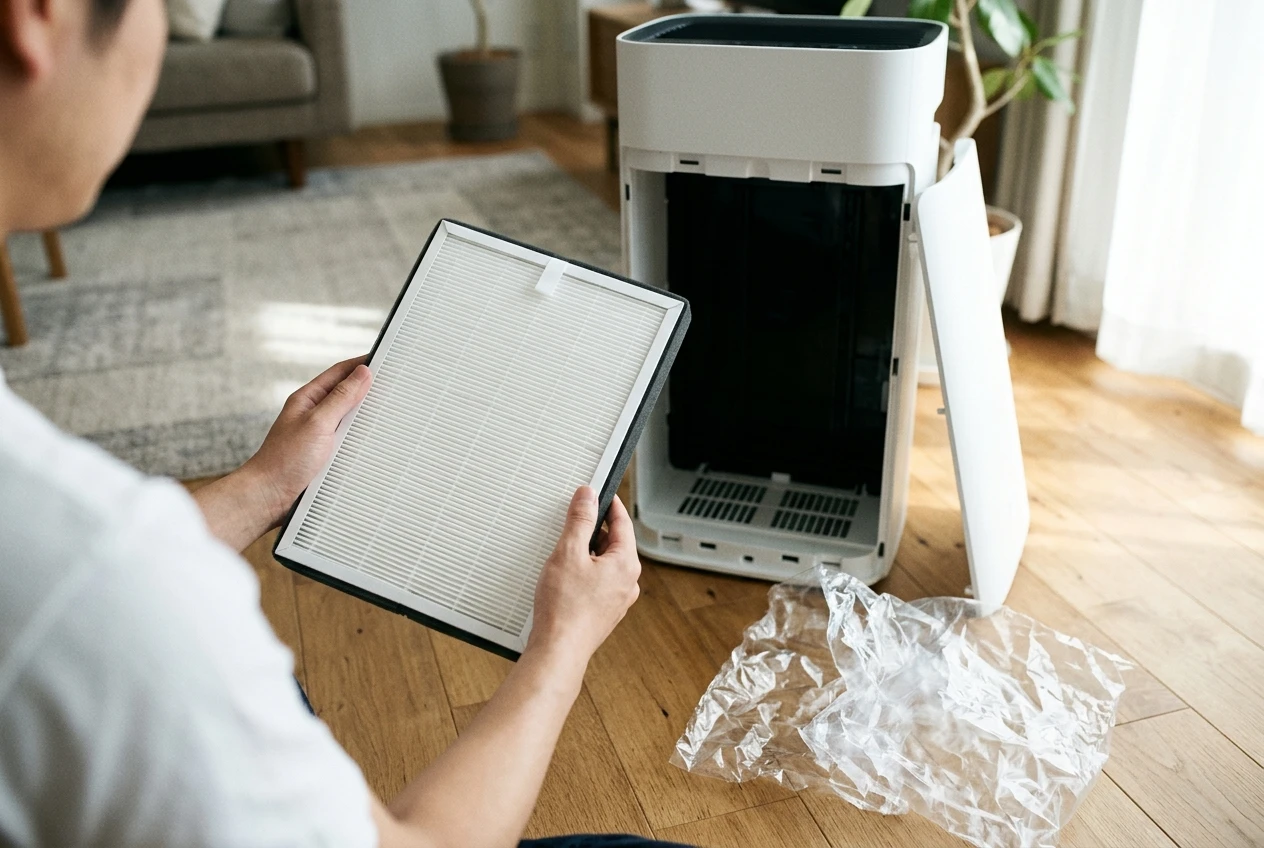
- Is the new filter seated fully, with the cover or grille closed and latched?
- Did you remove any plastic wrap from the new filter? Many filters ship sealed in plastic, and a wrapped filter blocks airflow.
- Is the replacement the model your purifier calls for? Look for the filter name or number in your manual and compare it with the one in your hand.
If all three are fine, you are ready to reset.
Find your reset method in two minutes
Nearly every smart purifier clears the filter light in one of three ways. Look at your unit and your manual’s index, and you will usually know which one applies within a couple of minutes.
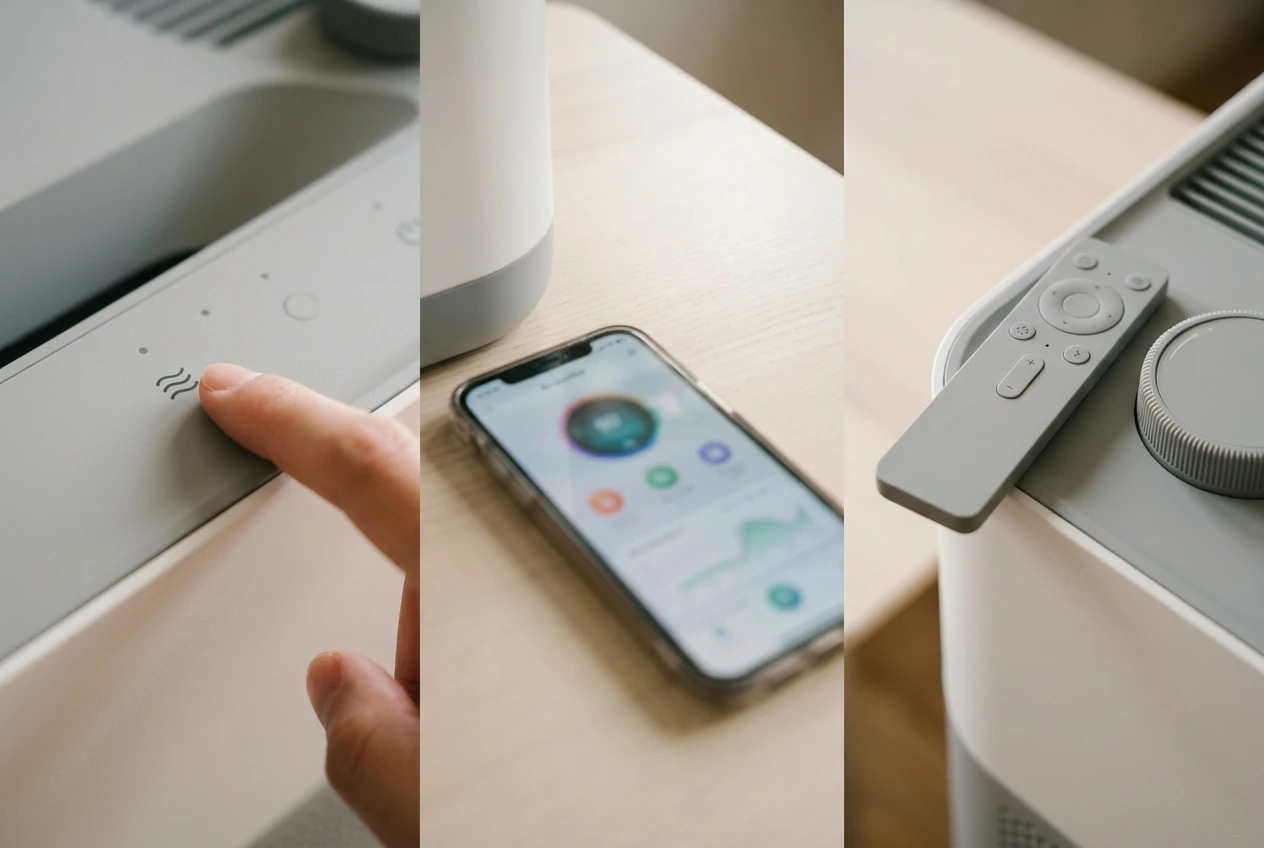
Button hold. Look for a small button, often marked with a filter or reset icon, on the control panel or sometimes under the cover. If one is there, you almost certainly reset by holding it down for a few seconds. This is the most common method on units with a simple control panel.
App. If your panel has only a power button and a fan speed button, the reset may live in the manufacturer’s app. Open the device page and look for filter life, filter status or maintenance. A reset or “I replaced the filter” option is usually nearby.
Remote or dial. Some purifiers ship with a remote that has its own filter reset button. Others use a dial or a settings menu on the display. If your unit came with a remote, check it before you assume the app is the only route.
Some models support more than one method. When the manual lists a button hold and an app option, either should work, and the button is the better first try. It does not depend on Wi-Fi, so a sync problem cannot get in the way.
If you cannot find the manual, search the maker’s support site for your model number. The model number is usually printed on a label on the back or underside of the unit, or inside the filter compartment. A search for that number plus “manual” normally turns up the PDF.
The button-hold reset, step by step
The details differ by model, especially the hold time and which button counts. The general pattern is the same, and following it carefully avoids most of the failed attempts.
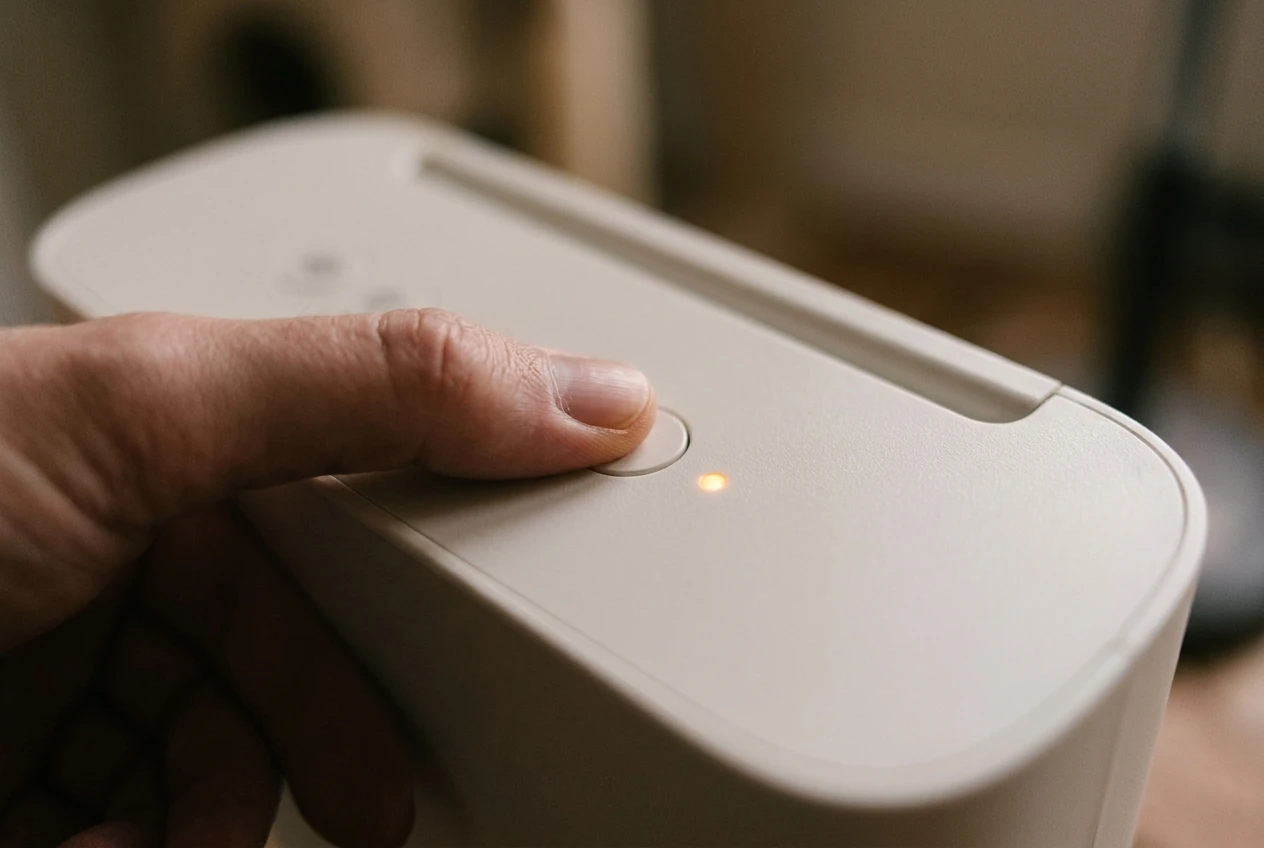
- Confirm the filter is installed and the cover is closed. Some units will not accept a reset, or will not detect the new filter, with the cover open or loose.
- Plug the unit in and power it on. Some models only accept the reset while they are running. Others want the unit in standby. Your manual states which, so check it if the first attempt does nothing.
- Find the filter reset button. It may carry a filter icon, a circular arrow or the word “Filter” or “Reset.”
- Press and hold it for the time the manual gives. This is usually a few seconds. Count out loud, because holding for two seconds when the manual says three is the most common reason a reset fails.
- Watch the light. On most units it blinks, changes color or turns off when the reset is accepted. Some also beep once. If nothing changes, release and read the next section.
Mistakes that make the reset fail
- Releasing too early. Count the full hold time, and add a second if you are unsure.
- Pressing the wrong button. On many units a long press on the Wi-Fi or connectivity button disconnects the purifier from your network. If that happens, you will need to pair it with the app again, so confirm the icon before you hold anything.
- Resetting with the cover loose. If the unit cannot tell the filter is in place, it may refuse the reset or bring the light straight back.
- Trying to reset while the unit is in the wrong mode. Some models accept a reset only in certain states, such as running or in standby. The manual will say which.
- Tapping instead of holding. A quick press often does something else entirely, such as cycling the display brightness.
If you followed the steps and the light is still on, the problem may not be the reset itself. The last sections cover that.
The app reset: where the filter life counter hides and what to do when it won’t sync
Apps vary, but the filter counter is usually in one of a few places. Open your purifier’s device page and check:
- A filter life or filter status tile on the main device screen, often shown as a percentage or a bar.
- A settings or device settings menu, sometimes under a gear icon.
- A maintenance or consumables section.
Tap the filter entry and look for a reset option, which may be worded as “Reset filter,” “Filter replaced,” or “Reset filter life.” Confirm when prompted. The counter should return to full, and the light on the unit should clear within a short time.
Apps and purifiers can disagree for a while. The usual cause is that the unit and the app are not talking to each other. Here is what to try, in this order:
- Check that the app shows the purifier as online. If it appears offline or greyed out, the reset command cannot reach it.
- Close the app fully and reopen it. Then pull down on the device screen to refresh, if your app supports that.
- Look at the unit. If the Wi-Fi indicator shows it is not connected, bring it back online before you try again.
- Wait a few minutes, then check both the app and the light. Some units take a moment to apply a change.
- If your model has a button reset, use it. It bypasses the network entirely.
A purifier that keeps dropping off your network needs a more thorough fix. Our guide to a smart air purifier that keeps dropping Wi-Fi goes through the checks in order, starting with the easiest.
Finding the exact steps for your brand and model
Hold times, button names and menu wording differ from one maker to the next, and sometimes between two models from the same maker. Even a firmware or app update can move a menu item. I have not listed a hold time for each brand here, because a wrong number would waste your time or send you into the wrong menu. Your own manual is the right source, and it takes about five minutes to find the page you need.
Here is how to get there for any brand, including Coway, Blueair, Levoit, Dyson, Honeywell, Winix, Philips and others:
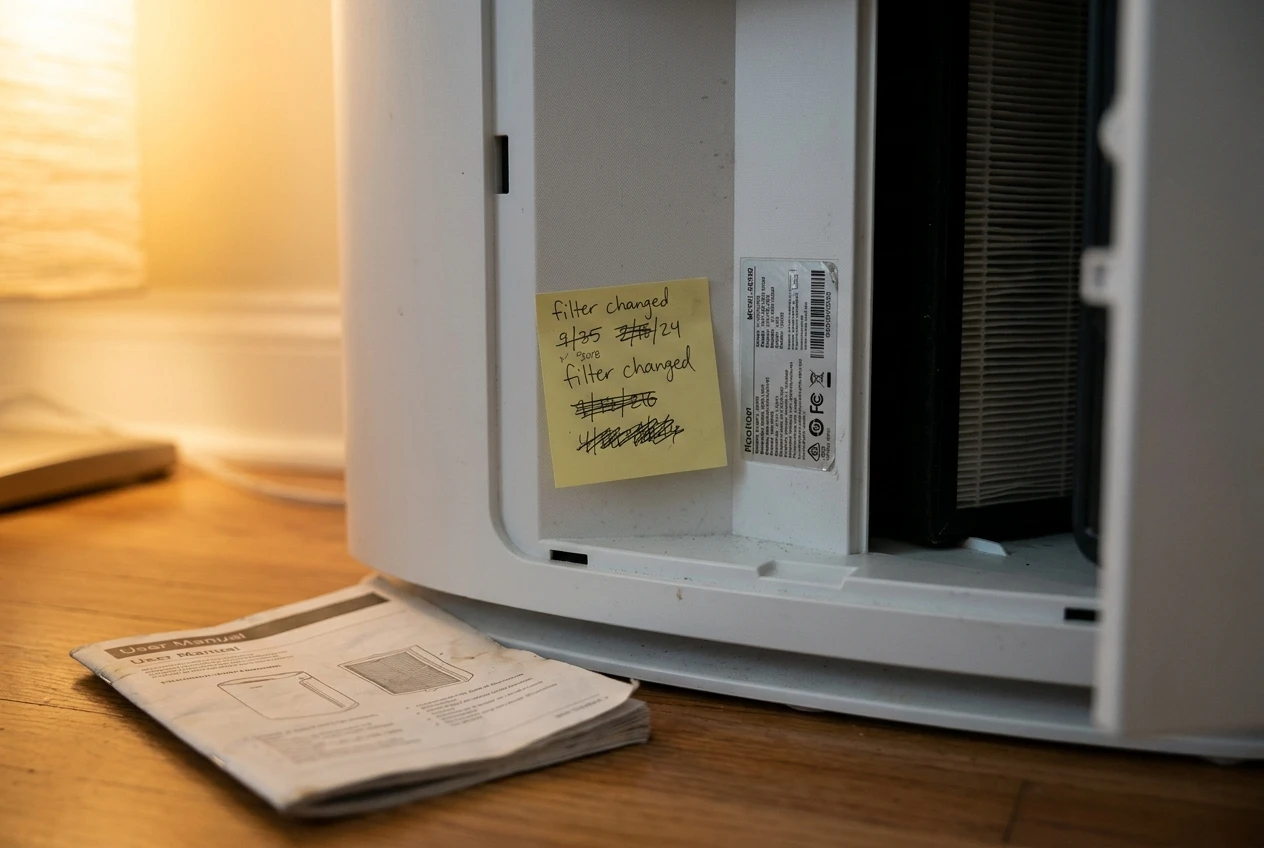
- Find your exact model number. It is on a label on the back, underside or inside the filter compartment. Names on the box can be broader than the model number, and the number is what finds the right document.
- Go to the maker’s own support site. Search the model number, then open the user manual or quick start guide. A manual from the manufacturer reflects that model, while a third-party page may describe a different version.
- Search the PDF for “filter.” Look for headings such as “Resetting the filter indicator,” “Filter replacement” or “Maintenance.”
- Note three details: which control to use, how long to hold it, and what state the unit should be in (on, off or standby).
- Write those three details on a sticky note and stick it inside the filter compartment, or take a photo of the page. You will want it again at the next filter change.
If the manual and your unit seem to disagree, for example the manual describes a button your unit does not have, check that you have the right model. Many product lines have an older and a newer version, and the manuals look almost identical.
Support pages are also the place to look for app instructions. Most makers keep a help article for their app with up-to-date screenshots, which helps when the menus have changed since the manual was printed.
Light still on after the reset?
If you reset the purifier and the light comes straight back, or never went off, one of a few things is usually responsible. The filter may not be seated correctly. The filter may be the wrong type for the model. The reset may not have been accepted, or there may be a sensor or software reason the unit still flags a problem.
We cover that situation in a separate guide, with the checks in a sensible order: what to check when the warning light stays on after a new filter. Start there rather than resetting the unit repeatedly, since repeated attempts rarely help once the first one has been done correctly.
Make the next reset painless
Filter lights are easier to handle when you already know the date and the part number. A few small habits take care of both.
- Write the install date on the filter. Use a marker on the edge or frame, if the maker’s manual allows it. Otherwise, put the date on a small label near the unit.
- Set a phone reminder using the interval in your manual. The maker’s stated filter life is the right number to follow, and your room, pets and local air may mean checking sooner. Your manual explains how to judge that.
- Keep the reset instructions where you can find them. The sticky note or photo from the last section works well.
- Note the replacement filter’s name and number. Put it in your phone, so you can reorder before the light comes on.
When you are ready to buy, check the maker’s own filter against compatible alternatives, and compare the cost over the life of the purifier rather than the price of one filter. Our breakdown of what a smart air purifier really costs over three years shows how to weigh filter price and replacement frequency, so you can plan the spending in advance.
Buying the exact filter your model calls for matters more than saving a few dollars on a similar-looking one. A filter that is slightly the wrong size or type may fit loosely, let air bypass it, or confuse the unit’s detection.
Join the email list for friendly filter reminders and new maintenance guides, so the next warning light never catches you off guard.