Best Smart Purifiers · After a filter change
You bought the right replacement, removed the wrapper, and closed the cover. Then the purifier lit up with the same warning you were trying to clear.
Before ordering another cartridge, separate two questions: Is the new filter installed correctly? And has the machine’s maintenance reminder been reset? Completing the first step does not always complete the second.
Affiliate disclosure: This research-based guide includes a FiltersFast affiliate link. Best Smart Purifiers may earn a commission from qualifying purchases at no extra cost to you. It is not a hands-on product test.
Quick answer: Why is the filter light still on?
A remaining light can mean the filter reminder needs the exact model’s reset procedure. It can also be a different alert entirely. Identify the icon, confirm the replacement and installation, then follow the manufacturer’s instructions—including whether the fan must be running or stopped.
A cleared reminder does not prove that the cartridge fits, that the filter is clean, or that the room’s air is safe.
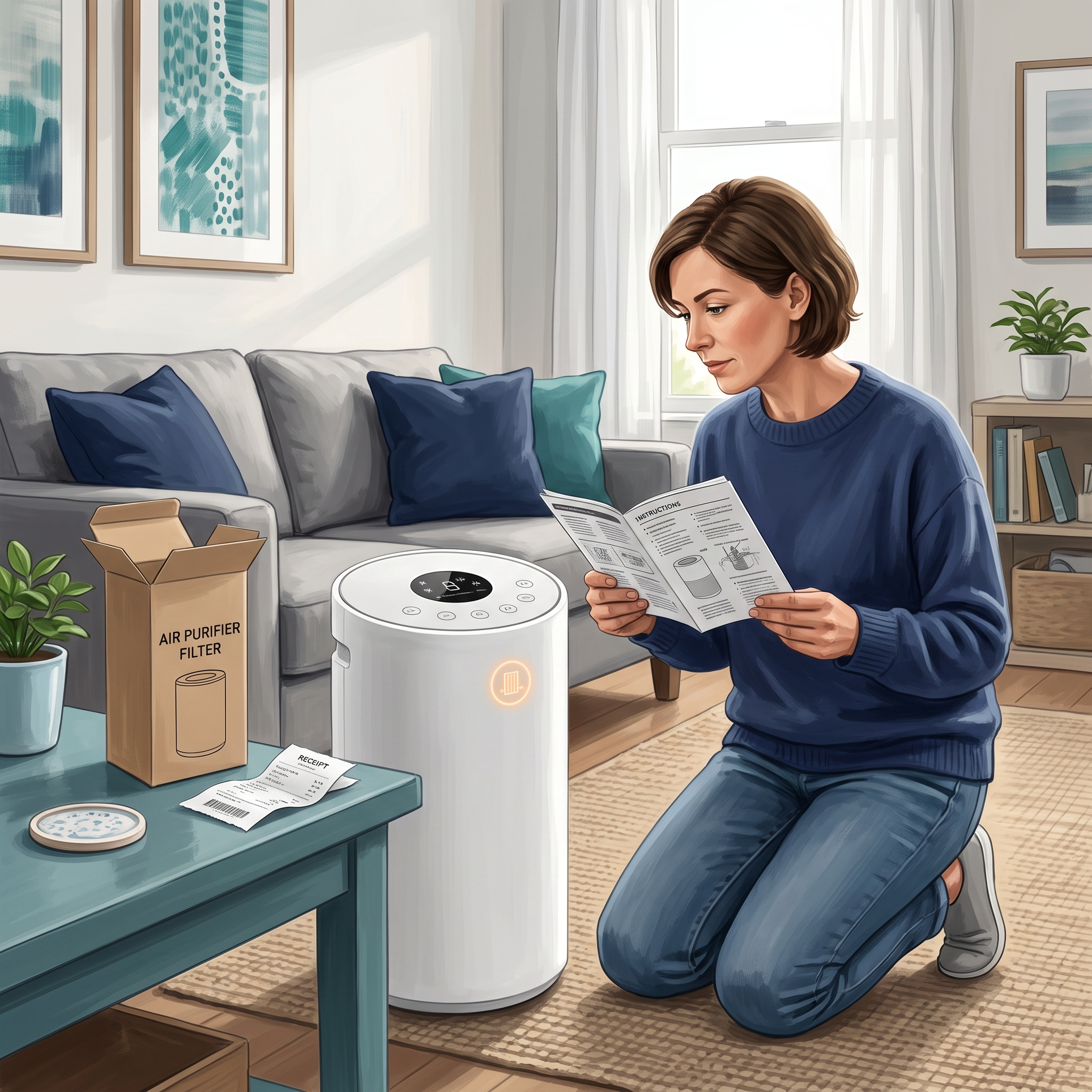
Compare the warning before choosing a fix
| What you see | What to check | First action |
|---|---|---|
| Filter icon stays illuminated after replacement | The maintenance reminder and required reset | Open the exact model’s filter-reset instructions. |
| Colored air-quality ring stays red | The air-quality indicator, not just the filter reminder | Read that indicator’s meaning and sensor-care guidance. |
| Cover warning, error code, or no operation | Installation and the manual’s troubleshooting section | Check the approved filter and cover sequence without forcing parts. |
| Panel clears, but app still shows an old percentage | The correct device entry and documented app behavior | Follow the maker’s app guidance; record the mismatch if it persists. |
On a phone, swipe the comparison sideways. These are starting points, not diagnoses for every purifier.
1. Identify the light—not just its color
Find the icon or error code in the manual. A red filter symbol, a red air-quality ring, and an error message can require different responses. Photograph the panel before changing settings so you can describe the original warning accurately.
If you have not changed the filter yet, start with our guide to what a filter light means . This checklist focuses on what happens after replacement.
2. Recheck the replacement while the purifier is unplugged
Turn off and unplug the purifier before opening the owner-accessible filter compartment. Compare the complete purifier model and replacement code with the manufacturer’s instructions.
- Remove shipping packaging identified in the installation diagram.
- Check orientation and every required filter stage.
- Confirm that the filter seats normally and the cover closes correctly.
- Keep required seals, frames, and filter media in place.
A reset cannot correct the wrong cartridge. If the cover will not close normally, use the filter-fit checklist before powering the unit again.
3. Use the exact reset sequence—even within one brand
Find the manual’s “Check Filter Indicator” or “Resetting the Filter Indicator” section. Read the whole sequence, including the power state, button, hold time, and confirmation signal. Avoid substituting a Wi-Fi or factory reset.
The Levoit Vital 100S manual tells owners to turn the purifier on after replacement, then use its specified three-second filter-indicator reset. The Levoit LV-H128 manual requires the purifier to be plugged in with the fan off. It also describes a different sequence when filters are changed before the warning appears.
These are examples of different operating conditions. Use your exact model’s manual rather than borrowing either sequence.
Watch for the manual’s stated success signal. If it does not occur, recheck the required operating state and button identity before repeating the documented procedure.
Keep this order: a cleared light is not a substitute for checking the installation.
4. Compare the panel with the correct app device
If your purifier has an app, open the entry for that specific machine. This matters when several similar purifiers share one account.
Check the manufacturer’s explanation of filter life and reset behavior. For example, the Vital 100S manual says a successful filter reset will show 100% in VeSync. That statement applies to the documented model; other apps may work differently.
If the panel and app disagree after the documented steps, save screenshots and ask official support. A displayed percentage is maintenance information, not an independent test of the installed filter’s condition.
5. Escalate a persistent warning with useful evidence
If the correct filter is seated and the exact reset still fails, contact the manufacturer before buying another replacement. Provide the full model, filter code, installation date, warning photo, and the manual section you followed. Send account or serial information privately only when support needs it.
If you notice burning odors, overheating, damaged wiring, or a new mechanical fault, stop using the purifier and seek official support. Treat those symptoms separately from a routine reminder.
Put the filter change in your planner
Use the free Smart Air Purifier Fit & Filter Planner to keep maintenance beside your room-fit and ownership-cost notes. Add a short record to its maintenance plan or a separate notes page:
- Full purifier model and installed filter code.
- Replacement date, receipt, and seller.
- Exact alert and the manual’s reset section.
- Confirmation seen on the panel and, if applicable, in the app.
- Next inspection based on the manufacturer’s guidance and actual use.
Keep inspection and replacement dates distinct. Do not treat a reset as renewed filter life when the required maintenance has not been completed.
When another purchase actually makes sense
Consider an exchange when the delivered cartridge is wrong or damaged. Consider a new purchase when the specified replacement is genuinely needed—not simply because a reminder remained lit.
If you need the correct part, check replacement-filter listings at FiltersFast using the full filter code. Verify compatibility, included stages, seller terms, and availability before ordering. This affiliate link does not establish stock or suitability for your model.
If you cannot find the part, our unavailable-filter guide explains what to ask before replacing the whole purifier.
Four-question interactive knowledge check
Choose an answer, then open the explanation below each question. These controls work without JavaScript.
Frequently asked questions
Will unplugging the purifier reset its filter reminder?
Do not assume so. Follow the documented reset procedure. Disconnecting power for a safe filter inspection and resetting the maintenance reminder are separate actions.
Should I reset the light after cleaning only the pre-filter?
Only when the manual directs that reset for that maintenance task. Cleaning a serviceable pre-filter does not replace a disposable particle or carbon cartridge.
What if I changed the filter before the warning appeared?
Check the manual’s early-replacement instructions. Some models document a separate sequence for that situation, as the LV-H128 example shows.
Does a green air-quality light prove that every pollutant is gone?
No. Consult the manual for what the sensor measures. The EPA explains that air cleaners cannot remove every pollutant; filtration complements source control and appropriate ventilation.
What happened after your filter change?
Share the purifier model, the icon that stayed on, and whether the manufacturer’s reset solved it in the comments. Did the panel and app agree afterward? Your experience may help another reader ask a clearer support question.
Sources and editorial approach
Researched October 2, 2026. This article uses manufacturer instructions and EPA guidance rather than claiming firsthand testing. Always match instructions to the exact model and manual revision.
- Levoit Vital 100S manual : filter-indicator reset, installation, and VeSync confirmation.
- Levoit LV-H128 manual : fan-off reset and early-replacement sequence.
- EPA: Guide to Air Cleaners in the Home : filtration limitations, source control, and ventilation.