Best Smart Purifiers · The bedtime settings check
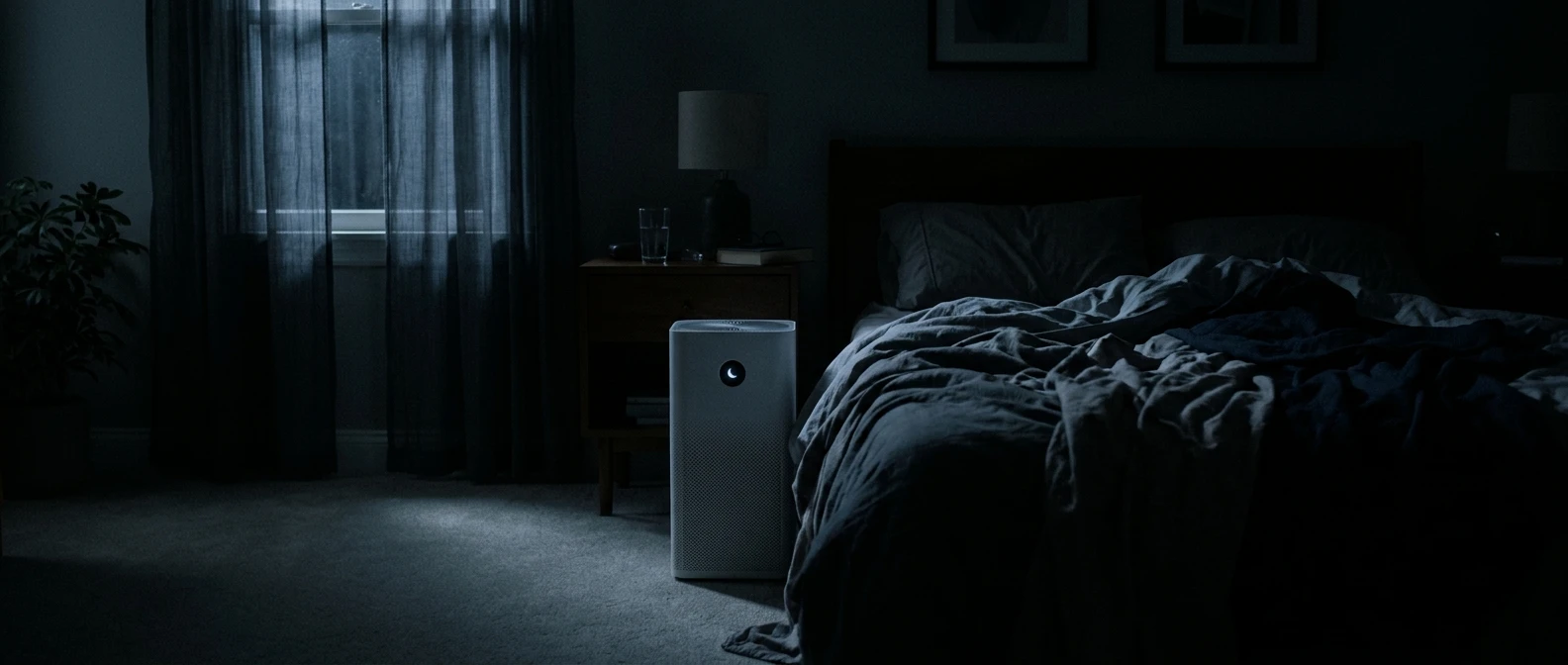
The room is dark. Your phone is finally down. You press the purifier’s moon button, and the last little hum fades to a whisper.
It is an excellent bedtime feature. But what happened to the airflow?
That is the detail worth checking. Air purifier sleep mode can turn down the fan as well as the lights. The impressive room-size claim on the box may describe a setting you would never choose at midnight.
You do not need to abandon quiet nights—or immediately buy a bigger machine. Start by separating three decisions: how dark you want the room, which sound you can sleep with, and what performance is documented at that setting.
Quick answer: Is sleep mode cleaning enough?
Sleep mode may still provide useful filtration, but its name does not establish enough clean-air delivery for your bedroom. Check the exact model’s nighttime behavior and any published performance at that setting. If the light is your only complaint, look for a separate display-off control before reducing the fan.
The useful question: “What does my purifier deliver at the setting I actually use overnight?”
Research-based guidance, not a hands-on product test. The bedtime checklist below is Best Smart Purifiers’ practical synthesis of the linked guidance and model instructions.
One moon button. Several possible changes.
Check your manual before assuming “sleep,” “night,” and “lights off” mean the same thing. For example, Blueair identifies Night mode on Blue Pure Max as its lowest fan speed. That is a specific product-family example, not a rule for every purifier.
Write down what your own model changes: fan speed, display brightness, sensor response, or schedule. A mode label alone cannot answer those questions.
| Control to check | Question for the manual | What to record |
|---|---|---|
| Sleep or Night | Does it fix, reduce, or limit fan speed? | The actual speed behavior. |
| Display Off | Can lights turn off independently of the fan? | The button sequence and any lights that remain. |
| Auto | Which sensor controls the fan, and does darkness alter operation? | Sensor type and nighttime restrictions. |
| Manual speed | Can this speed remain selected overnight? | The setting you can tolerate from bed. |
| Timer or schedule | Does this switch the unit off or change its mode? | The time and action, including app routines. |
The two numbers you should not pair without checking
The EPA explains that CADR is typically measured at the highest speed, and lower fan speeds filter less air. Do not combine a minimum-noise figure with a maximum-performance figure unless the manufacturer confirms they apply together.
CADR means clean air delivery rate. AHAM’s room-sizing rule of thumb is a smoke CADR of at least two-thirds of floor area in square feet, with larger capacity needed for ceilings above eight feet.
For example, a 12-by-15-foot bedroom is 180 square feet. That gives an initial smoke-CADR benchmark of 120 cubic feet per minute for a typical ceiling. A published maximum CADR above 120 does not establish that the same unit delivers 120 in sleep mode.
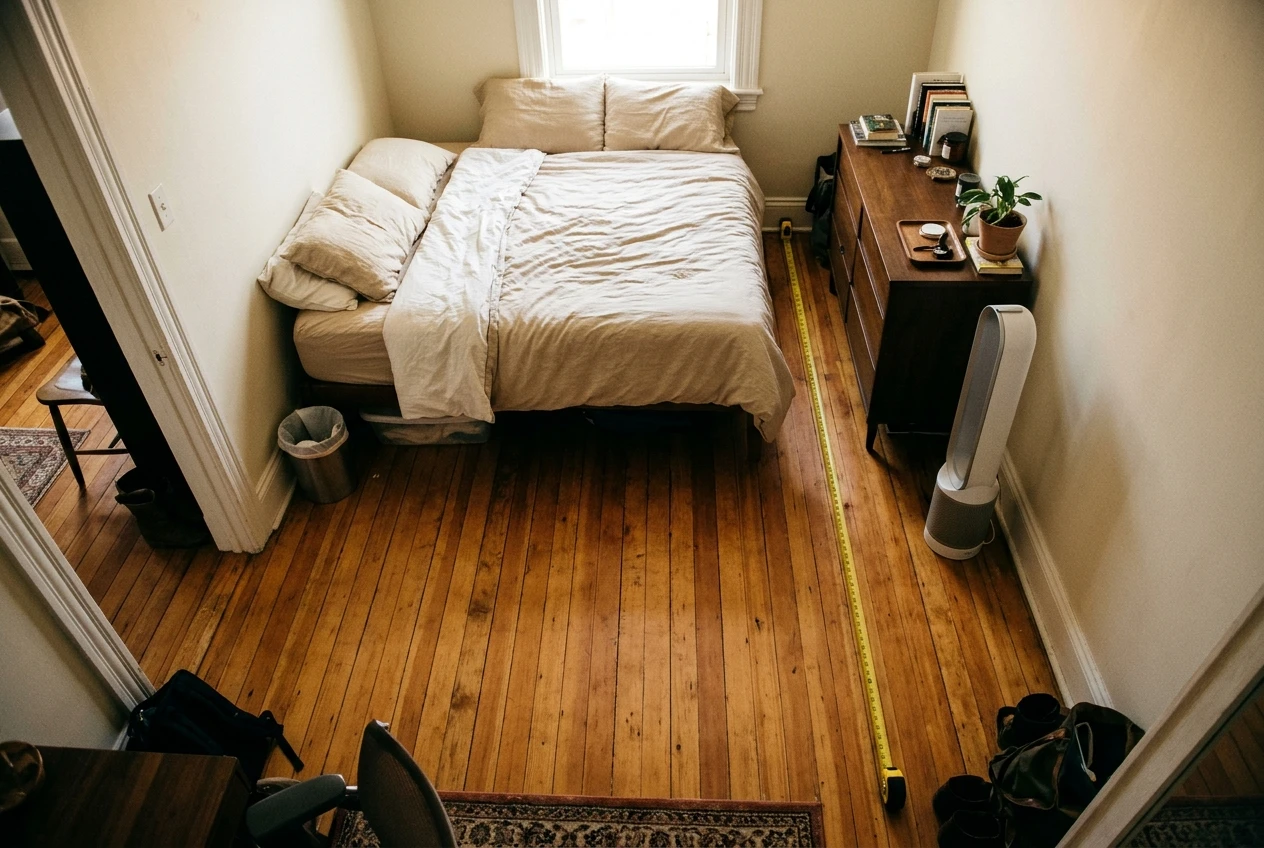
When low-speed data is missing, record “overnight performance unknown.” Do not invent a percentage of maximum output based on the number of fan bars.
For more on the numbers behind coverage claims, read what an air purifier’s advertised room coverage really means.
What is actually keeping you awake?
- “The display lights up the room.” Look for an independent display-off control.
- “The fan keeps getting louder and quieter.” Check Auto behavior and whether a fixed manual setting is allowed.
- “Air blows across my face.” Review placement and the outlet direction without blocking the unit.
- “It is quiet, but I do not know what it delivers.” Look for performance at that speed or ask support.
Start with the complaint you actually have. Then change the control that addresses it.
Before tonight: four checks that make the settings less mysterious
1. Finish this sentence: “I would leave it alone if…”
“…the light were off.” “…the fan stopped changing speed.” “…the air did not hit my face.” Pick the ending that fits your bedroom. That one sentence gives you a useful starting point instead of a night of random button presses.
If brightness is the issue, check display controls first. If changing sound is the issue, compare an allowed fixed-speed setting with your current mode. This is a comfort comparison, not proof of air-cleaning performance.
2. Catch the setting that changes your setting
Open the manual and any app schedules. Look for a forgotten shutoff timer or an evening routine that overrides your selection. Make one change at a time, then confirm that the control panel or app shows what you intended.
Do not assume that a dark panel means the purifier has stopped. Equally, do not assume that an app schedule guarantees the fan ran all night. Use the indicators and operating-history features your model actually provides.
3. Listen from the pillow
Evaluate normal operation from where you sleep, not while crouched beside the intake. Note whether the disturbance is a steady whoosh, a repeating change, or a new rattle. A new mechanical sound belongs in the manufacturer’s troubleshooting process rather than being hidden with a quieter setting.
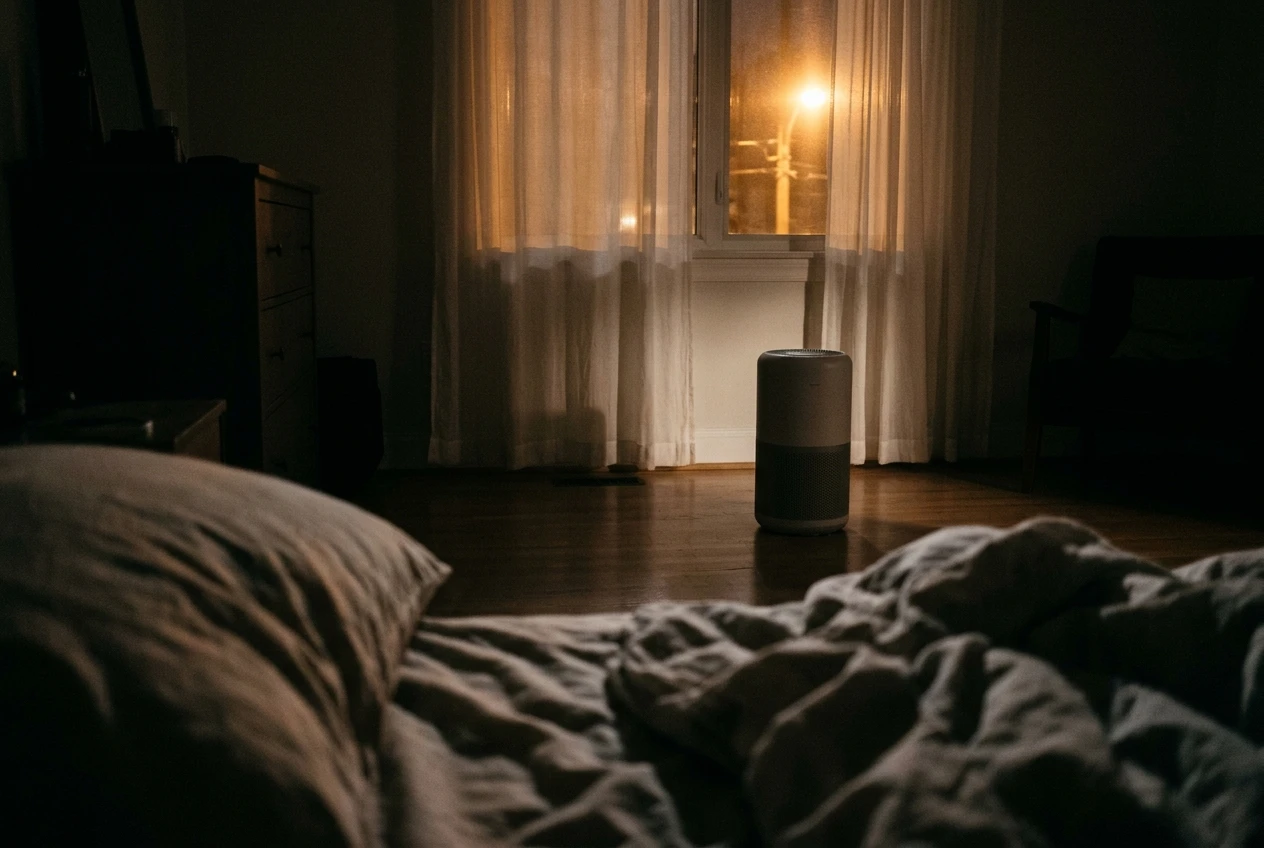
Keep the required clearances. EPA recommends unobstructed airflow and redirecting uncomfortable drafts. Do not tuck the unit behind curtains to soften the sound.
4. Leave yourself a note for the morning
For ordinary nights without an active pollution event, use the same room arrangement and note the setting, light behavior, noise comfort, and any unexpected shutoff. Change only one control between observations. There is no need to create smoke, spray an aerosol, or burn a candle to “test” the sensor.
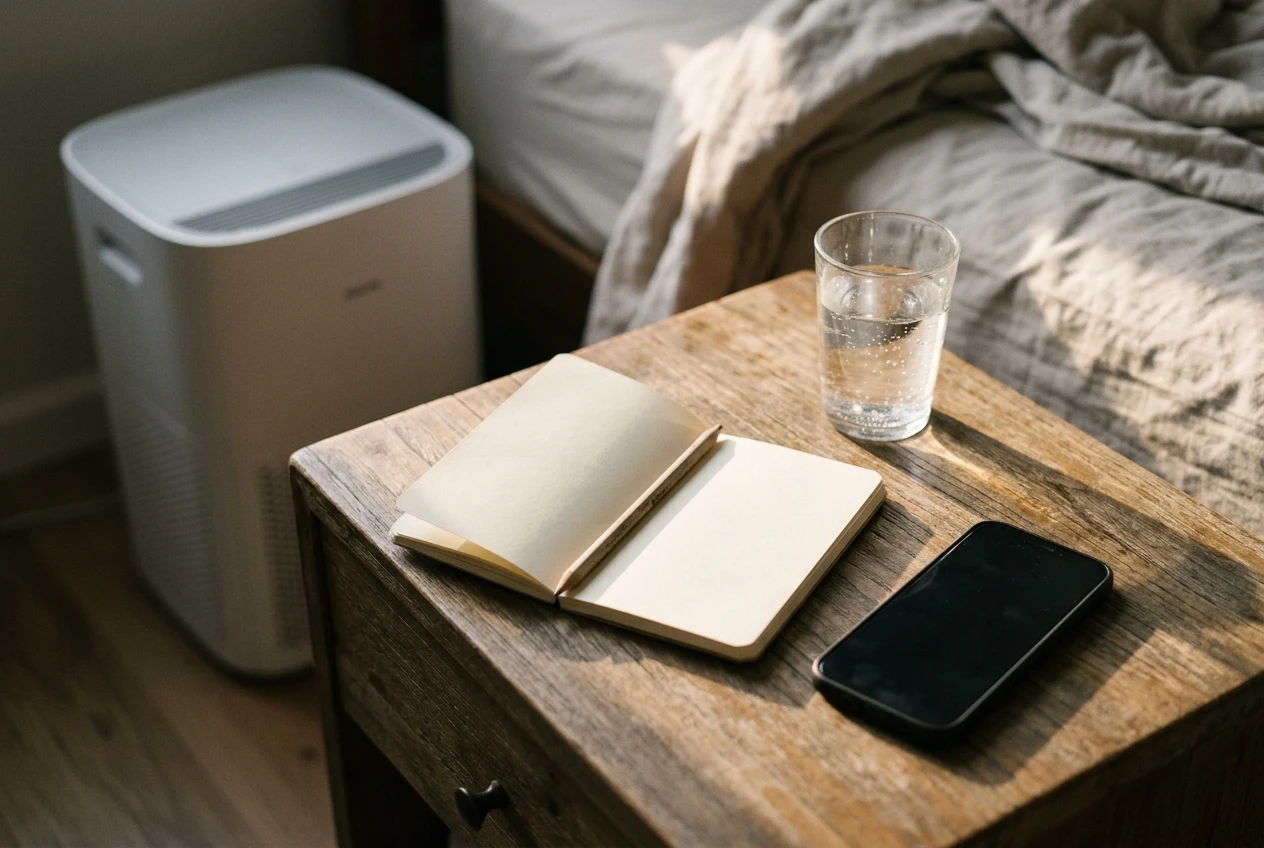
Your bedside note
Model: _____ Room dimensions: _____
Selected mode/speed: _____
Display setting: _____
Timer or app routine checked: _____
Comfort from the pillow: _____
Unexpected changes by morning: _____
Performance at this speed: Documented _____ / Not supplied
This record can identify a settings problem. It cannot certify air quality or diagnose the cause of morning congestion.
Ask manufacturer support: “For model _____, what fan speed does Sleep mode use? Does it still respond to the particle sensor? Can I turn the display off while keeping manual speed _____? Do you publish CADR at that speed?”
Can you “bank” clean air with a blast before bed?
A higher setting before bedtime can add filtration, but it does not establish adequate performance for the hours afterward. EPA notes that both speed and runtime matter. Treat a pre-bed boost as part of a routine, not a guarantee for the whole night.
If you are managing an active smoke event, follow applicable public-health guidance rather than experimenting with lower settings for this checklist.
Keep it, adjust it, or start comparing?
Keep your current setup if the controls behave as intended, comfort works, and the available performance evidence supports your room. Adjust it if a light, schedule, or placement choice is the problem. Start comparing when you cannot find a workable combination of comfort and documented delivery.
Consider a purchase after you have checked the controls and the room fit. A useful shortlist should answer three questions together: Does the machine have suitable documented delivery, can you tolerate the relevant setting, and can you maintain it affordably?
A bigger coverage number alone does not answer the noise question. Ask for speed-specific performance and noise information, and check return terms before buying. If that information is unavailable, keep the uncertainty visible in your comparison.
Give your bedroom its own purifier plan
Use the free Smart Air Purifier Fit & Filter Planner to record room dimensions, filter identity, and ownership costs. Add a separate note for your overnight speed, display setting, and any performance data the manufacturer supplies.
Would you press the right button? Four quick checks
Choose A or B, then open the answer. No scorekeeping—just four decisions you can use tonight.
1. The display is the only thing bothering you. What comes first?
A. Select the lowest fan speed.
B. Check for an independent display-off control.
Reveal answer 1
B. Check the display control. You may be able to make the room darker without changing the selected fan speed. Confirm what your model supports.
2. The box shows low noise and a high CADR. Can you assume they happen together?
A. Yes, they describe the same purifier.
B. No, check the setting behind each figure.
Reveal answer 2
B. Check the settings. Two accurate specifications can describe different operating conditions. Look for a matched pair of performance and noise figures.
3. Sleep-mode CADR is missing. What belongs in your comparison?
A. Half of the maximum CADR.
B. “Not supplied,” followed by a question to support.
Reveal answer 3
B. Mark it as not supplied. Fan bars are controls, not a published performance scale. Keep the unknown visible instead of turning a guess into a number.
4. Your purifier stops at 2 a.m. and you find a shutoff timer. What should you check first?
A. The timer and any related routines.
B. Whether you need a new filter.
Reveal answer 4
A. Review the timer. A scheduled shutdown is a control-setting clue. Resolve that clue before buying something unrelated.
Frequently asked questions
Is sleep mode useless?
No. The question is whether its documented performance fits your room and needs. A quiet setting is not automatically sufficient or automatically inadequate.
Should I choose Auto or Sleep?
Read the definitions for your exact model. Compare sensor behavior, fan restrictions, and comfort. Neither name is a universal recommendation.
Does waking up congested prove sleep mode is too weak?
No. Symptoms alone cannot establish a purifier’s output or identify the cause. Keep the appliance check separate from medical questions.
Where can I learn about a green light and lingering odors?
See why a purifier can show good air quality while the room still smells. That is a separate sensor-and-source question.
Tonight, check one thing before you press the moon
Find out whether your purifier lets you control the lights separately from the fan. It is a small detail, but it can turn an automatic bedtime habit into a deliberate choice.
Share your purifier model, the nighttime behavior described in its manual, and the setting you find comfortable. Does the display turn off independently, or does darkness come bundled with a lower fan speed?
Leave a comment with the model and setting. Those details make your experience more useful to the next reader facing the same bedtime puzzle.
Sources: EPA air-cleaner guidance; AHAM CADR and sizing guidance; Blueair Blue Pure Max airflow settings. Model-specific examples do not establish settings for other products.