If you are wondering when to replace an air purifier, the answer is rarely a date on the calendar. A unit that is three or more years old can still clean a room well, and a newer one can disappoint. What matters is whether the machine still moves enough air, whether its parts are holding up, and whether keeping it going costs less than replacing it.
This article walks through that check in order, from a quick test you can do tonight to a simple cost comparison. By the end you should have a keep or replace verdict for your own purifier.
Start with what the purifier is still doing for your room
Before you judge the machine, look at the job it is doing. Do this tonight, with the purifier in its usual spot.
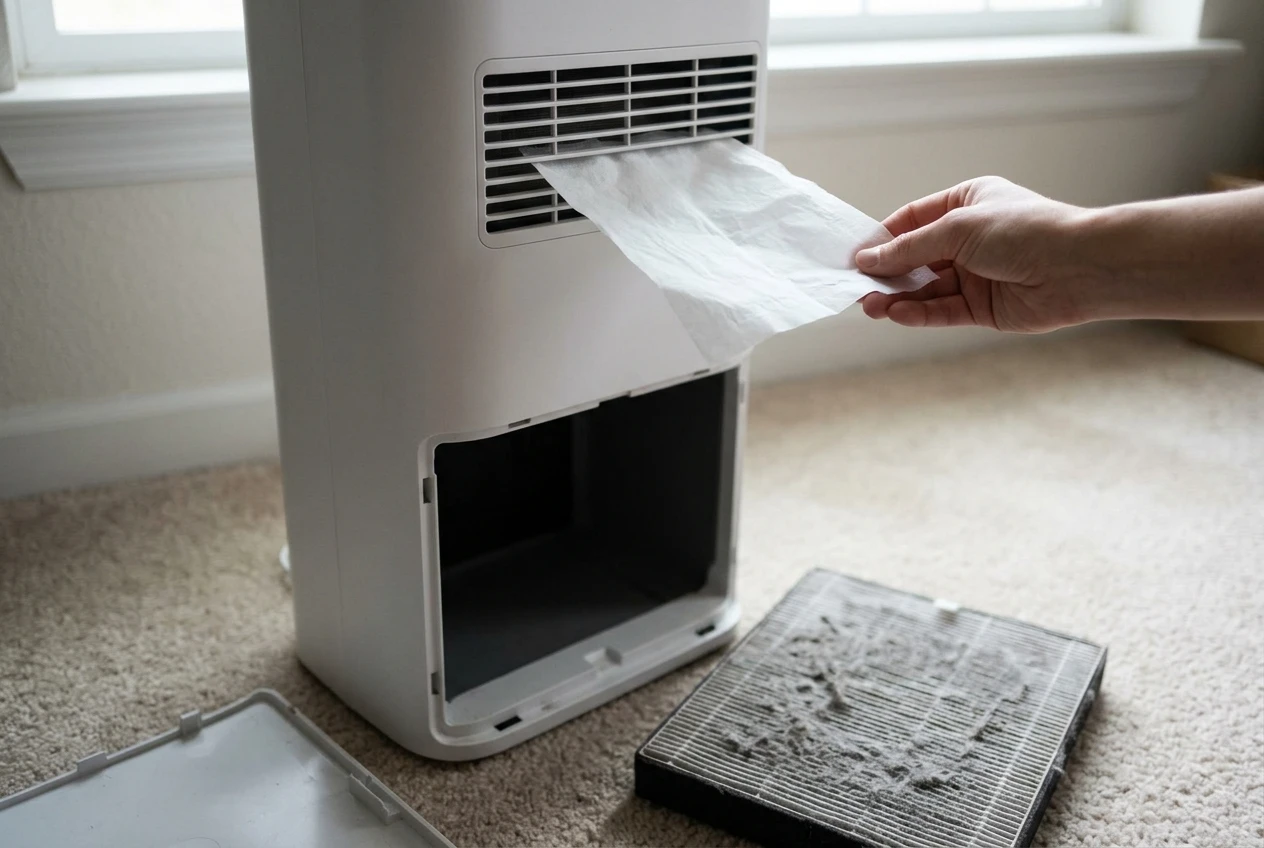
- Turn it to its highest fan speed and listen for a minute.
- Hold a sheet of tissue near the clean-air outlet and see how firmly the air pushes it.
- Open the filter compartment and look at the filter. Check whether it is gray and clogged, bent, or damp, and whether the pre-filter is caked with dust. If it is, clean the pre-filter first so you are testing the machine and not a blocked intake.
- Check the label or manual for the room size the unit was rated for, then compare it with the room it sits in now. Many people move a purifier to a bigger room, or the room changes, and the unit was never the right size for it.
That last step comes first for a reason. A purifier that seems weak may have been undersized from the start, and in that case a new filter will not help. If the placement is the problem, moving it away from walls and corners costs nothing and is worth trying before you spend money on anything else.
If the airflow feels strong, the noise is normal and the filter is in decent shape, the machine is probably fine. Keep reading for the other checks, but do not assume the unit is the problem just because it is old.
Signs the machine itself is wearing out
A purifier has few moving parts: a fan, a motor and a filter housing. When the machine wears out, the fan and motor are almost always where it shows.
Fan noise that has changed
Every purifier makes some noise. What counts is a change from how it sounded when you first set it up. A rattle, a grinding or a high whine that was not there before points to a worn bearing, a loose part or dust built up on the fan. Opening the housing is not something to attempt unless the manual describes it. If the noise goes away with a fresh filter seated properly, it was not the motor. If it stays, the motor or fan is the likely cause.
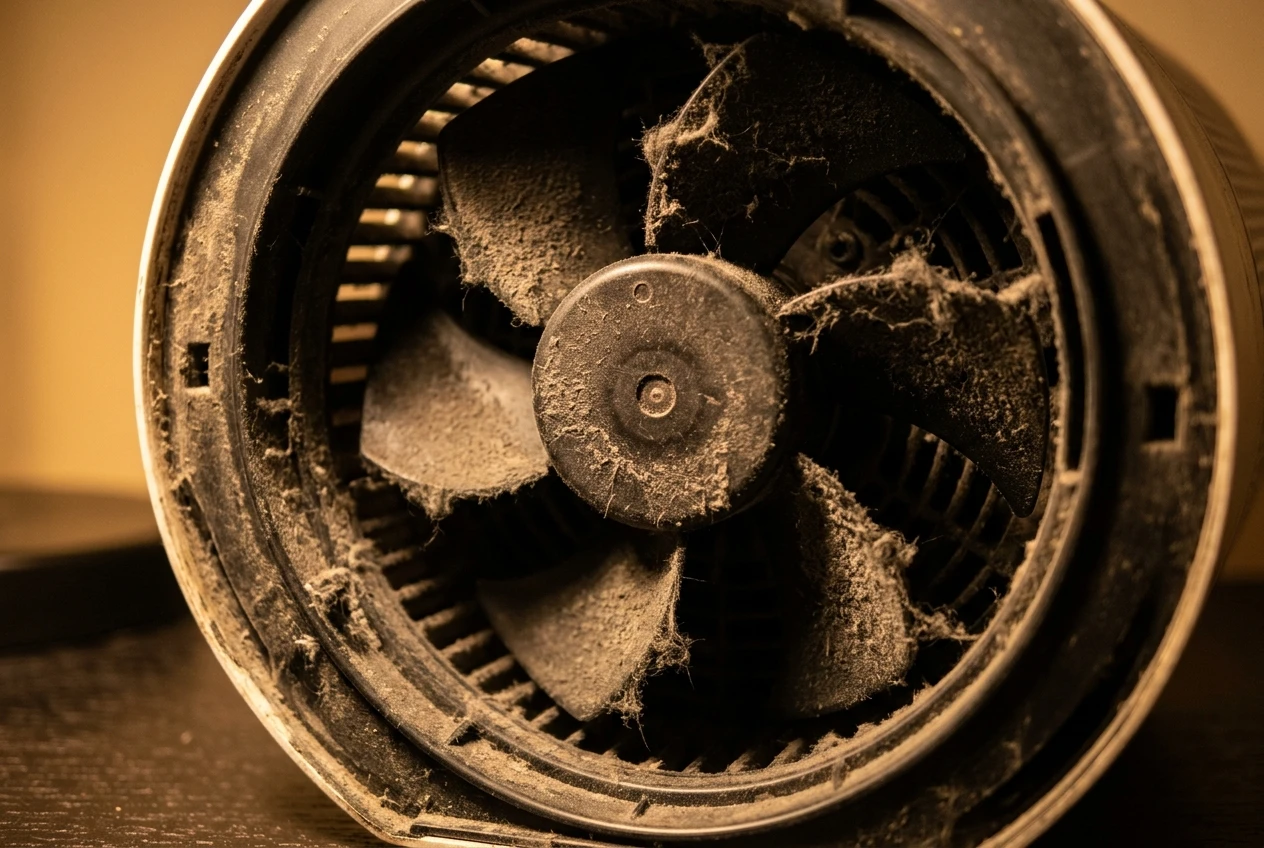
A louder machine also tends to get turned down or switched off. If you now run it on low because the higher speeds are unbearable, it is cleaning your air less than you think.
Weak airflow on a clean filter
This is the most telling sign. Put in a clean filter, or confirm the current one is clean, then run the machine on high. If the airflow at the outlet is still weak compared with what you remember, the motor is not pushing what it used to. A clogged filter explains weak airflow, so rule that out first. A clean filter with weak airflow points to the machine.
A motor that struggles
Watch for a unit that takes a long time to reach its set speed, surges up and down, or shuts itself off. A warm, electrical or burnt smell from the unit is a reason to unplug it and stop using it, not to troubleshoot further. These are signs of a failing motor or electrical fault, and a fault of that kind is not worth putting a new filter into.
If you see two or more of these signs, the machine itself is aging out. One sign on its own, such as a noise that clears up after cleaning, is more likely a maintenance problem.
When a dead sensor or a dropped app is worth replacing over
Smart features are the part of an older purifier that tends to go wrong first, and they are also the part that matters least for clean air. The fan and filter do the cleaning. The sensor and the app tell you what is happening and adjust the speed.
The air quality sensor
A sensor that reads high in a clean room is often just dusty. Cleaning it takes a few minutes, and this guide to cleaning the dust sensor covers it. If cleaning fixes the readings, nothing needs replacing.
A sensor that is stuck on one number, never changes, or disagrees wildly with a second purifier or a separate monitor is a different case. If you use auto mode, a dead sensor means the fan speed is no longer responding to your air. You can still run the unit on a fixed speed, and plenty of people do. If you rely on auto mode, or you want the readings for allergies or wildfire days, a dead sensor is a fair reason to replace.
The app
Apps stop working for several reasons: a manufacturer drops support, the unit cannot connect to a newer router, or the app is no longer updated for your phone. Before you decide the purifier has aged out, try the basics. Fixing a Wi-Fi connection in order, easiest check first takes little time and solves a lot of cases.
If the app is truly gone but the buttons on the unit still work, ask what you actually used the app for. Scheduling and remote control are conveniences. If the unit works fine from its own controls, losing the app is not worth replacing a good machine over. If the app was how you tracked filter life or ran a bedroom schedule, and nothing replaces it, that loss counts toward replacement.
Check whether filters for your model are still easy to find
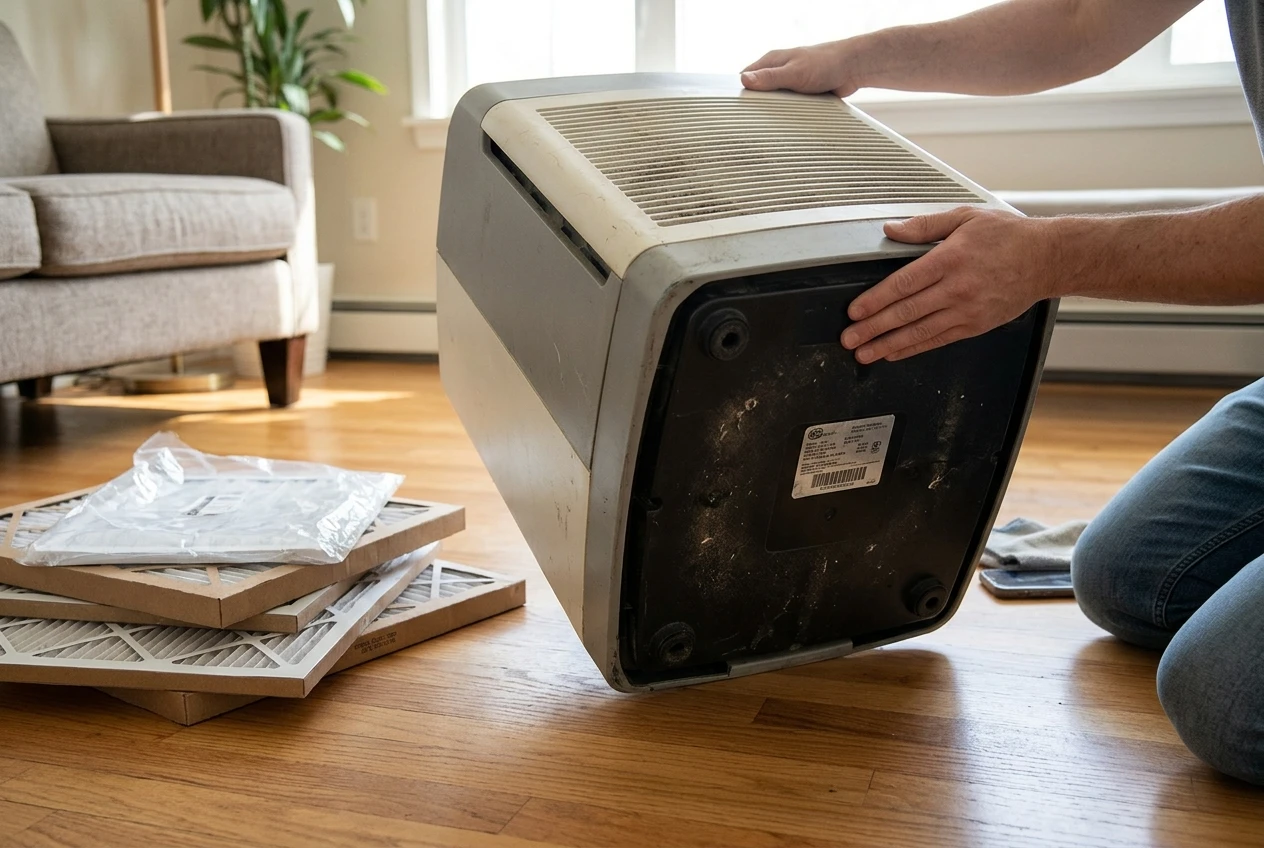
A purifier is only as useful as the filters you can buy for it. Look up your exact model number, which is on a label on the back or underside, and check a few things.
- Are the genuine filters still sold, and from more than one place?
- Are there compatible third-party filters, and do they list your model by name?
- Has the price moved a lot since you bought the unit?
- Is the filter still the same size and type, or has the manufacturer changed it for newer models?
When a model has been out of production for a while, filters can become scarce or expensive. That is a real reason to replace the unit even if the motor is healthy, because you could end up with a working machine and nothing to put in it.
Be careful with filters that do not name your model. An ill-fitting filter lets air slip around the edges, so the purifier moves air without cleaning it. If your only options are filters of uncertain fit, count that against keeping the unit.
If you already know the yearly cost, you can use it in the next step. If you do not, working out your purifier’s yearly filter cost takes a few minutes with the filter price and the replacement interval.
The keep-or-replace math
Compare the two options over the same period. Two years is a sensible window, because it is long enough for a new unit’s price to spread out and short enough that an old unit’s problems stay predictable.
Cost of keeping the old unit
- The filter set you will need to buy, multiplied by how many sets you will go through in the period
- Any repair or part you already know you need
- The value of anything it no longer does, such as auto mode or the app, if you used them
Cost of replacing it
- The price of a new unit sized for your room
- The filters it will need in the same period
- Anything you can recover by selling or recycling the old one
Add up each side with your own numbers. If keeping the old unit costs clearly less over the period and it still moves air well, keep it. If the two come out close, replace it when the old unit shows two or more of the wear signs above, because you will be spending nearly the same money on a machine that is closer to failing.
One more point that counts for the new unit: it should fit your room. A new purifier chosen by its box size can disappoint just as the old one may have. The guide to sizing a purifier by airflow explains how to read the airflow rating instead of the room size printed on the packaging.
If the old unit was undersized for the room, include that in your verdict. Spending on filters for a machine that was never big enough keeps you at the same result.
What to do with the old unit, and how to shop for the next one
Check the manufacturer’s site or your local waste service for how to dispose of electronics where you live. Purifiers contain a motor and circuit board, so they usually should not go in household trash. Some retailers and local programs take small appliances, and some people sell or give away a working unit with a fresh filter. If you pass it on, be honest about its age and which parts work.
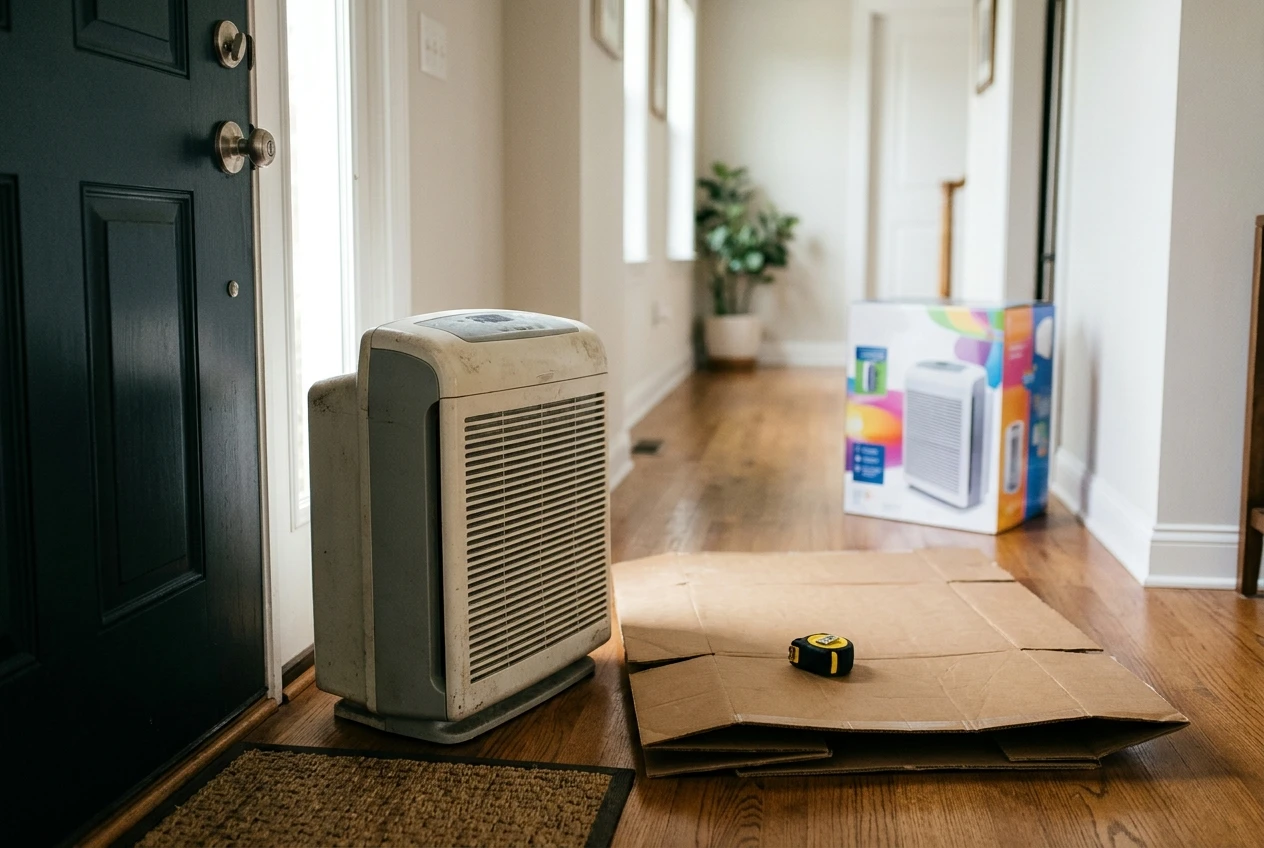
Used filters are generally fine to bag and throw away, but check your manual, especially if the filter was used after smoke or mold.
To avoid repeating the mistake, shop in this order:
- Measure the room you want to clean, and decide which problem comes first: dust, pollen, pet hair, smoke or odors.
- Look at the airflow rating and confirm it suits that room.
- Find the replacement filter price and how often the filter needs changing before you buy the unit.
- Check whether the controls work without an app, so a dropped app never leaves you with a dead machine.
- Read the noise level at the speed you will actually use.
If you want a full walk-through, the buying guide covers each of these in detail, and the cost breakdown shows what a smart purifier costs over several years. Both are linked at the end of this article.
A keep-or-replace checklist you can run in ten minutes
Run this in front of the purifier with the manual or model number handy. Count your yes answers.
Signs to keep it
- Airflow is strong on a clean filter.
- The noise is the same as when it was new, or it clears up after cleaning.
- The sensor responds after cleaning, or you do not rely on auto mode.
- Filters for your exact model are in stock and priced fairly.
- It was the right size for the room to begin with.
Signs to replace it
- Airflow is weak even with a clean filter.
- There is a new grinding, rattling or whining noise that cleaning does not fix.
- The unit surges, stalls, shuts off or smells hot or burnt.
- The sensor is stuck and you depend on auto mode.
- The app is gone and you used it for something nothing else covers.
- Filters for your model are scarce, expensive, or only available in uncertain fits.
- Two years of filters plus repairs cost close to the price of a new unit.
If most of your answers are in the first list, keep the unit and keep up with its filters. If you hit two or three in the second list, especially a motor or airflow problem, replacing it is the sounder choice. Any burnt smell means stop using it right away.
Want a printable version of this checklist? Join the email list and you will get the free printable keep-or-replace checklist, plus practical reminders for maintaining your purifier. And if your verdict is to replace, start with the buying guide for choosing a smart air purifier in 2026, then check the three-year cost breakdown before you pick a model.