Open-plan rooms, great rooms, and living rooms with tall ceilings are where the numbers on a purifier box break down. A model rated for “up to 1,000 square feet” may be tested under conditions that look nothing like your space, and a smart sensor that works well in a bedroom can give misleading readings in a room three times the size.
This guide shows you how to find the best smart air purifiers for large living rooms by working from three things: the airflow your room needs, whether the sensors can be trusted at that size, and how loud the unit gets at the speed it must run. You will also get a method you can apply to any model, so the advice does not go stale when the product lineup changes.
Start with your room: measure it and count the openings
You need three measurements: length, width, and ceiling height. A tape measure or a laser measure is enough. Multiply length by width for floor area, then multiply by ceiling height for volume in cubic feet.
In an open-plan home, the room is not just the sofa area. If the kitchen, dining area, or a hallway opens onto the living room without a door, air moves between them freely, and the purifier is working on all of it. Measure the connected space that shares air, and write down the total.
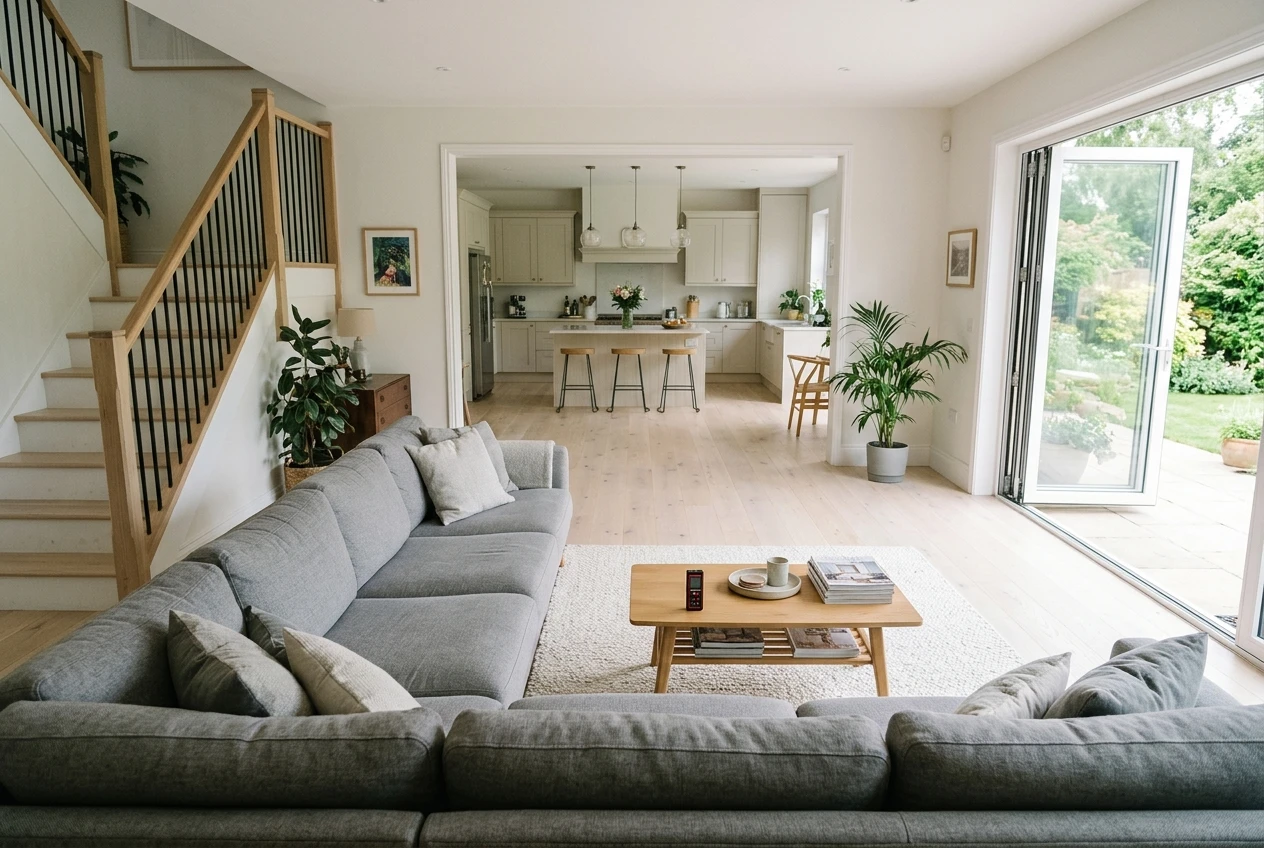
Then count the openings:
- Wide archways or doorless passages to other rooms
- A staircase or loft that opens to the living space
- Sliding doors or large windows you open regularly
- Supply and return vents for your heating and cooling system
Openings matter because they bring in new air and new particles. A living room with one door you keep shut behaves like a closed box. A living room with a kitchen, a stairwell, and a patio door in regular use behaves more like a corner of the whole house. The more open the space, the more airflow margin you want.
Here is the example used through the rest of this guide. A living area of 18 by 24 feet is 432 square feet. An open kitchen of 10 by 12 feet adds 120, for 552 square feet. With 9-foot ceilings, the volume is 4,968 cubic feet. Substitute your own numbers as you read.
Why the coverage number on the box can mislead in a big room
The “recommended room size” on a package is a convenient summary, and it rests on assumptions you cannot see from the shelf. Many manufacturers base the figure on a standard ceiling of about 8 feet and on a particular number of air changes per hour. Your room may differ on both counts.
Ceiling height is the easiest place to see the problem. A 432-square-foot living room with an 8-foot ceiling holds 3,456 cubic feet of air. The same floor area under a 14-foot vaulted ceiling holds 6,048 cubic feet, which is 75 percent more air for the same square footage. A purifier matched to the floor area alone will clean that taller room much more slowly than the box implies.
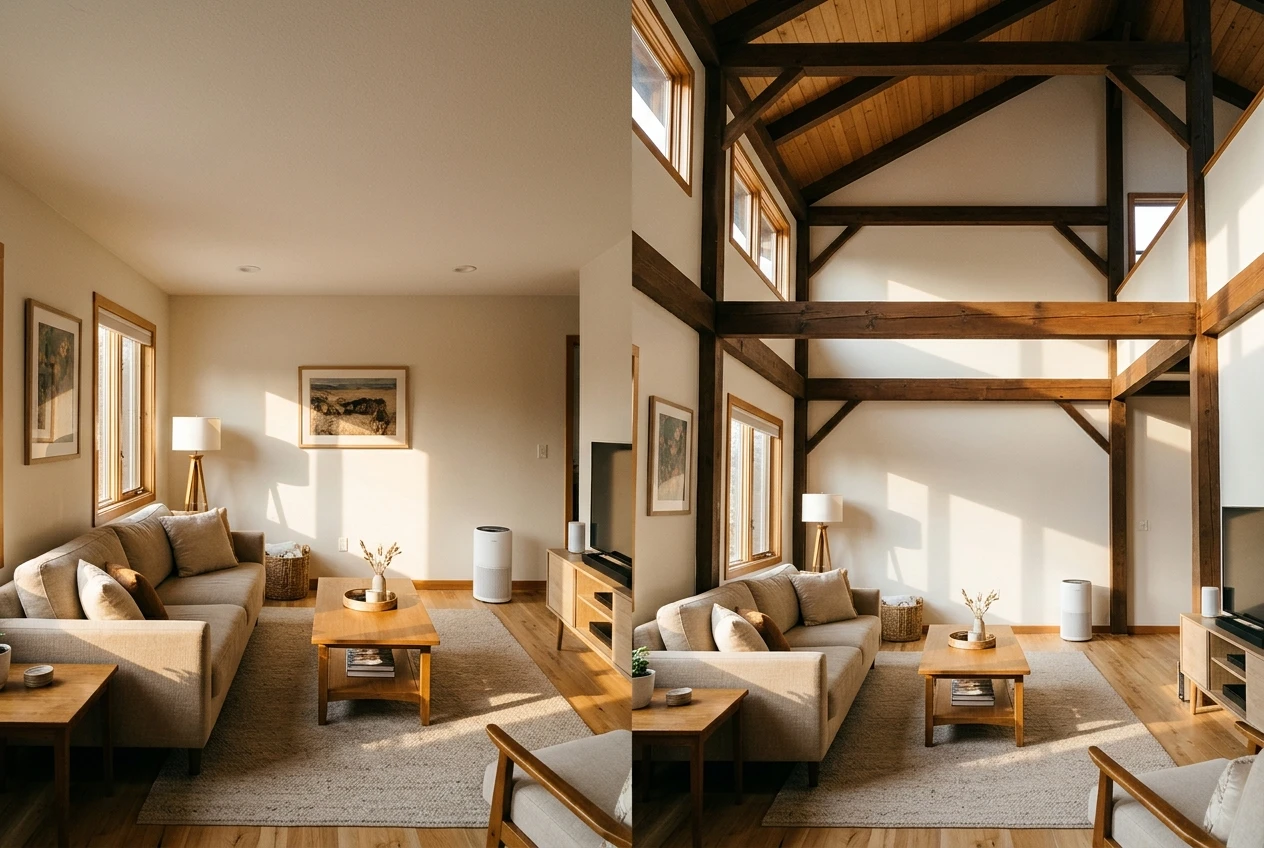
Three other things can make a coverage number optimistic in a large room:
- Test conditions. CADR ratings come from a sealed test chamber and are typically measured at the unit’s highest speed. At the lower speeds you would run overnight, real output is lower.
- Air change rate. Some brands quote coverage by a gentler standard, such as fewer air changes per hour, than the one a different brand uses. Two boxes with the same square footage can mean different amounts of cleaning.
- Room shape. A long or L-shaped open space has corners the airflow may never reach well, which a rectangle on a spec sheet does not capture.
So use the coverage number only as a first filter. The airflow figure underneath it is the one to buy on.
CADR and air changes per hour, explained in plain numbers
CADR stands for Clean Air Delivery Rate. It is a measure of how much purified air a unit delivers, expressed in cubic feet per minute in the US. Most purifiers list three CADR values, one each for smoke, dust, and pollen, because the filter captures particles of different sizes with different efficiency. A higher number means more clean air per minute.
Air changes per hour, or ACH, tells you how many times the unit can process the full volume of your room in an hour. The formula is:
ACH = CADR × 60 ÷ room volume in cubic feet
You can also run it backward to find the CADR you need:
Required CADR = target ACH × room volume ÷ 60
Using the 4,968-cubic-foot example:
- For 4 ACH, you need about 331 CADR.
- For 5 ACH, you need about 414 CADR.
For the 14-foot vaulted room of 432 square feet (6,048 cubic feet), 5 ACH requires about 504 CADR.
What target should you choose? A widely used guideline from the Association of Home Appliance Manufacturers says the smoke CADR should be at least two-thirds of the room’s floor area, assuming an 8-foot ceiling. That works out to roughly five air changes an hour. Many buying guides treat 4 to 5 ACH as a reasonable range for a living space. For a large, open, or high-ceilinged room with many openings, aim toward the upper end of that range, and treat it as a practical starting point rather than a guarantee of any particular result.
When you compare models, look at the smoke CADR first, since smoke particles are the smallest of the three tested sizes. Then check that the dust and pollen numbers are in the same neighborhood. Use the manufacturer’s published CADR, and treat a model that lists only a coverage figure and no CADR with caution. If the brand will not tell you the airflow, you cannot size the unit.
If you want the shorter version of this process for a regular-sized room, the guide to matching a smart air purifier to your room covers it. The rest of this article deals with what changes when the room gets big.
Do smart sensors work in a large room? Where to place the unit so the readings mean something
Most smart purifiers include a particle sensor that reads the air near the unit and feeds an auto mode, a color indicator, or an app graph. The sensor measures only the small amount of air that passes through it. In a big room, that sample can differ a lot from the air at your sofa, your dining table, or the far side of the kitchen.
This means the readings are local. If the unit sits ten feet from the stove, the sensor will react to cooking long before the rest of the room is affected. If it sits in a still corner, it may show a calm reading while the air near an open patio door is dustier. Neither reading is wrong. Each is accurate for where the sensor is.
Placement decides whether the numbers are useful. A few habits help:
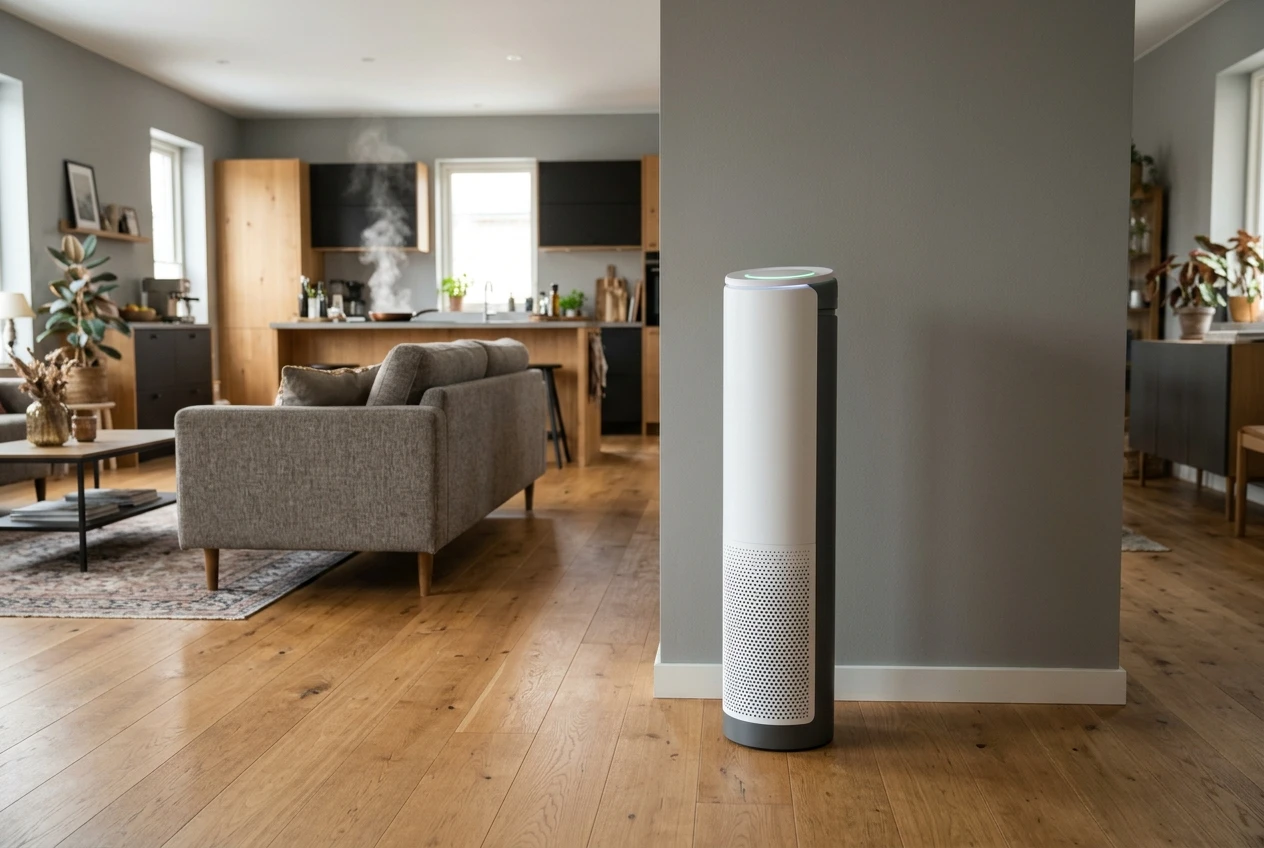
- Put the unit where air in the room naturally moves, such as along a main wall with open space around it, rather than tucked behind a sofa or inside a bookshelf alcove.
- Leave clearance around the intake and outlet. Check the manual for the distance the maker recommends, and follow it.
- Keep it away from cooking, the humidifier mist, and direct drafts, which can spike or distort the sensor. If your unit turns red when a humidifier is nearby, the humidifier and red light checks explain what may be happening.
- Mind the vents. A unit beside a supply or return vent competes with the system’s airflow, and the HVAC vent placement article goes through when that helps and when it hurts.
- Use a hard, flat surface when you can. If the only option is a rug, read about air purifiers on carpet first.
Treat auto mode with some skepticism in large rooms. It adjusts the fan to what its one sensor sees, and that can leave the unit idling at a low speed while particles accumulate elsewhere in the space. If you have a big room, it is reasonable to set a fixed medium speed during the hours you are home and use auto mode as a supplement, not the entire plan. Watch the app’s history for a week or two and see whether the readings follow what you know happened in the room, such as cooking, vacuuming, or opening the windows. If they do, the sensor is doing its job.
Noise at the speed you will actually run it
Manufacturers often list noise at the lowest fan setting, which is the quietest number they have. In a large room, the unit may need to run at a much higher speed to deliver the airflow you calculated. The decibel rating you care about is the one at that speed.
Here is how to handle it:
- Find the CADR you need from the formula above.
- Check whether the published CADR is for the maximum speed, as it usually is.
- Look for the noise rating at the maximum speed and at the middle speeds, not only at the lowest.
- Ask whether the unit can reach your target at a medium setting. A purifier with a CADR well above what you need can run at a lower speed and stay quieter.
That last point is the main reason that buying slightly more airflow than the minimum is often sensible in a large room. A unit rated for 500 CADR running at 60 percent of its capacity is typically quieter than a 330 CADR unit running flat out to achieve the same cleaning. The tradeoff is a higher purchase price and, sometimes, bigger filters.
On the decibel scale, a 10 dB increase is generally perceived as roughly twice as loud, so differences that look small on a spec sheet can be clearly audible. If the living room is also where you watch television or hold conversations, noise matters more than it would in a hallway. If you can, check reviews that describe the sound at higher speeds, such as whether it is a steady hum or has a whine.
If a unit you already own gets louder over time, the guide to rattling, whistling, clicking, and grinding can help you tell a loose part from a clogged filter.
One big unit or two smaller ones? When splitting the load makes sense
A single large unit is simpler: one filter set to replace, one app, one outlet. For a rectangular room with a clear central position, it is usually the best choice.
Two smaller units make sense in a few situations:
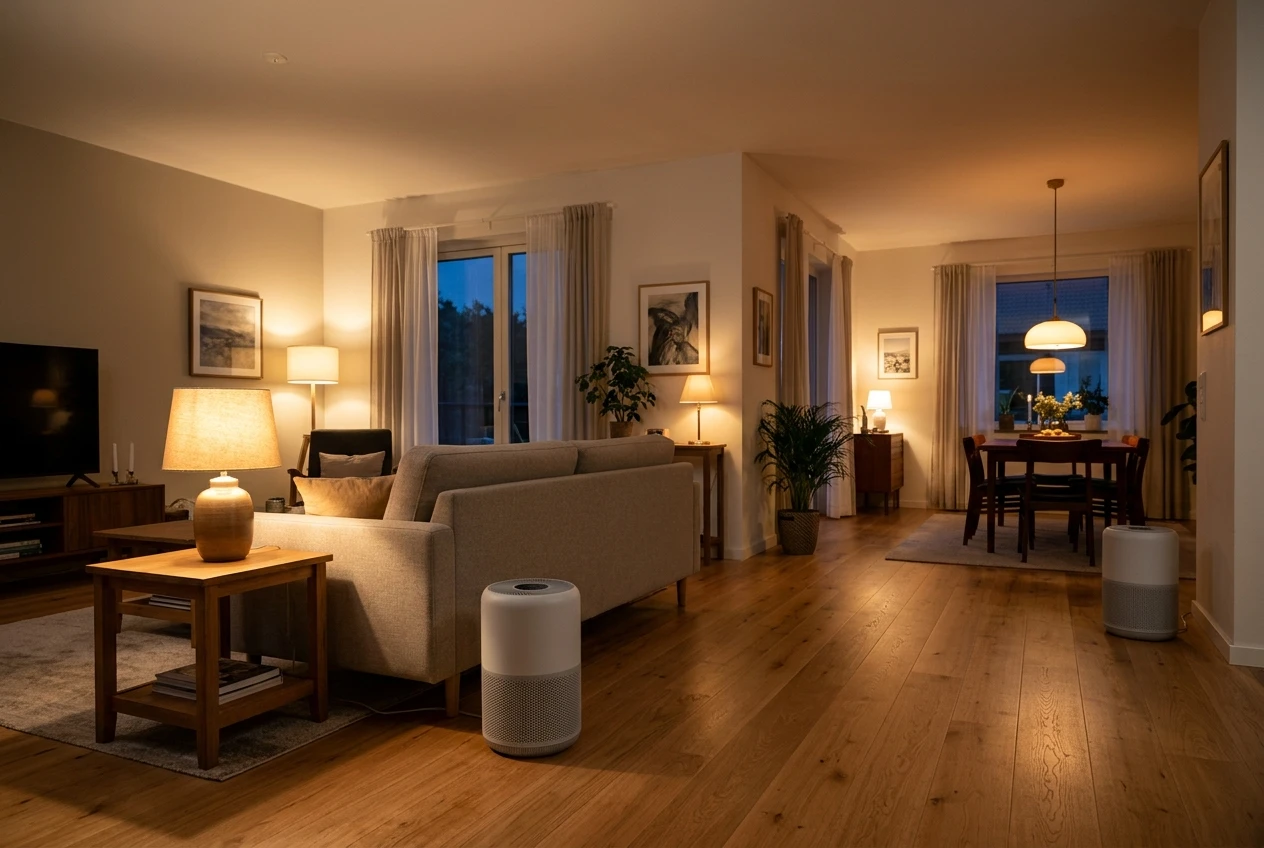
- The space is long or L-shaped, and one unit would leave a far zone poorly served.
- The open plan has distinct zones, such as a kitchen and dining area at one end and a seating area at the other.
- You want each unit to run at a lower, quieter speed. Two units each delivering half the target airflow can both run slower than one unit delivering all of it.
- You want flexibility. You can move one unit to a bedroom at night while the other stays in the living area.
The CADR of two units roughly adds together for the purpose of sizing, as long as they are placed so that they are not blowing directly into each other. Using the 414 CADR target, two units rated near 210 each would meet it on paper.
The costs add up as well. Two units mean two sets of replacement filters, two apps or one combined account, and two power draws. Compare the yearly filter cost of one large unit against two small ones before you decide. Sometimes the smaller units use cheaper, more widely available filters, and sometimes it is the reverse.
What to check before you buy: filter cost, filter availability, and app features you will really use
The purchase price is only part of the cost. Filters are the recurring expense, and large-room units tend to use larger or more numerous filters.
Filter cost per year. Find the price of the replacement filter set and the manufacturer’s stated replacement interval, then multiply to get an annual figure. Do this for every model on your shortlist. A cheaper unit with expensive filters can cost more over two or three years than a pricier one with affordable filters.
Filter availability. Check that replacements are sold in several places and are not frequently out of stock. If a model’s filter is hard to find, you may end up in the situation the article on missing filters describes. It is also worth reading how original and compatible filters compare before you commit, since some units perform differently with third-party options.
App features you will actually use. Smart features vary widely, and a long list is not the same as a useful one. Ask yourself which of these you would use weekly:
- Manual speed control from your phone or voice assistant
- Schedules, such as higher speed while you cook or before guests arrive
- Filter life reminders
- Air quality history, so you can see patterns over time
- Whether the unit still works fully with its physical controls if the app or Wi-Fi fails
Features you will not touch are not worth paying extra for. Features that depend on a cloud service raise the question of what happens if the company changes its app, so look at how well the unit works without it.
Finally, confirm the dimensions. A large-airflow unit is physically big, and it needs clearance on its sides to breathe. Measure the spot where you plan to put it.
Keeping a big-room purifier working: filter checks and placement habits
A large room pushes the unit harder, and filters in a high-airflow unit can load faster than the maker’s interval suggests, particularly if you have pets, cook often, or live near construction or heavy traffic. Treat the stated replacement interval as a maximum and check the filter on a schedule of your own.
A simple routine:
- Check the pre-filter or outer filter monthly. If the manual says it can be vacuumed, do that. If it says the filter must never be washed, do not wash it. The article on accidentally washing a filter explains what to do if it already happened.
- Look at the main filter at the interval the manual gives, and replace it sooner if it is visibly loaded or airflow has dropped.
- Watch for weak airflow. If a unit that used to move plenty of air now barely blows, work through the weak airflow checks before replacing the whole unit.
- Keep the clearance. Furniture, curtains, and boxes drift toward a unit over time. Recheck the space around the intake and outlet every few weeks.
- Re-evaluate placement after changes. If you rearrange the room, add a rug, or start running a humidifier, the sensor readings and airflow pattern may shift.
Write the replacement date on a calendar or set a reminder, since the unit’s own indicator may be based on run time and not on how dirty the air in your home is.
Get the large-room sizing checklist
Sizing a purifier for a big room comes down to a handful of numbers, and it is easier when they sit side by side. Join the email list and you will get a free large-room sizing checklist that helps you compare purifiers by airflow, noise, and filter cost before you buy.