The lamp comes back on. The router starts blinking. Across the room, your air purifier is still quiet. It might be running with the display dimmed, or it might be waiting for someone to press Power.
Before you go back to bed or leave the room, check what the purifier actually restored. A machine can have power and still be sitting in standby.
Will my air purifier restart after a power outage?
It depends on the exact model. Some resume airflow on their own. Others need a press of the Power button. Once power is back, check for airflow at the unit, confirm the speed or mode, and verify any timer or schedule you rely on. Check the app after your home Wi-Fi is back online.
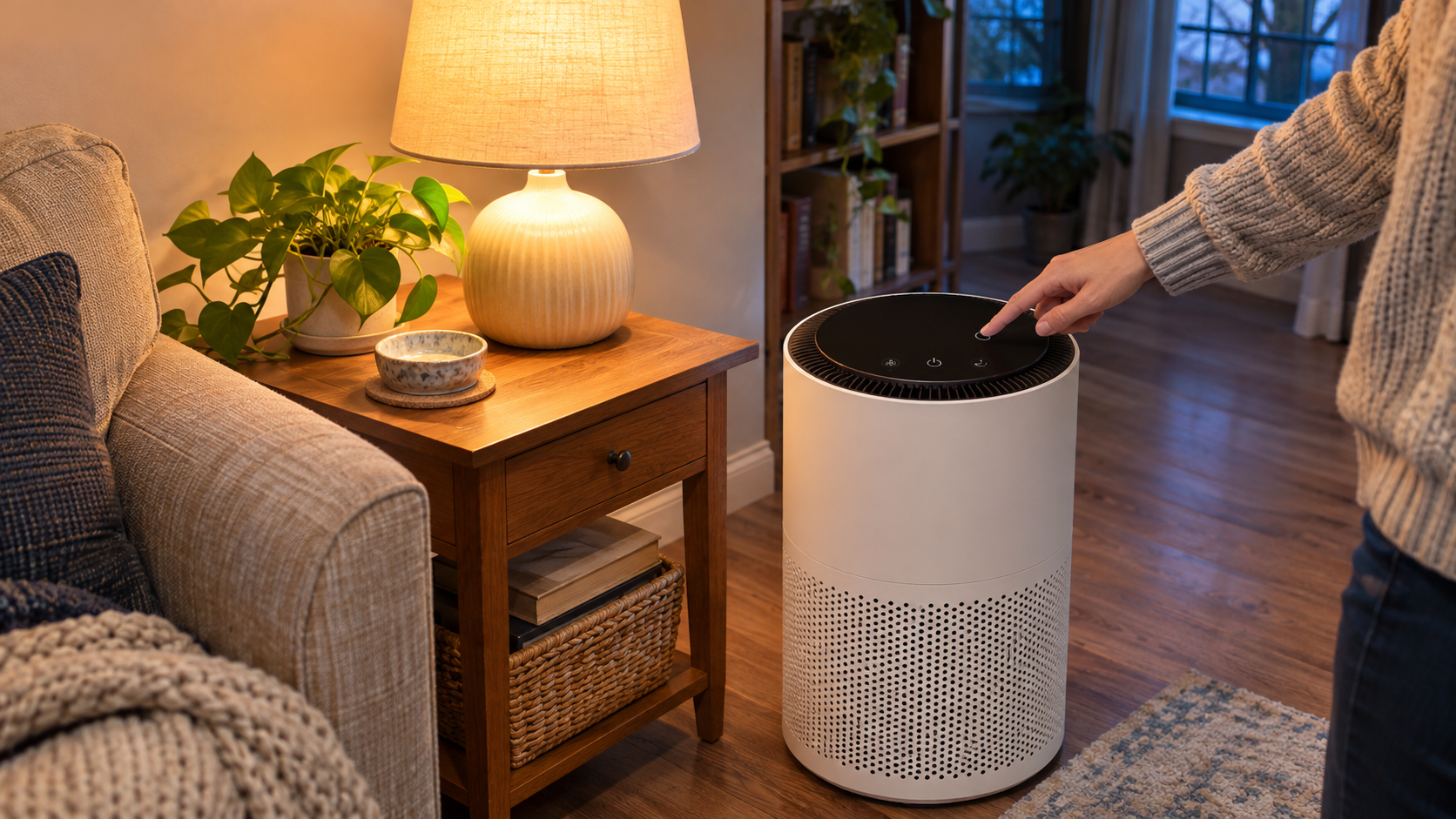
Three checks once the power is back
-
1 Check airflow
Give the purifier its usual startup time. Hold your hand near the air outlet without covering it. If the fan stays off, try the unit’s Power button as directed in the manual.
-
2 Check the mode
Look at the fan speed and whether Auto or Sleep mode is active. Choose the setting you normally use if the unit came back in a different one.
-
3 Check the next run
Look for an active countdown on the unit. Once Wi-Fi is back, check the next app-scheduled start or stop and watch it run when you’re home.
If the display is dark but you can feel airflow, check the display and Sleep mode settings. On some models, the same setting can dim the lights and turn down the fan.
What did your purifier do?
| What you notice | What to check next |
|---|---|
| Fan starts when you press Power | Check the manual for restart behavior. For this outage, record that the purifier needed a manual start. |
| Fan resumes at a different speed | Restore your usual speed or mode. Check any active countdown while you’re at the unit. |
| Fan runs, but the app shows offline | Use the local controls. Once the home network is working, follow the Wi-Fi troubleshooting guide if the app still can’t connect. |
| Fan stays off after you try Power | With normal power restored at the wall outlet, check the exact model’s troubleshooting instructions. If it starts and stops again, see the guide to a purifier that keeps shutting off. |
Look for two separate promises in the manual
Auto restart describes what the purifier does when electricity returns. Settings memory describes which choices it saves. Look up both under your exact model number, then check how it handles timers.
Smart Air documents a mechanical speed control on the Blast and Blast Mini. The fan returns to its previous speed when electricity comes back. Levoit’s Core 400S-P manual gives a separate timer example. It describes saving the last countdown duration and tells owners to start the timer again when the purifier is turned back on.
See the Smart Air Blast and Blast Mini manual (Safety Instructions) and the Levoit Core 400S-P manual (Memory Function).
Make a note you can use next time
The useful detail is what happened with your exact unit. Keep four lines in your phone or on the room-fit worksheet in the free Smart Air Purifier Fit & Filter Planner.
If you’re comparing purifiers for a room where you rely on scheduled operation, verify restart behavior alongside room fit and replacement-filter availability. Ask the manufacturer about the exact model if the manual is unclear.
Quick knowledge check
Choose an answer to see the feedback.
1. The room lights are back, but the purifier display is dark. What do you check first?
2. The manual says the purifier saves its last fan speed. Will it start by itself?
3. You feel airflow, but the app says the purifier is offline. What do you do?
4. The purifier remembers your two-hour timer setting. What else should you check?
Frequently asked questions
Does Auto mode turn a purifier back on after a power cut?
Auto mode typically adjusts the fan while the unit is on. Look for auto restart, power failure, or power restoration in the manual to learn how your model resumes.
Can I use the purifier while the router is restarting?
On a model with local power and speed controls, use those buttons while the router restarts. Once the purifier reconnects, confirm that your schedule is enabled and check the next start or stop time.
Will auto restart turn on a purifier that was already off?
Look for whether the manual says the model restores both its previous power state and its settings. Ask the manufacturer specifically what happens if the unit was off before electricity was interrupted.
Where do I find my purifier’s restart instructions?
Copy the model number from the rating label and search the manufacturer’s manual for “auto restart,” “power failure,” “memory,” or “timer.” Ask support whether the fan restarts on its own and which speed, timer, or schedule the model retains.
What did yours do when the lights came back?
Leave a comment with your purifier’s make and exact model, whether it restarted on its own, and which fan mode came back. If you use a countdown or app schedule, share whether you had to start it again.