Your bedroom is probably the room where you spend the most uninterrupted hours, and it is the one place where a humming purifier is a real problem. Many people buy a unit that looks quiet on the box, turn it to its lowest setting at bedtime, and then find one of two things: the fan still bothers them, or the room never seems any cleaner. Both come from reading one number without the other.
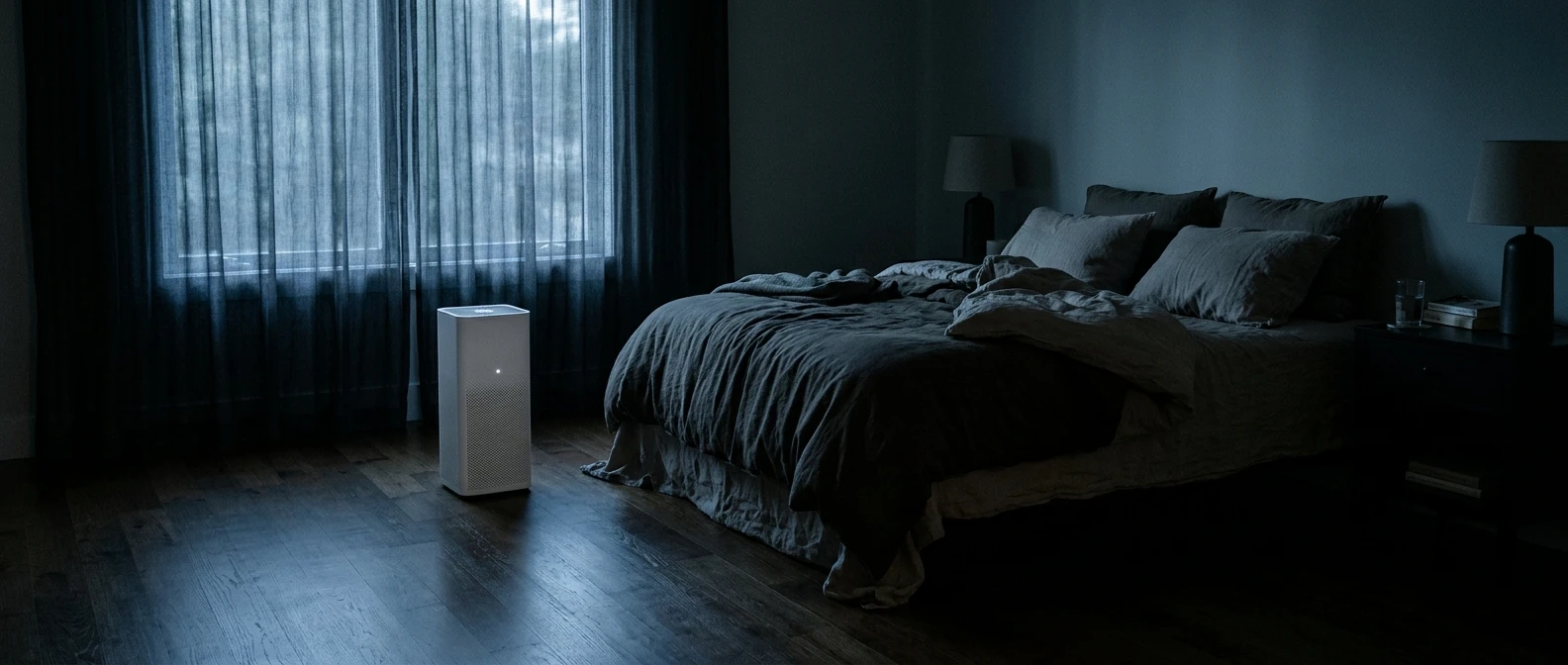
This guide shows how to read two spec-sheet numbers together, the sleep-mode noise level and the clean air delivery rate (CADR) at that same low speed, so you can pick a quiet air purifier for your bedroom that still does its job.
Start with your bedroom: size, sleep habits, and what you want the air to do
Before you look at any listing, write down three things about your room.
Floor area and ceiling height. Multiply length by width. A 12 by 14 foot bedroom is 168 square feet. If your ceilings are about 8 feet, that is roughly 1,344 cubic feet of air. Vaulted ceilings, attic bedrooms and open doorways to a hallway all make the effective room bigger than the floor plan suggests.
How lightly you sleep. Some people sleep through a steady fan and others wake at a faint tick or a glowing light. If you are a light sleeper, the low-speed noise level matters more than any other number on the page. If you sleep with a white noise machine already running, you have more room to spare.
What you want the air to do. Dust, pet dander, pollen coming in through a window, and cooking smells drifting from the kitchen are different jobs. Particle filtering is what CADR measures. If your main problem is odor, check whether the unit has a carbon filter, because CADR does not describe odor removal.
These three answers set your targets: how much air the purifier needs to move, and how quiet it must be while it does so.
Why the quietest purifier on the box often isn’t quiet where it counts
A box usually advertises its best number. A purifier described as “ultra quiet” often means the lowest fan speed is quiet. That says nothing about whether the lowest speed does enough work in your room.
There is a trade-off built into the machine. Moving more air takes a faster fan, and a faster fan makes more noise. A unit whose lowest setting is very quiet may achieve that by moving very little air at that setting. You end up with two ways to be disappointed:
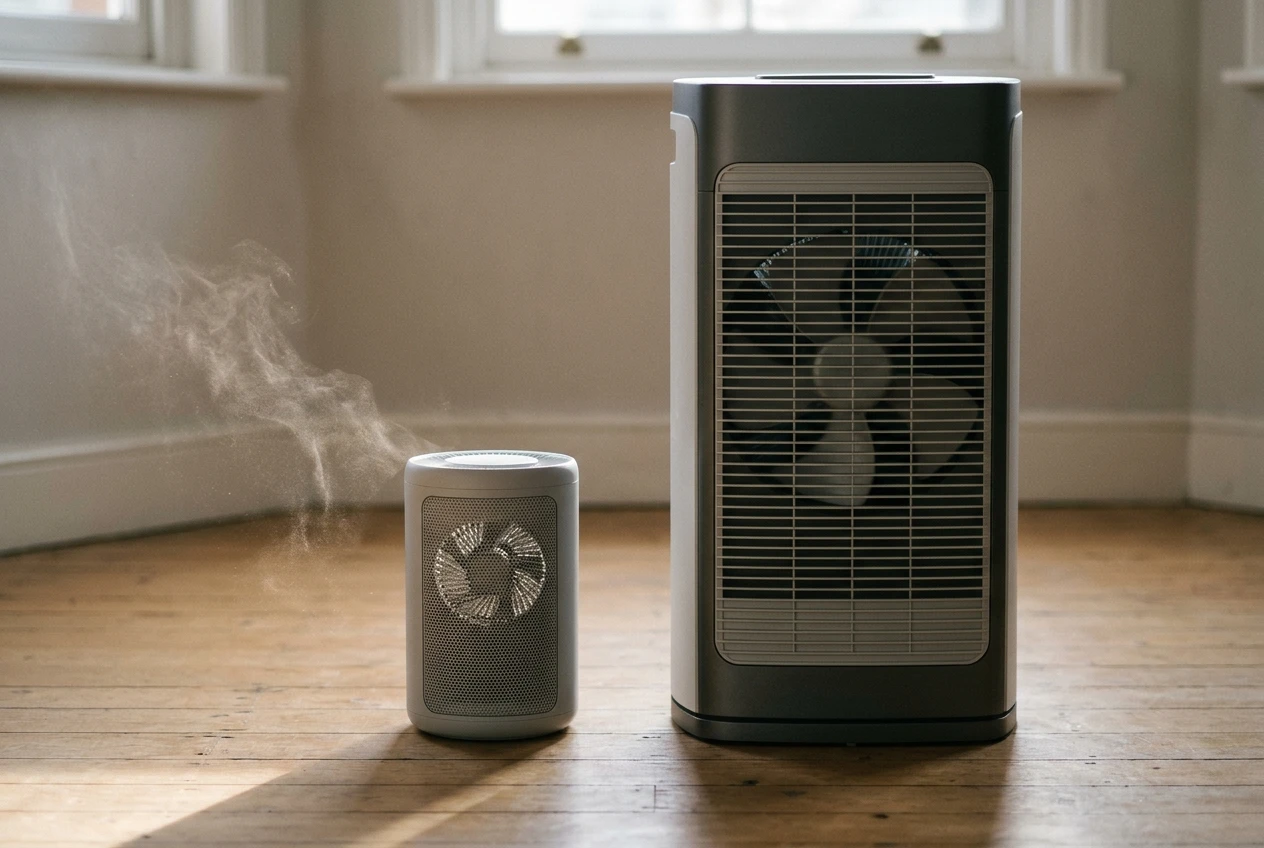
- You run it on low all night, it is silent, and it barely cycles the air in your room.
- You run it on a higher setting so it actually cleans, and it is louder than you wanted.
The goal is to find a unit where the setting you can sleep through still moves enough air for your room. That requires two numbers at the same speed, and most listings give you only one of them.
Sleep-mode decibels in plain English: what the number does and doesn’t tell you
The decibel (dB) rating on a listing tells you how loud the purifier is under the manufacturer’s test conditions. It is useful, but it has limits.
The scale is not intuitive. Decibels are logarithmic. A common rule of thumb is that a 10 dB increase sounds roughly twice as loud to most people. A unit rated at 30 dB and one rated at 40 dB are therefore a noticeable step apart, and a gap of 2 or 3 dB is much harder to hear.
Test conditions vary. Brands often measure at a particular distance in a quiet test space, and the listing may not say how. Your bedroom has hard walls, a bed and furniture, and the sound will behave differently there. Treat the number as a way to compare similar units, not a promise about your room.
Loudness is not the same as annoyance. A steady low hum is easier to sleep through than a fan that changes pitch, a click from a motor, or a chirp when the unit switches modes. Reviews from people who sleep in the same room as the purifier tell you more about this than the spec sheet does.
Check which setting the number belongs to. Look for a decibel level labeled “sleep mode,” “night mode” or “lowest speed.” If the listing gives one noise figure with no setting attached, assume you do not yet know how loud the quietest setting is.
CADR at low speed: the number most listings leave out
CADR measures how much filtered air a purifier delivers, usually in cubic feet per minute, for particles like smoke, dust and pollen. A higher number means faster cleaning. The catch is that the CADR on a listing is typically measured at the unit’s highest fan speed. That is the setting you will use least while you sleep.
So the figure you want, the CADR at sleep speed, is often missing. Here is how to get close to it:
- Check the manual or the manufacturer’s support page. Some brands publish airflow in cubic feet per minute for each fan speed.
- Compare the fan speeds. If the manual lists airflow or fan speed for each setting, you can see how much lower sleep mode runs than maximum.
- Ask the manufacturer. A support message asking for the airflow or CADR at the lowest speed is reasonable and often answered.
- Be cautious about guessing. Airflow does not always drop in a neat line as the fan slows, so an estimate is only a rough guide.
If you cannot find the low-speed figure at all, that is useful information too. It means the quiet rating and the cleaning rating cannot be tied together for that model, and you will be buying partly on trust.
Finding your balance: a simple way to match room size to a low-speed setting
You can check a purifier against your room with two short calculations. The numbers below are a made-up example to show the method, not the specs of any real product.
Step one: the quick room rule. A common guideline says the CADR should be at least two-thirds of your floor area in square feet, for ceilings around 8 feet. For a 168 square foot bedroom, that is about 112.
Step two: air changes per hour. This tells you how many times the purifier could filter all the air in the room in an hour. Multiply the CADR by 60, then divide by the room volume in cubic feet.
Take a hypothetical purifier in that 1,344 cubic foot room:
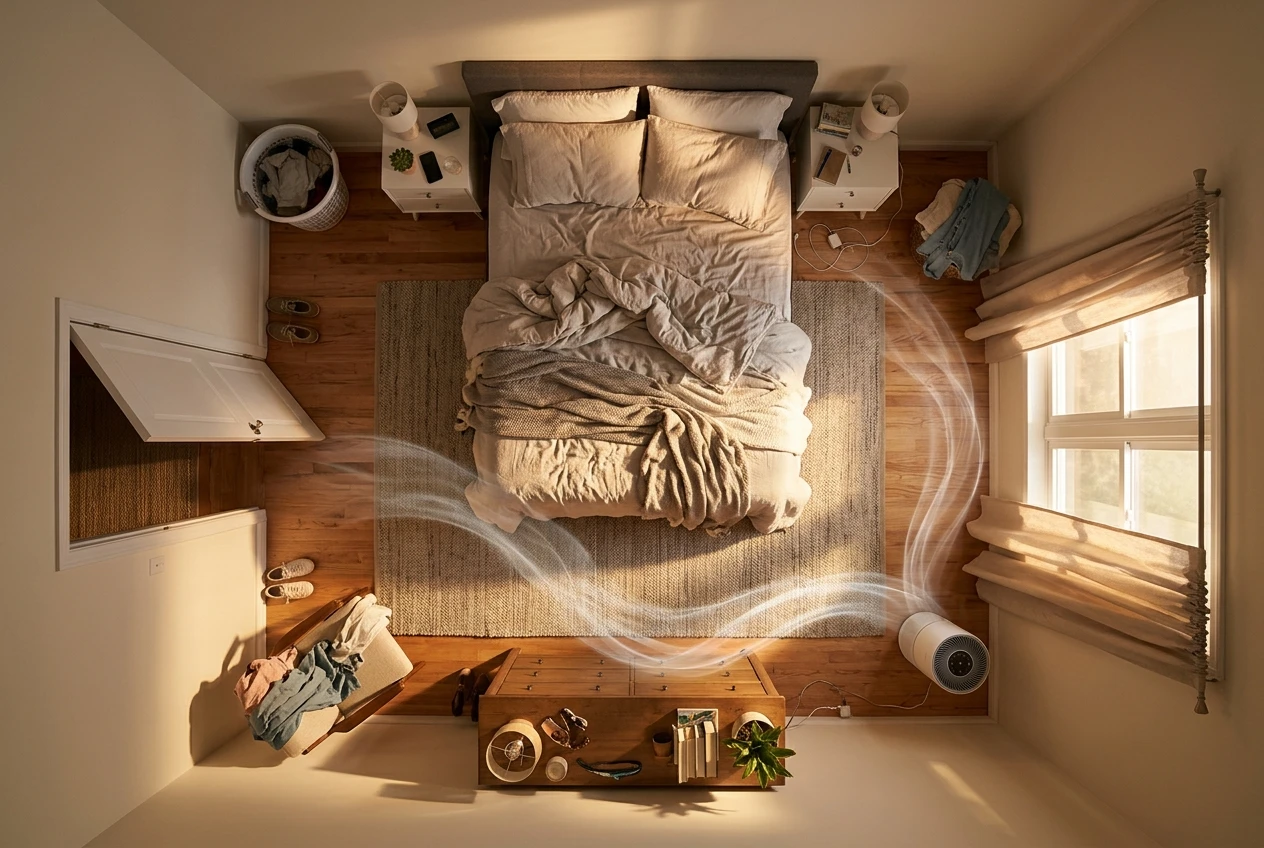
- At a low-speed CADR of 100, that is 100 × 60 ÷ 1,344, or about 4.5 air changes per hour.
- At a low-speed CADR of 30, that is 30 × 60 ÷ 1,344, or about 1.3 air changes per hour.
The first unit cycles the room’s air more than three times as often as the second while you sleep. If both were rated the same quiet decibel level, the first would clearly be the better buy for that room.
You can then decide how to use the settings. If the low-speed CADR meets your room’s needs and the sound is acceptable, you can run it on sleep mode all night. If it falls short, you have two honest options: run a higher speed for a couple of hours before bed and drop to low when you lie down, or buy a larger unit whose lowest setting is still enough. A larger purifier running slowly is often quieter than a smaller one running fast, because the bigger fan does not have to spin as hard to move the same air.
Smart features that help at night: auto mode, dimmable lights, schedules and sleep timers
Smart features earn their place in a bedroom when they reduce what you have to do at bedtime and what the purifier does to your sleep. A few are worth checking.
Auto mode. The unit reads particle levels with a sensor and adjusts fan speed. This saves effort during the day, but at night it can ramp up in response to a bit of dust and wake you. Look for a way to cap the maximum speed in auto mode at night, or a separate sleep setting that stays low regardless of the sensor.
Dimmable or switchable lights. Status rings and displays that glow in a dark room are a common complaint. You want the option to turn the display off completely, not just dim it a little.
Schedules. A schedule lets the purifier run at a higher speed in the evening while you are still up, then settle to sleep mode at a set time. This is a practical way to get cleaning done without adding noise at midnight.
Sleep timers. A timer that switches the unit off or to low after a set number of hours can work if you only need the cleaning while you fall asleep. Consider whether you would rather have the purifier running all night, since the air in a closed bedroom keeps collecting dust and skin flakes through the night.
App reliability. Features only help if you can reach them. Read reviews for complaints about dropped connections and schedules that reset after a power cut.
Placement tricks that cut noise without cutting cleaning
Where you put the purifier changes how loud it sounds and how well it works.
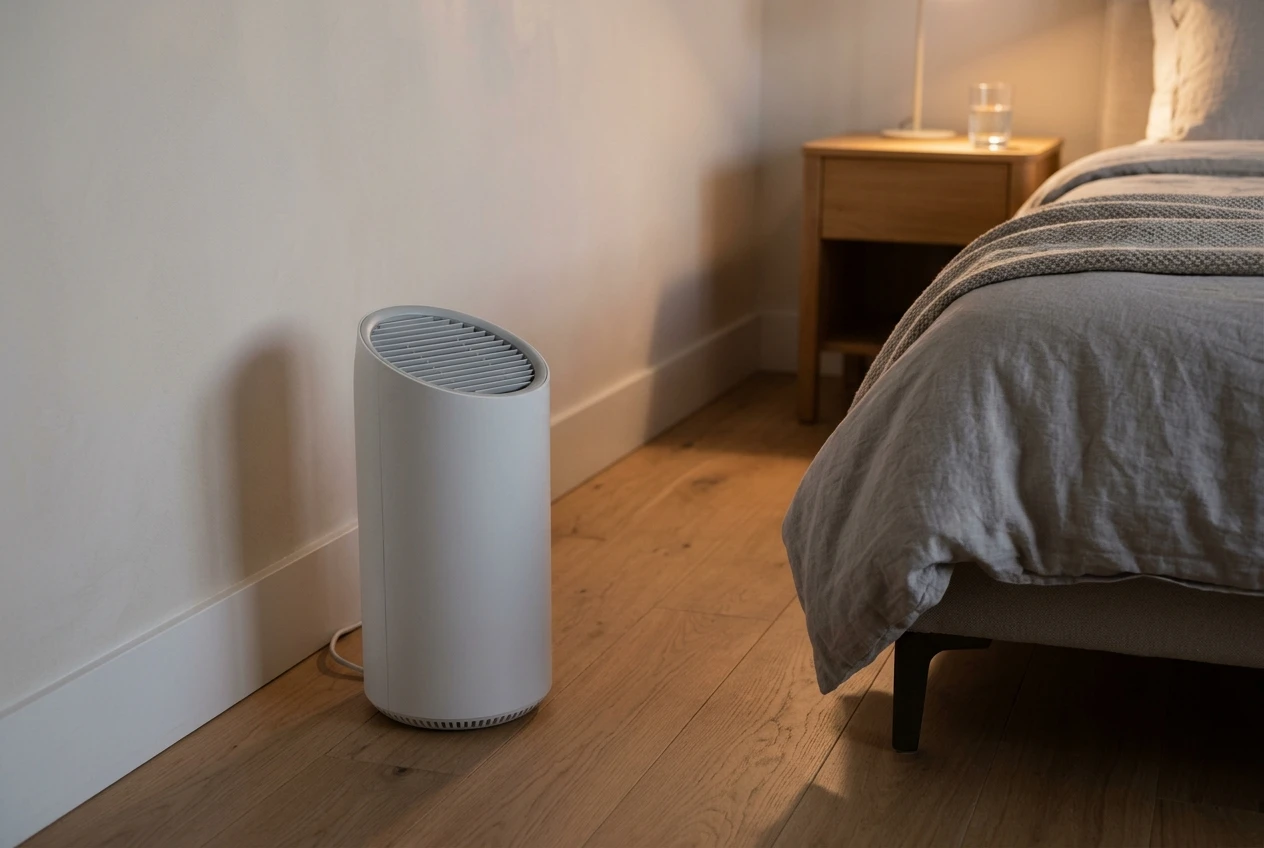
- Follow the manual’s clearance rules. Most purifiers need open space around the intake and outlet. Pushing the unit tight against a wall or into a corner can restrict airflow, which makes the fan work harder and louder.
- Put some distance between it and your pillow. Sound drops as you move away from the source. A spot a few feet from the bed, with the outlet not pointed at you, is usually a better choice than the bedside table.
- Use a solid, level surface. A unit on a flimsy nightstand can transmit vibration and rattle. The floor is often quieter than furniture.
- Keep it away from HVAC vents. A vent blowing at the purifier’s intake or fighting its outlet can create turbulence and noise. The article on whether an air purifier next to an HVAC vent helps or hurts covers this in more detail.
- Close the door when you can. A purifier only cleans the air in the room it sits in, and an open door turns your bedroom into part of a much larger space.
Keeping it quiet over time: filter changes and dust buildup that make a purifier louder
A purifier that was quiet on day one can get louder over months. The most common cause is restricted airflow. As the filter and any pre-filter load up with dust, the fan has to work harder to pull air through them, and you hear it.
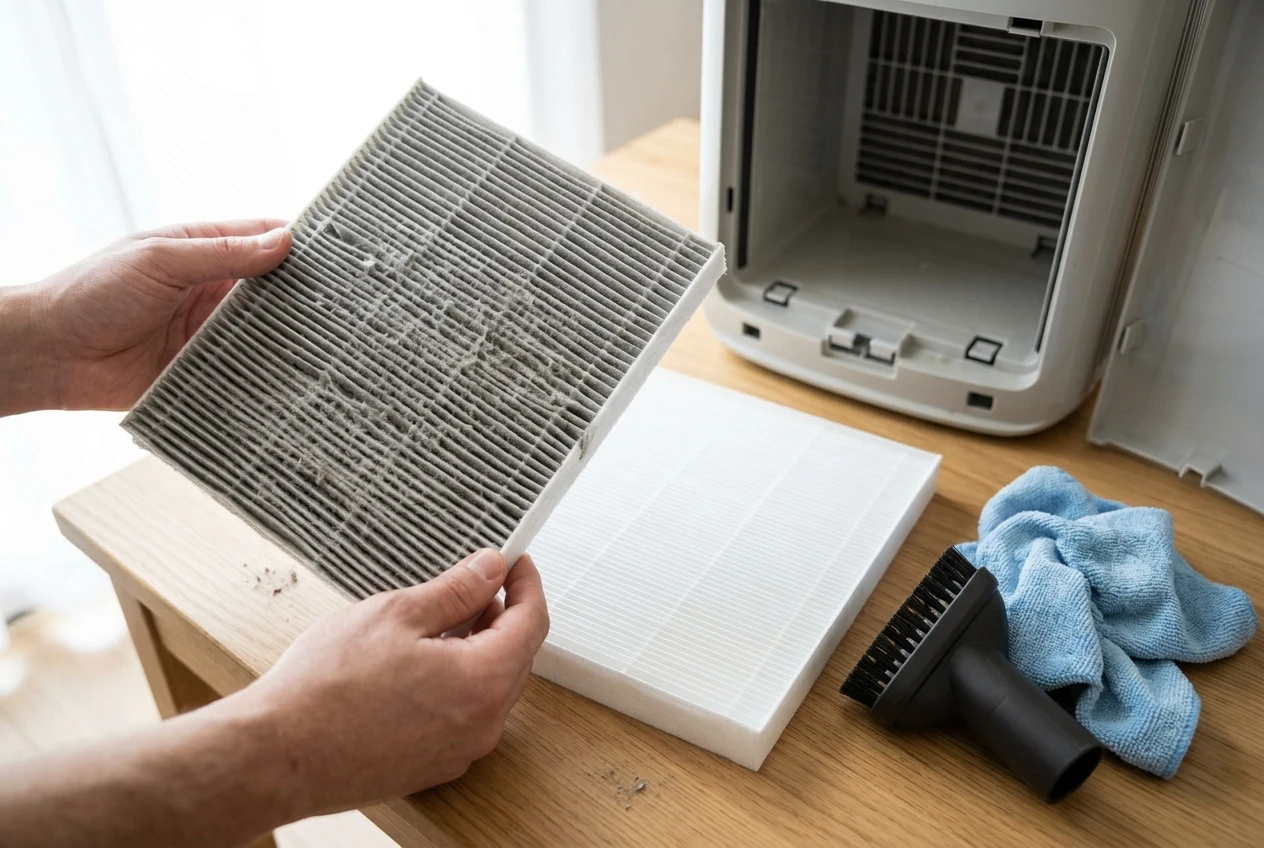
A few habits keep the sound down:
- Clean the pre-filter if your model has one. Many have a washable or vacuumable mesh layer that catches large particles and hair. Follow the manual’s instructions and make sure it is fully dry before reinstalling.
- Replace the main filter on the schedule the manufacturer gives. Waiting well past that point is one of the most common reasons a unit gets louder and moves less air.
- Wipe dust from the intake and outlet grilles. Dust on the grilles and around the fan housing adds resistance and can add noise.
- Check the particle sensor. If your model has one, the manual will say how to clean it. A dusty sensor can make auto mode run faster than needed.
If the unit is running but the airflow feels weak, these seven checks for an air purifier that barely blows air will help you work out whether the cause is the filter, the placement or the unit itself.
Get the bedroom checklist
Matching a purifier to a bedroom comes down to three numbers: your room size, the noise level at sleep speed, and the airflow at that same speed. I put them into a free, simple bedroom purifier checklist you can use while you compare listings. Join the email list to get it, and you will also find links to the full guide on how to choose a smart air purifier in 2026 and the breakdown of what a smart air purifier really costs over three years, filters included.