If you work from a spare room, a bedroom corner or a desk in the living room, you probably already know the dust problem. A fine layer settles on the monitor stand, the keyboard and the top of the printer a few days after you wipe them. An air purifier for a home office can reduce that, but it has a narrower job than most product pages suggest, and a few office-specific choices decide whether you will be happy with it by Friday afternoon.
This guide covers those choices: size, noise on calls, and where to put the unit around your cables and screens. It also says plainly what a purifier will not do.
Start at your desk: where office dust really comes from
Most of the dust around a desk is ordinary household dust. It includes fabric fibers from chairs, rugs and curtains, skin flakes, pet hair and dander, and fine particles that drift in from outside through doors and windows. Cardboard boxes, paper stacks and printers add their own bits. Your work habits matter too: you sit in this room for hours, so you stir that dust up every time you walk around, push your chair back or open a drawer.
Electronics collect dust faster than most surfaces. Monitors and computers carry a static charge that attracts particles, and fans in a laptop or desktop pull room air through the case. A desk in a corner or against a heating vent will see more settling than one in the middle of the room.
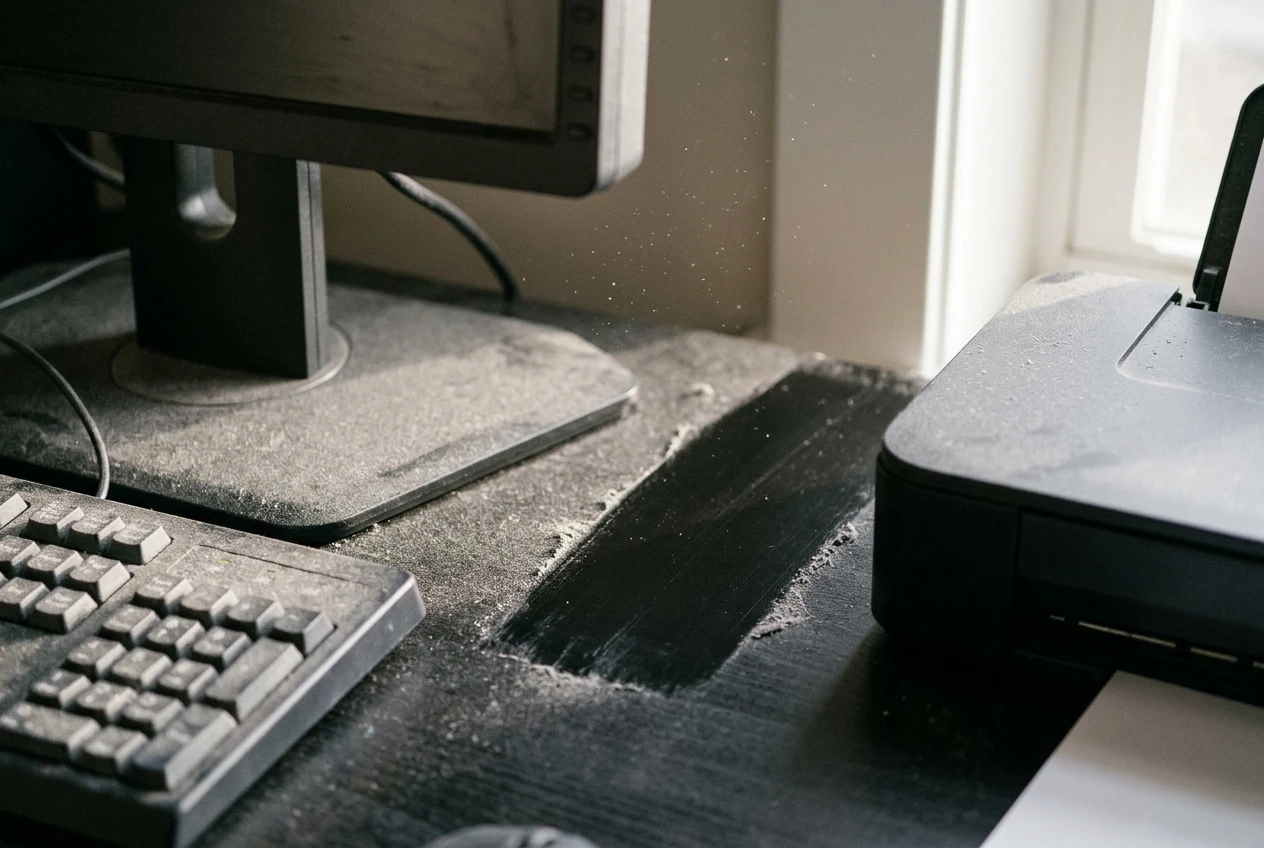
Knowing the sources tells you what to expect. A purifier works on particles that are floating in the air. Dust that has already landed on your desk is a cleaning job.
What a purifier can do for comfort and focus, and what it can’t
A purifier with a true HEPA filter pulls floating particles out of the room air and pushes cleaner air back out. Run it consistently in a small room and you should see less dust building up between cleanings. If you are sensitive to dust or pet dander, the room may also feel more comfortable. A model with an activated carbon layer can take the edge off some cooking, paint or cleaning-product smells, although carbon does less than a full pound of it would, so check how much a model actually contains.
Focus is where hype shows up. No purifier guarantees you will concentrate better, and you should be skeptical of any listing that implies it. A room that feels less irritating, or one with a steady low hum that you stop noticing, might make a long workday a bit easier. That is a comfort benefit, and it varies from person to person.
The other thing a purifier will not fix is stuffy air. That heavy feeling in a closed room usually comes from air that has not been exchanged with the outdoors, and a purifier recirculates the air already in the room. It filters particles but it does not bring in fresh air. If the room feels stale, open a window for a few minutes, leave the door open to the rest of the home, or use a vent or fan that moves air in and out. The purifier handles dust, and ventilation handles stuffiness.
Sizing for a small office: airflow for a spare room versus a corner desk
Size a purifier by how much air it moves, not by the square footage printed on the box. The number to look for is the clean air delivery rate, or CADR, which measures how quickly the unit cleans air. It is often given in cubic feet per minute. Manufacturers’ room-size claims are usually based on running the unit at its highest speed, which is the setting you are least likely to use on a work call. For a deeper look at the reasoning, the guide on sizing by airflow instead of square footage works through it for bigger rooms, and the same logic applies on a smaller scale.
Here is a worked example. A spare room that is 10 by 12 feet with an 8-foot ceiling holds 960 cubic feet of air. If you want the purifier to filter the full volume of the room about four times an hour, it needs to move 3,840 cubic feet per hour, which is 64 cubic feet per minute. A unit with a CADR comfortably above that, at a medium speed, will suit the room well. Four air changes an hour is a reasonable example target, not a rule, so treat the result as a starting point.
A corner desk in a larger open room is harder, because the purifier is cleaning air that mixes with the rest of the space. You have two options:
- Size the unit for the whole open area, which costs more and runs louder.
- Accept that it will mostly clean the air near your desk, and choose a smaller model positioned close to you.
The second option works if your goal is a cleaner immediate workspace. It will not do much for dust across the whole room. If you are still deciding what kind of unit to buy at all, the smart air purifier buying guide starts from your room and your problem.
Will it be loud on calls? Fan speeds, quiet modes and where the noise goes
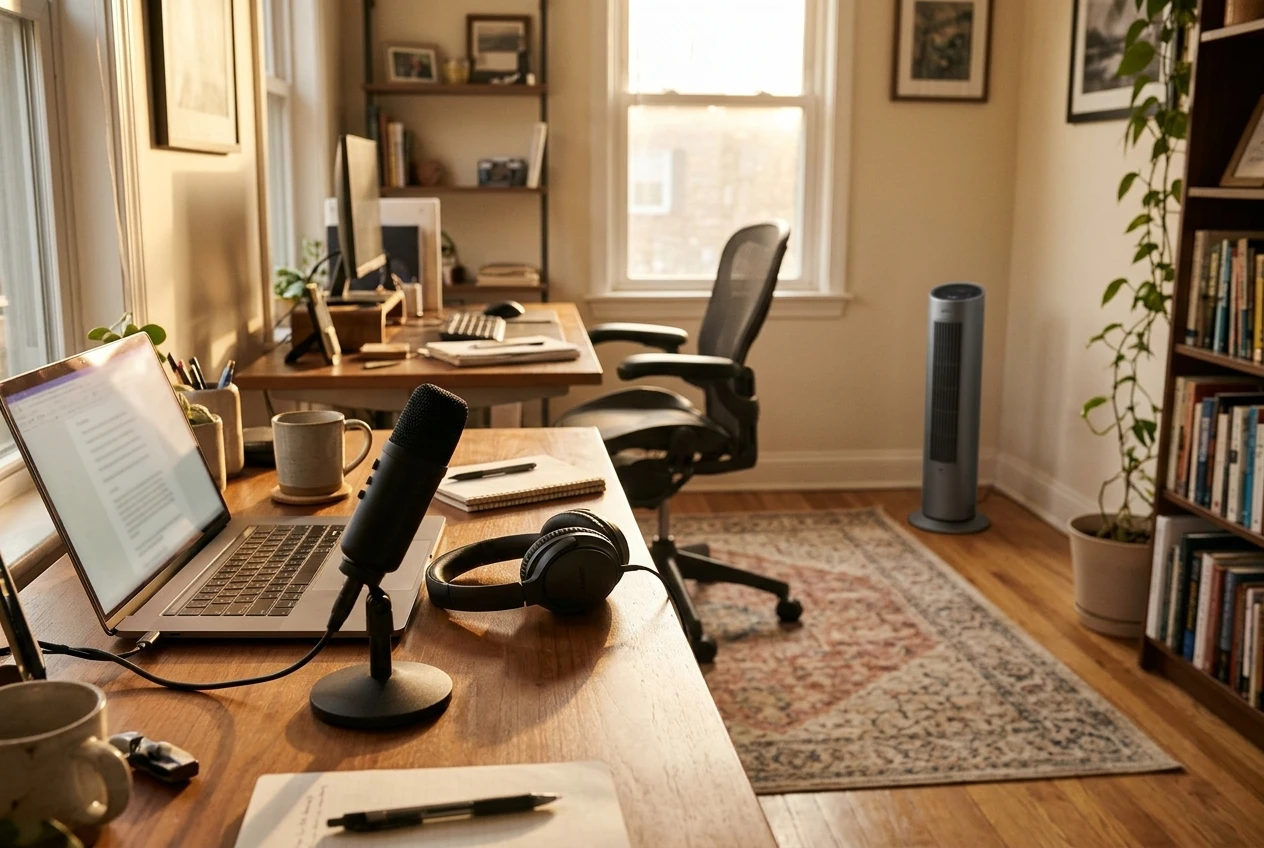
Noise matters more in an office than anywhere else in the home, because your microphone is working all day. A steady fan hum at low speed may be easy for you to ignore but still show up on a recording. A fan that surges when auto mode reacts to a spike in dust can interrupt a sentence.
Check these things before you buy:
- The noise level at the lowest speed. Manufacturers usually list decibels, but the figure depends on how and where it was measured, so use it to compare models and not as a promise.
- A quiet or sleep mode. Many units have one that caps the fan speed and dims the lights. This is the setting you will use during meetings.
- Whether the fan speed can be set manually. Auto mode is useful, but you want to be able to hold the fan at a low speed for an hour.
- Where the airflow exits. A top outlet sends air up and away from you. A side or front outlet can blow on your desk and create a different kind of noise, such as paper rustling.
Sound travels from the unit toward whatever it faces, and your microphone picks up whatever is closest to it. The simplest fix is distance: put the purifier as far from the microphone as the room allows. Then run a test call with a friend or record yourself with the purifier at your usual speed and listen back. If you can hear it on the recording, move it or turn the speed down before the next meeting. The post on bedroom purifiers covers how quiet modes work in more detail, since the same features apply.
Placing it around your desk, cables and monitors without blocking airflow
A purifier needs open space around its air intake and outlet. Check the manual for the clearance it asks for, which is often several inches from walls and furniture. A unit pushed tight against a wall, tucked under a desk or hemmed in by boxes works harder and cleans less. The general rules are covered in the article on where to put your air purifier, and an office adds a few more.
Cables. Keep power strips and cords away from the intake, since fans pull in lint and loose fibers. Run the purifier’s own cord along a wall where you will not step on it or snag it with a chair wheel. A floor-standing unit under the desk is convenient but tends to collect the cable tangle that already lives there.
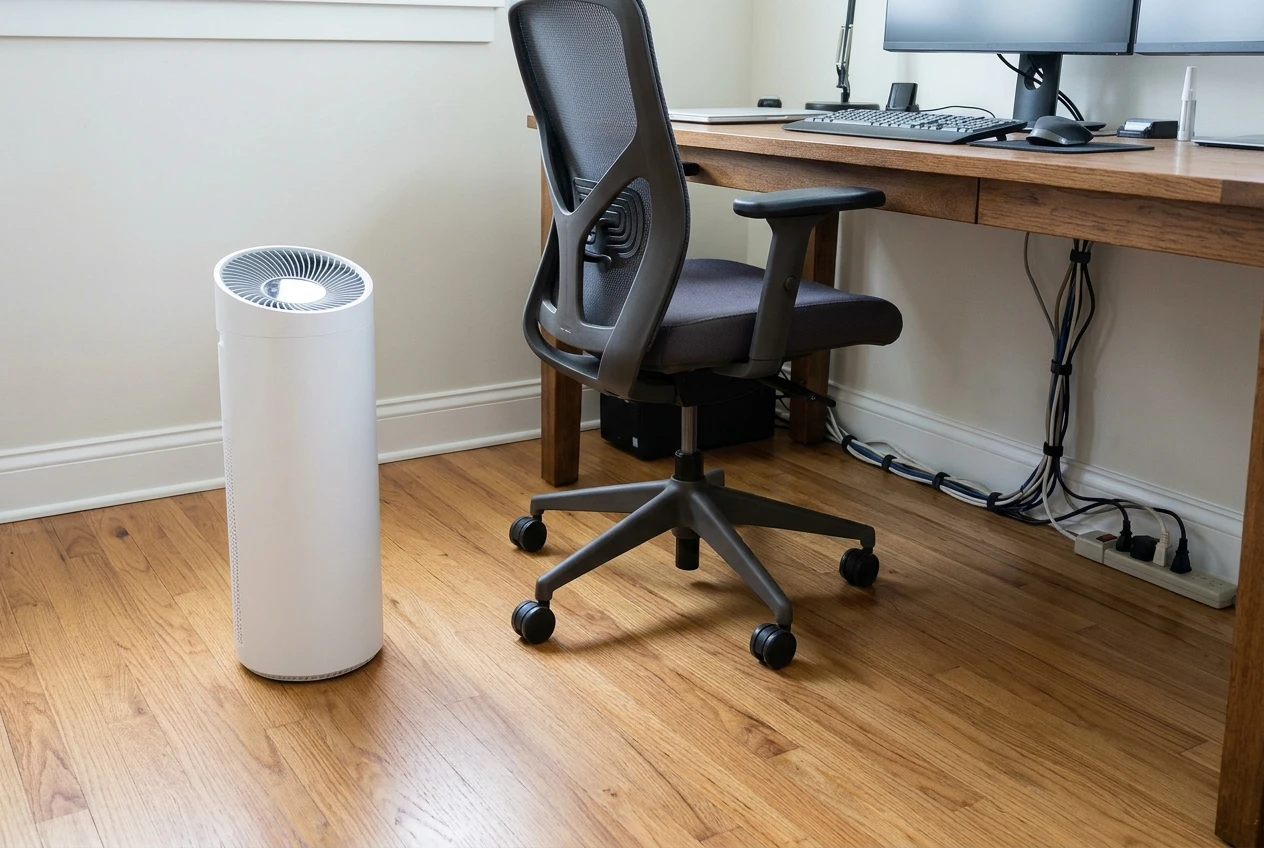
Monitors and electronics. Do not place the purifier directly in front of a monitor’s vents or a computer’s air intake, and do not stack anything on top of the purifier. Allow room so the unit’s airflow does not fight with a PC fan. A bright display light can also glare on a screen, so face it away from your monitors or dim it.
Papers and plants. If the outlet blows sideways at desk height, loose paper will move. A tower with a top outlet avoids this.
A spot a few feet from your chair, with clear space around it and the outlet aimed into the room, usually works better than one right beside your legs.
Dust on your gear: what a purifier reduces and what still needs a cloth
A purifier reduces how quickly new dust arrives on your keyboard, monitor stand and shelves, because there are fewer particles floating around to land. It will not remove the dust already there, and it will not stop settling entirely. Expect slower build-up between cleanings, not a spotless desk.
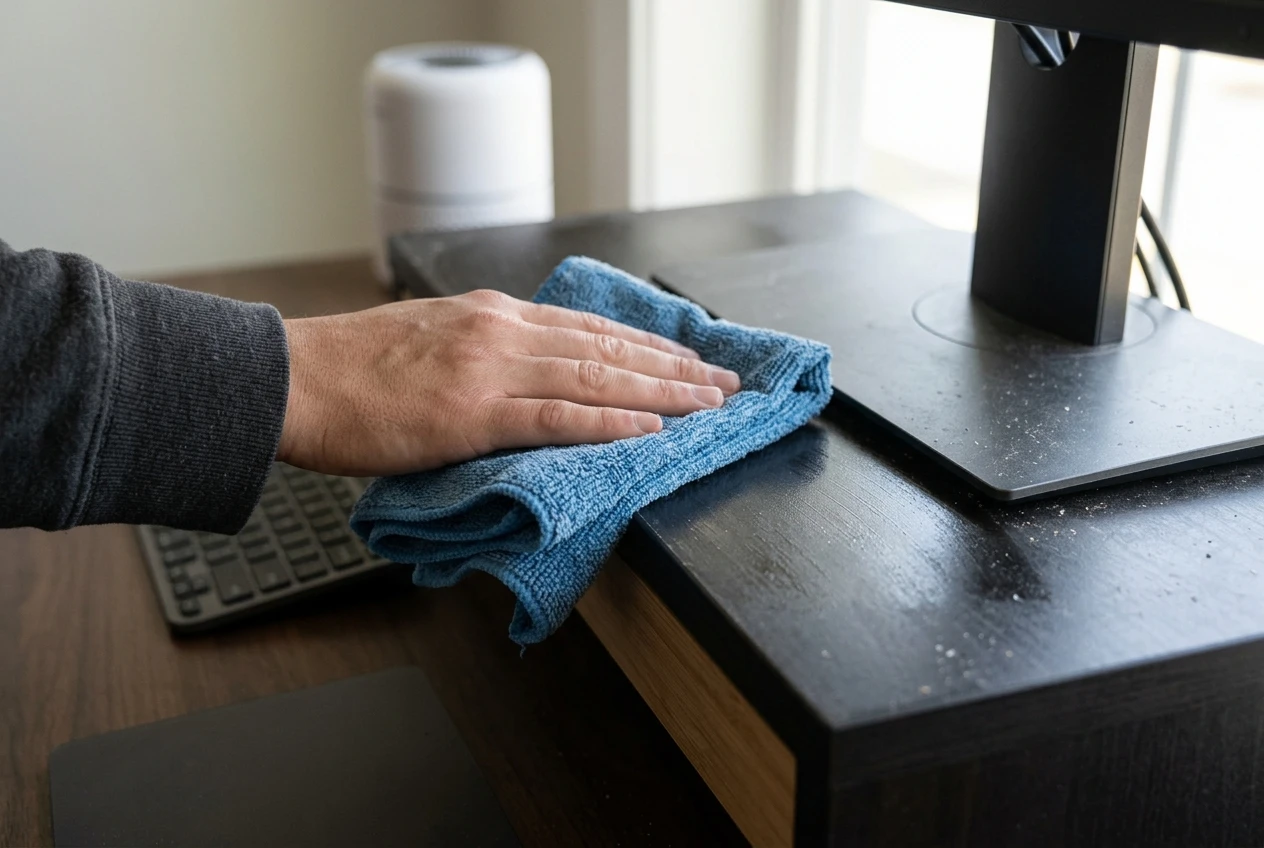
Keep a short cleaning routine alongside it:
- Wipe the desk, monitor stand and shelves with a slightly damp microfiber cloth. Dry dusting mostly sends particles back into the air.
- Clean the screen with a cloth and cleaner that the monitor’s manufacturer says is safe.
- Check the vents on your computer or laptop for visible lint, and follow the maker’s guidance on cleaning them.
- Wipe the outside of the purifier too, especially the intake grille.
If your purifier has a washable pre-filter, cleaning it keeps airflow steady. The guide on how to clean your air purifier’s pre-filter explains how often a typical room needs it.
Smart features worth having in an office, and the ones to skip
Smart features are useful when they save you from adjusting the unit by hand during the day. In an office, these tend to earn their place:
- Schedules. The purifier can run before you start work and drop to a quiet setting during your usual call times.
- Auto mode with a particle sensor. The fan responds to what the sensor detects, so it speeds up after you vacuum or open a window and settles down afterward.
- Remote speed control from an app. You can lower the fan without leaving your chair or touching the unit mid-call.
- A filter life reminder. It tells you when a replacement is due so you are not guessing.
- Display dimming. A light that switches off is better than one that glows at the edge of your screen.
These are often not worth paying extra for:
- Air quality history graphs you will not look at.
- Voice assistant integration, if you would never ask for it.
- Any feature that needs a subscription or a separate account to keep working. Check this before buying.
One caution on sensors: a reading that stays high in a room that looks clean usually points to a dirty sensor or a nearby source. The article on why a purifier reads high when the room looks clean shows how to check. And if the extra cost of smart control is your main question, the comparison of smart models and basic HEPA units lays out what the money buys.
Keeping it running on a work schedule: schedules, auto mode and filter checks
A purifier cleans the air only while it runs, and dust keeps arriving whether or not you are at your desk. A practical office routine is to start the unit before your workday, so the air is already being filtered when you sit down, and keep it on a low or auto setting through the day. Switch to the quiet mode for calls and return to auto afterward. Whether to leave it on overnight or all day is a separate question, which the article on running your purifier all day versus auto mode covers.
A weekly and monthly check keeps the setup working:
- Weekly: wipe the intake grille and the outside of the unit, and glance at the area around it to make sure nothing has been stacked against it.
- Monthly: look at the pre-filter if your model has one, and clean it if it shows visible dust. Follow the manual for method.
- When the filter light comes on: replace the filter. Replacements are the main ongoing cost, so it helps to know the number before you buy. The guide on working out yearly filter cost shows how.
If the purifier is in a room that sees heavy use or a lot of paper dust, the filter may need attention sooner than the reminder suggests. Use the filter light as the baseline and your own eye as a check.
Get room-by-room purifier guides and filter reminders
If you want practical guidance for each room in your home and a nudge when filters need attention, join the email list. You will get room-by-room purifier guides and filter upkeep reminders, so your home office air setup keeps working and you avoid spending on things you do not need.