You are probably comparing two units that look alike on paper. Both have a HEPA filter, a fan, and a similar footprint, and one costs noticeably more because it connects to your phone. The smart air purifier vs HEPA air purifier question comes down to whether the extra features solve a problem in your room or just add a screen to check.
This article goes through the smart features one at a time and asks what each one does for a real room. Then you can decide whether the premium is worth it for you.
Start with your room: what problem are you trying to fix?
Before you compare models, write down what you want the purifier to do. The answer changes which features matter.
- A steady, ongoing need. Pet dander, general household dust, or a room near a busy road. The air needs cleaning most of the day, and the unit mostly runs at one setting.
- Spikes. Cooking, a vacuumed rug, a candle, a neighbor’s barbecue drifting through the window. The air is fine, then briefly isn’t.
- A specific room with specific hours. A bedroom where noise matters at night, or a home office you only use on weekdays.
- A room you rarely think about. A rental living room where you want the purifier on and out of mind.
Also note the room’s size, because that decides more than any feature. A purifier that is too small for the room will disappoint you whether or not it has an app. Our guide to sizing by airflow covers that in detail, and the short version is that you match the unit’s airflow rating to the room, not the square footage printed on the box.
What a basic HEPA purifier already does well
The cleaning itself is done by two things: the filter and the fan. The filter traps particles, and the fan moves your room’s air through it. A basic unit with a true HEPA filter and enough airflow for your room does this job, and it does it the same way a smart unit does.
That point is easy to lose in marketing. Wi-Fi does not make the filter finer, and an app does not move more air. If a smart model and a basic model have the same filter type and the same airflow rating, they clean the room at the same rate when set to the same fan speed.
A basic unit also tends to be simple to live with. You press a button, pick a fan speed, and it runs. Many have a filter-change light, a sleep or low-noise mode, and a timer. For a steady need like dust or pet hair, running one on a low or medium setting is a perfectly reasonable plan.
What a basic unit does not do is decide anything for you. If the air gets worse, it keeps running at whatever speed you chose until you change it. That is where the smart part comes in.
What the smart part adds: sensor, auto mode, app, schedules
“Smart” covers a few separate features, and they are worth separating because they cost different amounts and help in different ways.
The air quality sensor. Most built-in sensors measure airborne particles, and some models add a sensor for certain gases or odors. The sensor reads the air at the spot where the purifier sits, so it reflects that spot and not necessarily the whole room. Treat the number as a rough indicator, not a lab measurement.
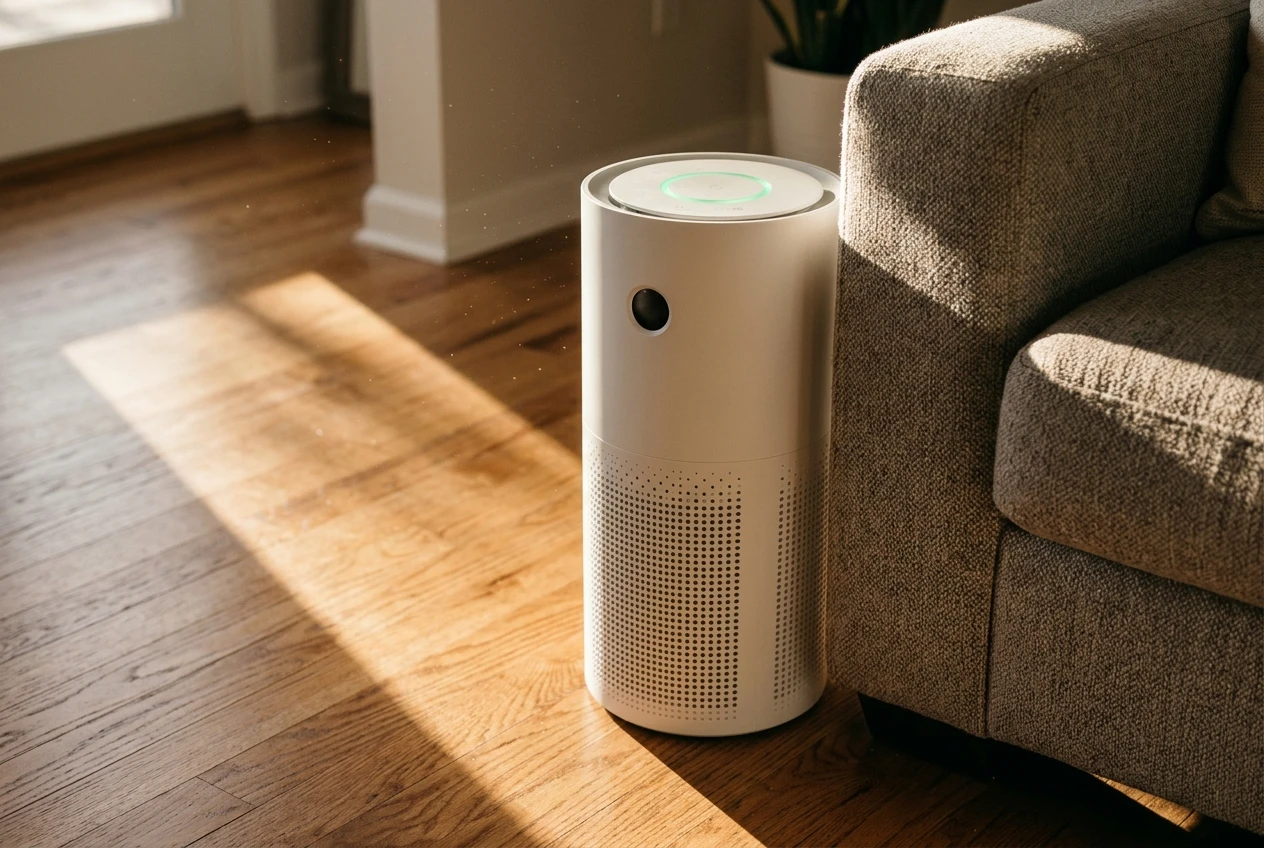
Auto mode. This links the sensor to the fan. When the reading rises, the fan speeds up, and when it falls, the fan slows down. Of everything the smart label includes, this one changes how the purifier behaves day to day.
The app. It lets you change the fan speed, turn the unit on or off, and view readings from your phone. It can also send notifications.
Schedules. You set times for the unit to start, stop, or switch to a quieter mode. Some basic units offer a simple timer, but full weekly schedules usually come with the smart models.
Filter-life tracking. The unit estimates when the filter needs replacing and shows that in the app, often alongside an on-unit light. Many units estimate this from running time, which means it is a reasonable reminder but not a measurement of how clogged the filter is.
Which smart features earn their cost (and which mostly don’t)
Here is each feature measured against the problems from the first section.
Auto mode: worth it if your air quality changes during the day
If your need comes in spikes, such as cooking smoke, a vacuumed rug, or a window open to traffic, auto mode does something a basic unit cannot. The fan speeds up while the air is worse and drops back afterward, so you are not running it loud all day or remembering to turn it up when you start the stove.

If your need is steady and you run the unit at one speed anyway, auto mode adds little. You would be paying for a feature that settles on the same setting you would have picked.
Auto mode also has a quirk to check: some units idle at a very low speed when the sensor reads clean, and that low speed may move less air than you expected. If you want consistent air changes, a fixed speed is more predictable.
Schedules: useful for routines, optional otherwise
A schedule helps when your room has predictable hours. Running the purifier in the bedroom before bedtime and switching to a quiet mode overnight is a good example. A home office that only needs it on workdays is another.
If you are home most of the day and just want the unit running, a basic timer or simply leaving it on is enough. Paying extra for weekly scheduling you will never set up is the most common way people overspend on this feature.
App alerts: nice to have, rarely essential
Notifications about filter life or poor air quality sound useful, but think about whether you would act on them. A filter reminder is genuinely handy if you tend to forget maintenance. A phone alert that the air in a room you are not in has worsened tends to be something you cannot do much about.
A basic unit with a filter-change light covers the most important alert. If you check on it regularly, you do not need the phone version.
Filter-life tracking: helpful, but not a guarantee
Tracking takes the guesswork out of replacement timing, which people often get wrong in both directions: replacing too early, or running a clogged filter for months. That is real value.
Keep in mind that run-time estimates do not know how dusty your home is. A filter in a home with pets, smoke, or renovation dust may need attention sooner than the tracker suggests, and a filter that looks clean is not proof that it is still working well, as our piece on filters that still look clean explains. Use the tracker as a reminder and combine it with a look at airflow and the filter itself.
Voice assistants and smart-home links: mostly convenience
Turning the unit on by voice or including it in a routine is pleasant. It does not change how the room gets cleaned. If you already use a smart-home setup, it may be a small bonus. If you do not, it is not a reason to pay more.
The costs people forget: filters, power use and app lock-in
The purchase price is only part of the cost of owning a purifier. These three items apply to both types, but smart units add a few wrinkles.
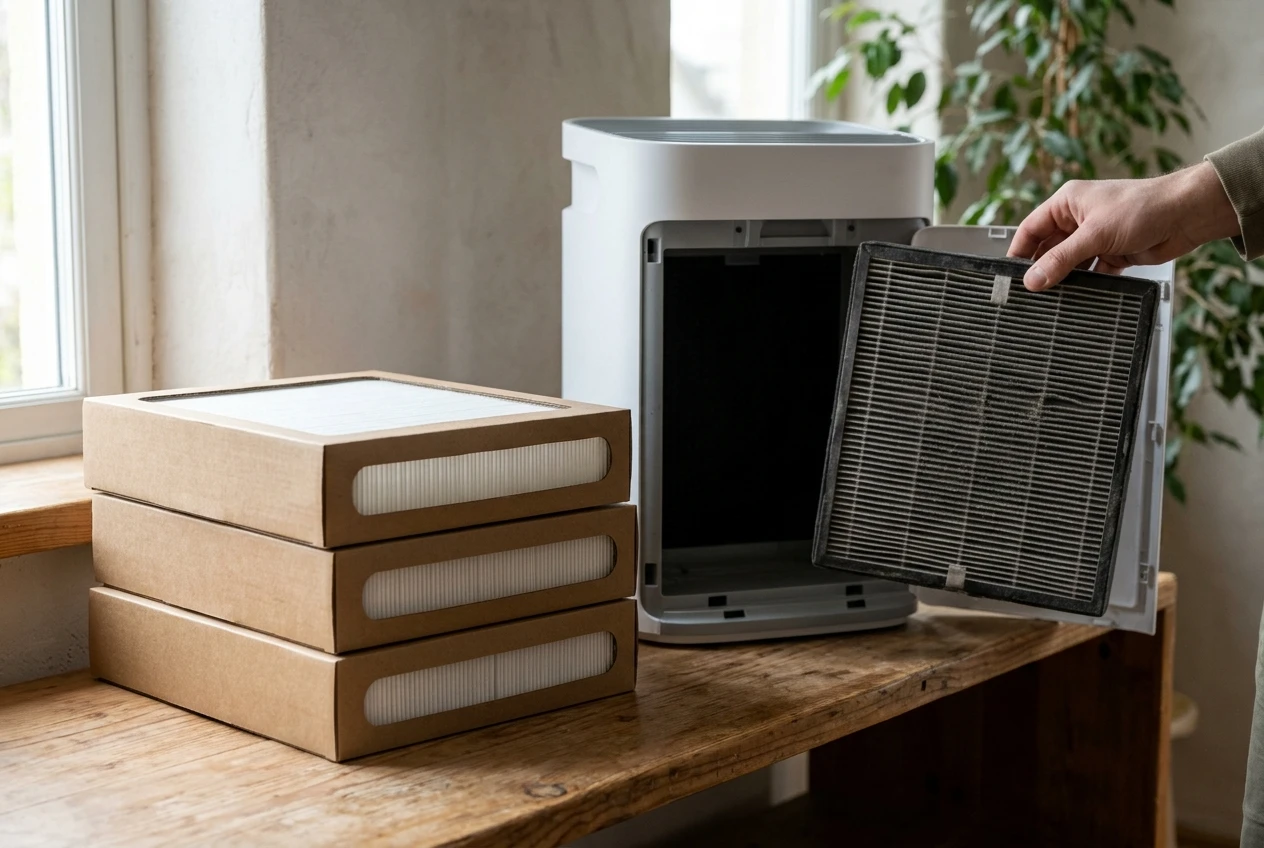
Replacement filters. Over a few years, filters can cost more than the unit itself, so check the price and availability of replacements before buying. Some models use only the manufacturer’s own filters, while others accept compatible ones. If you are weighing that choice, we compare the two in original vs. compatible air purifier filters. Also check that the filter stays on sale for several years, because an unavailable filter turns a good purifier into a useless one.
Power use. A purifier that runs for many hours a day uses electricity, and the fan speed has the biggest effect. Smart units also keep a Wi-Fi connection active even when the fan is off, which adds a small standby draw. The manufacturer’s spec sheet should list power consumption at each speed. If it does not, that is worth noting.
App lock-in. A smart purifier depends on software that the manufacturer maintains. Before buying, check these points:
- Does the unit still work from its own buttons if the app is down or the Wi-Fi is off?
- Does it require an account, and what data does that account collect?
- Does the app support your phone and the router setup in your home?
- Is there any information about how long the manufacturer supports the app?
Rentals add one more consideration. If you move, you will set up the unit on a new network, so a model that is annoying to reconnect becomes a recurring hassle.
Three common situations and which type fits each
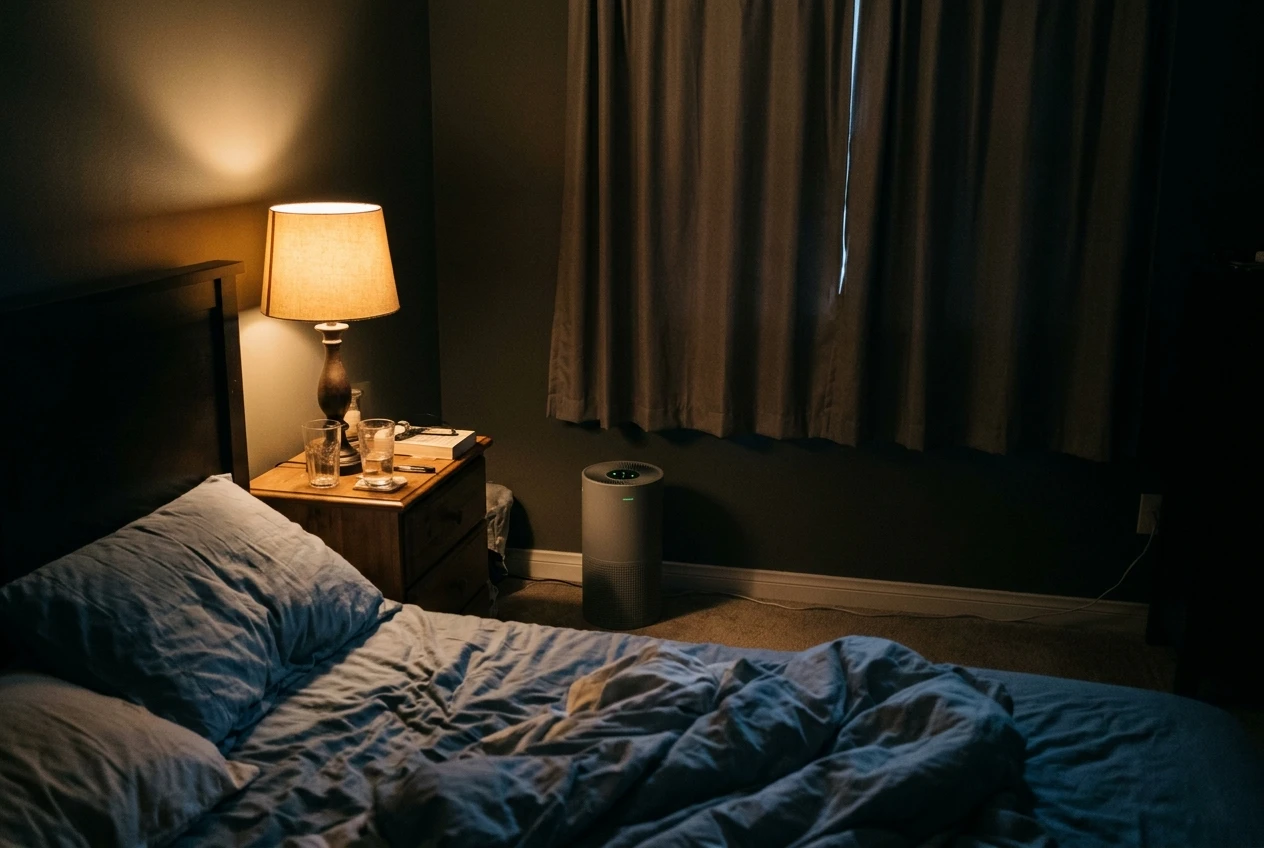
A bedroom where you want quiet at night. A basic HEPA unit with a good low-noise setting and a timer does the job. A smart model becomes attractive if you want to schedule a quiet mode and a boost before bedtime without thinking about it. Either way, check the noise level at the speed you will actually use, since the sleep setting is what you will hear most.
An open kitchen and living area with cooking and pets. This is where a smart purifier is most likely to pay off. Cooking creates sudden spikes while pet dander keeps a baseline, so auto mode can raise the fan during dinner and lower it after. The room is probably large, so airflow still matters more than the app. A basic unit with enough airflow will clean the same air, though you would adjust the speed yourself.
A small rental room where you want something simple. A basic HEPA unit sized for the room is usually the better fit. You avoid app setup, account requirements, and the question of what happens to the smart features when you move. The money saved can go toward spare filters.
A quick way to decide before you buy
Run through these questions in order. Stop when you reach a clear answer.
- Is the unit big enough for the room? Compare its airflow rating to your room’s size first. If a smart model is too small and a basic one is the right size, buy the basic one.
- Do the filter and airflow match? If two models have the same filter type and airflow, the cleaning performance is the same, so the choice rests on features and cost.
- Does your air change during the day? If yes, auto mode has real value. If you will run it at one speed, it does not.
- Will you use schedules and alerts? If you can name the exact schedule you would set, it is worth paying for. If you cannot, skip it.
- What do replacement filters cost, and will they stay available? Compare the two-to-three-year cost, not just the sticker price.
- Does it work without the app? If the buttons control everything essential, lock-in is less of a concern.
If you answered yes to questions 3 and 4 and the filters are affordable, the smart model is likely to earn its price. If not, a plain HEPA unit with the same airflow gives you the same filtration for less, and the savings can pay for the next filter.
Pick up the free purifier-matching checklist and join the email list for plain-English buying and maintenance tips. Before you buy, you can also check our guide to sizing by airflow.