Best Smart Purifiers · Pay for the features you will use
You have narrowed it down to two purifiers. One has buttons. The other has buttons, an app, and a higher price. Before paying the difference, ask one question: what will the more expensive machine do for you on an ordinary Tuesday?
Perhaps it will switch settings before bed, let you adjust the fan without crossing the room, or remind you about maintenance. Those can be worthwhile benefits. But a phone connection does not, by itself, prove stronger filtration.
Quick answer: Is a smart air purifier worth the extra money?
Pay extra when a verified feature solves a recurring problem and the purifier still fits your room, noise tolerance, and filter budget. Choose a nonconnected model when its controls already do what you need. Compare particle-cleaning delivery using CADR, rather than assuming an app or a HEPA label establishes better performance.
The overlooked middle option: a purifier with sensors and automatic fan control, but no Wi-Fi account to manage.
Research-based buying guidance, reviewed November 12, 2026. This is a feature comparison, not a hands-on product test. Images are editorial illustrations; they do not demonstrate measured performance.
First, fix the comparison: smart and HEPA describe different things
HEPA describes filtration. Smart describes controls or connectivity. A smart purifier can contain a HEPA filter, and a nonconnected purifier can include a sensor, auto mode, a timer, and a filter reminder.
For this guide, “basic” means simple local controls. It does not mean ineffective filtration or necessarily a lower price. Check the exact model rather than sorting every product into “cheap and manual” or “expensive and automatic.”
| Type | What you may get | Who should consider it? |
|---|---|---|
| Manual, nonconnected | Physical fan controls; sometimes a timer, lights-off setting, or filter reminder. | Someone who wants a steady setting and straightforward upkeep. |
| Automatic, nonconnected | A sensor adjusts the fan through onboard controls. | Someone who wants automatic response without phone setup. |
| Connected | App access, potentially recurring schedules, history, notifications, or integrations. | Someone who can name a specific remote-control or scheduling task. |
Features overlap. For example, Coway’s AP-1512HH manual documents onboard Auto and Eco modes. Automatic operation is not a benefit you must buy an app to obtain.
Before comparing extras, make both machines earn a place in the room
Write down your room’s dimensions, ceiling height, open connections, and main air concern. Then compare the finalists on these essentials:
- Particle-cleaning delivery: CADR, with the same units and particle category.
- Operating setting: the fan speed behind each published performance and noise figure.
- Filtration for the concern: particle capture and gas removal are separate questions.
- Daily practicality: placement clearance, filter access, and a sound level you can live with.
The EPA recommends matching CADR to the room. Raw airflow and matching HEPA labels are not enough to establish equal whole-unit performance. Similar CADR under comparable test conditions supports a comparison of particle-cleaning delivery; it does not guarantee identical results in your home.
A maximum CADR and a minimum noise figure may describe different speeds. If quiet-speed CADR is unavailable, mark it unknown. Do not assume either unit will meet the room’s needs on its lowest setting.
If odors are the main issue, investigate relevant gas-removal media separately. Particle CADR does not measure odor removal. Filtration also supplements source control and appropriate ventilation; it does not replace them.
What the smart features actually buy you
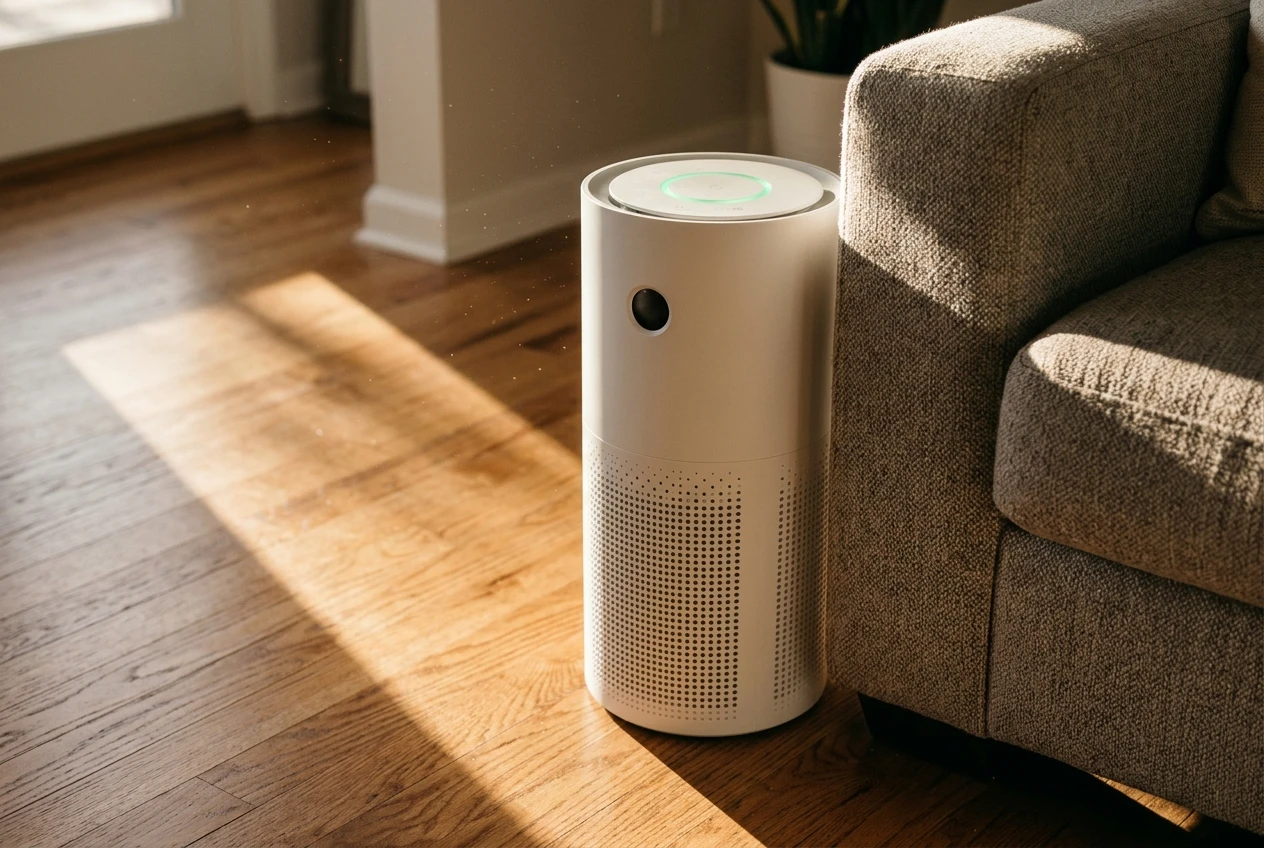
Auto mode: less manual adjustment, with limits
Auto mode can raise or lower the fan in response to a sensor. That is useful when you want the appliance to react without reaching for a button. But first find out which pollutants the sensor detects and how the model changes speed.
A reading reflects air near the sensor and its detection limits. A green indicator does not establish that the whole room is free of particles or gases. Some modes may slow substantially or stop the fan; check the manual before relying on them for continuous delivery.
Worth considering when: you want automatic response to detected changes. Check first: whether a nonconnected model already provides the behavior you want.

Schedules: paying to stop repeating the same adjustment
Imagine wanting a higher fan setting in the early evening and a tolerable, lights-off setting at bedtime. A recurring schedule could remove two daily chores. That is a concrete reason to consider a connected model.
Check exactly what the schedule can do. A countdown timer is different from a weekly schedule; a power schedule is different from one that selects fan speed. Confirm whether saved schedules work without internet and whether daylight-saving or time-zone changes require attention.
Cleaning before bedtime does not replace cleaning while particles become airborne overnight. Choose the overnight setting for both comfort and delivery, rather than simply picking the quietest label.
Remote control: convenience can also mean easier access
Phone control may be valuable if reaching the panel is inconvenient, mobility is limited, or several household members share the controls. Test whether the app is comfortable to read and use, and confirm what it allows from outside the home.
Keep the purifier in an effective, accessible location. An app does not make a blocked intake or a filter compartment trapped behind furniture practical.
Alerts and filter estimates: a prompt to act
A maintenance notification earns its place when it leads to a useful action: checking the manual, inspecting a permitted prefilter, or ordering the correct replacement. If an onboard light and a calendar reminder already work for you, the phone version may add little.
Filter-life estimates differ by model. They may use time, operating data, or other inputs. They are not automatically direct measurements of remaining filter performance. Follow the manufacturer’s maintenance guidance; resetting a reminder does not renew the filter.
History and voice control: decide what you will do with them
A trend graph can help you notice recurring sensor changes. It does not identify the cause on its own. Ask whether you would change a routine based on that information, and check how much history is available without a fee.
Voice control and smart-home routines can make a familiar setup easier to use. Verify the exact supported platform and actions. “Works with” a platform does not guarantee every fan mode or setting is available through it.
The extra-money test: compare three years, then name the benefit
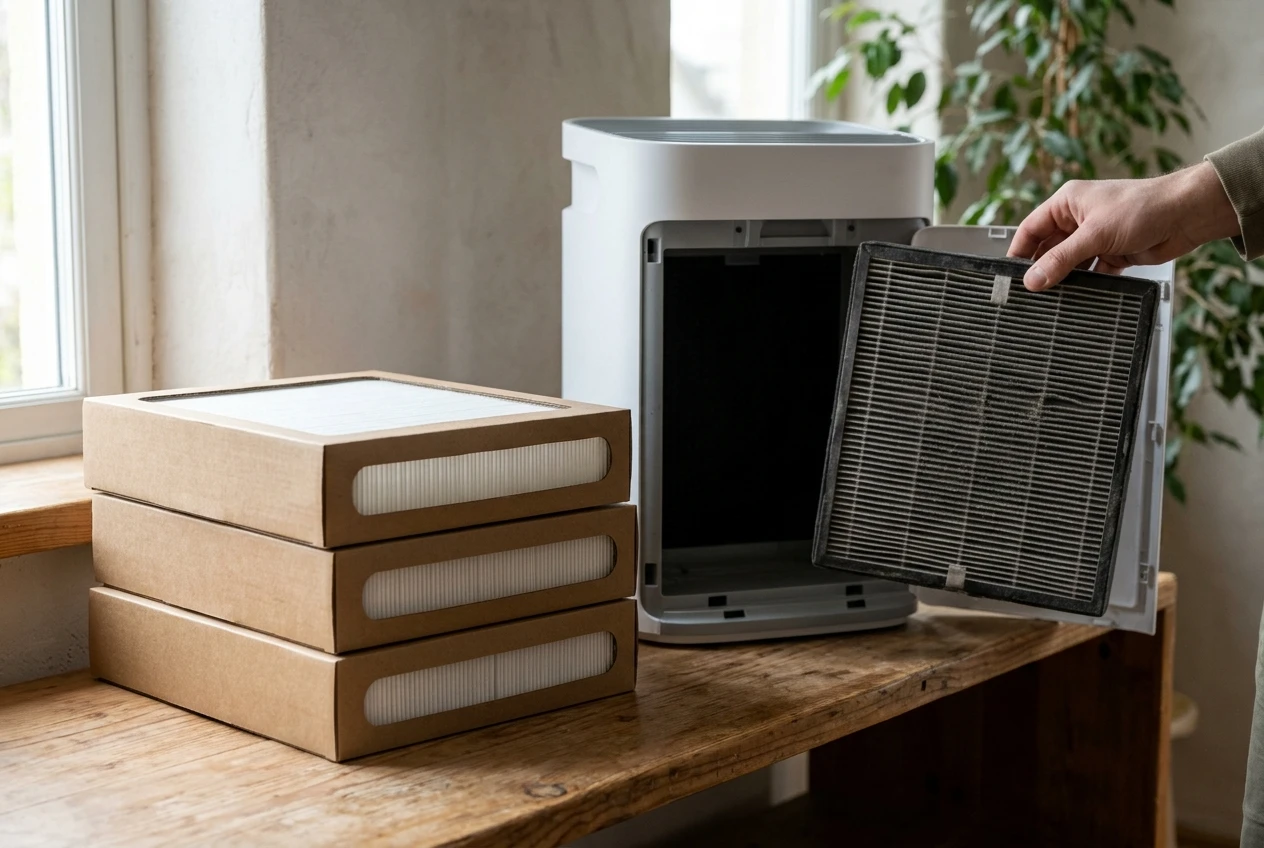
Start with actual delivered prices, then add replacements, electricity, and any confirmed paid features over the same period. Do not assume connected models always cost more—or that an app necessarily requires a subscription.
A hypothetical $80 premium
Suppose two suitable finalists cost $150 and $230. Both include a fresh filter. Each replacement costs $40 and, for this example only, is changed at months 12 and 24 during the first 36 months.
The nonconnected option totals $230 before electricity; the connected option totals $310 before electricity. If electricity and all other costs are equal, the extra cost stays $80, or about $2.22 per month over three years.
Now suppose the connected model’s replacement costs $60 instead. Its total becomes $350 before electricity. The difference rises to $120, or about $3.33 per month.
Illustrative prices and replacement intervals, not current offers or lifespan claims. No replacement at exactly month 36 is included; budget a spare separately. Monthly amounts spread an upfront expense and are not subscription charges.
The question becomes clearer: is the particular schedule, remote access, or alert worth that difference to you? You do not need to invent an energy saving to justify a convenience you value.
For electricity, use watts ÷ 1,000 × operating hours × your price per kWh. Account for operating and standby periods separately when known. Do not assume a smart model uses less energy because it has auto mode, or that an app’s power estimate is a meter reading.
ENERGY STAR’s air-cleaner guidance is useful for comparing efficiency alongside cleaning delivery. A lower wattage alone is not proof of a better match.
Save the exact filter code, cartridges required per change, and package quantity. Future availability cannot be guaranteed from today’s listing, but a documented replacement system is better than an unidentified cartridge. Read our original-versus-compatible filter guide if you are considering another manufacturer’s replacement.
Before paying for connectivity, run the offline checklist
- Physical controls: can you start the fan, choose an essential speed, and manage lights without signing in?
- Network requirements: does the exact model support your router configuration and your phone?
- Outage behavior: what keeps working when Wi-Fi or internet access is unavailable?
- Account and permissions: what information is required, and how do you remove the device before selling it?
- Software support: is there a stated support period, and which features rely on a cloud service?
- Fees: are your essential functions included? Keep unconfirmed details marked unknown.
During the return period, try the controls you expect to use and check behavior when connectivity is unavailable. Follow the manual and restore your connection afterward. This is a usability check, not a test of filtration performance.
Which option fits your ordinary Tuesday?
| Your routine | Start by considering | Reason to pay more |
|---|---|---|
| You leave the purifier at one setting. | A suitable nonconnected model. | Better documented delivery, quieter operation, or easier maintenance—not connectivity alone. |
| You want the fan to react automatically. | A model with appropriate onboard Auto mode. | App functions you need in addition to Auto. |
| You repeat the same bedtime adjustments. | A model with the exact recurring schedule required. | Verified speed and light control that removes those daily steps. |
| Reaching the controls is difficult. | Accessible controls, a suitable remote, or an app. | Reliable access that works for your needs and household. |
| You want simple setup when moving. | A nonconnected model or strong physical controls. | Connected functions valuable enough to justify network setup. |
Write your premium sentence before buying
“I am paying an extra _____ over three years so this purifier can _____, which I will use _____.”
If the blanks are difficult to fill, keep comparing. If you can fill them with a verified feature and a real routine, you have a practical reason for the upgrade.
Get the free Fit & Filter Planner
The planner page offers email delivery of the printable workbook for room fit, filter matching, costs, and maintenance.
Four-question knowledge check
Choose your answer, then open the explanation.
1. Do you need Wi-Fi to get automatic fan adjustment?
No. Some nonconnected purifiers offer onboard sensors and Auto mode. Check the exact controls.
2. Two units claim HEPA filtration and equal raw airflow. Have you established equal cleaning delivery?
No. Compare whole-unit CADR under comparable conditions. Filter labels and raw airflow alone do not establish equal performance.
3. A filter app says 40% remaining. Does that prove the filter is performing well?
No. Find out how the estimate is calculated and follow model-specific maintenance guidance.
4. A connected model costs $80 more, plus $20 more for each of two replacement filters. What is the difference before energy costs?
$120. The purchase premium and the $40 replacement-cost difference both belong in the comparison.
Smart versus basic air purifier FAQs
Does Wi-Fi improve a HEPA filter?
No. Connectivity supplies controls or information. Compare the complete appliance’s filtration and CADR separately.
Will a smart purifier save electricity?
It depends on the models and how you operate them. Automatic speed changes can alter power use and cleaning delivery together. Compare documented efficiency and realistic operating hours.
Can I use a smart purifier without its app?
That depends on the model. Check the manual for physical controls, initial setup requirements, and functions that depend on the app or cloud.
Is a basic purifier enough for pets?
Connectivity is not the deciding factor. Evaluate particle-cleaning delivery, prefilter access, noise, and replacement costs. A purifier does not replace cleaning fur from furniture and floors.
Is the app worth paying for if I only want Auto mode?
First compare nonconnected models with Auto mode. If automatic fan response is your only requirement, you may already have what you need without connectivity.
Buy the behavior you need
Choose the purifier that fits the room and makes consistent use practical. Sometimes that means a connected model with a useful schedule. Sometimes it means a nonconnected model with Auto mode. Sometimes a comfortable fixed speed is enough.
Which smart feature would you actually use every week? Tell us your room, your routine, and the feature you are considering in the comments. Include exact model numbers if you have two finalists.
Sources reviewed November 12, 2026: EPA home air-cleaner guidance, ENERGY STAR air cleaners, and Coway AP-1512HH manual. Verify current regional model documentation before purchase.