An air purifier cannot filter the room while it is off. That makes “leave it running” sound like the complete answer—until the fan is too loud for sleep, the filter loads faster than expected, the electricity use surprises you, or auto mode stays quiet during the very event you wanted it to handle.
The better question is not simply whether to run an air purifier 24/7. It is what airflow the room needs during each part of the day. A useful plan keeps a steady filtration baseline, increases fan speed around known particle events, and protects the quiet routine that makes continuous use realistic.
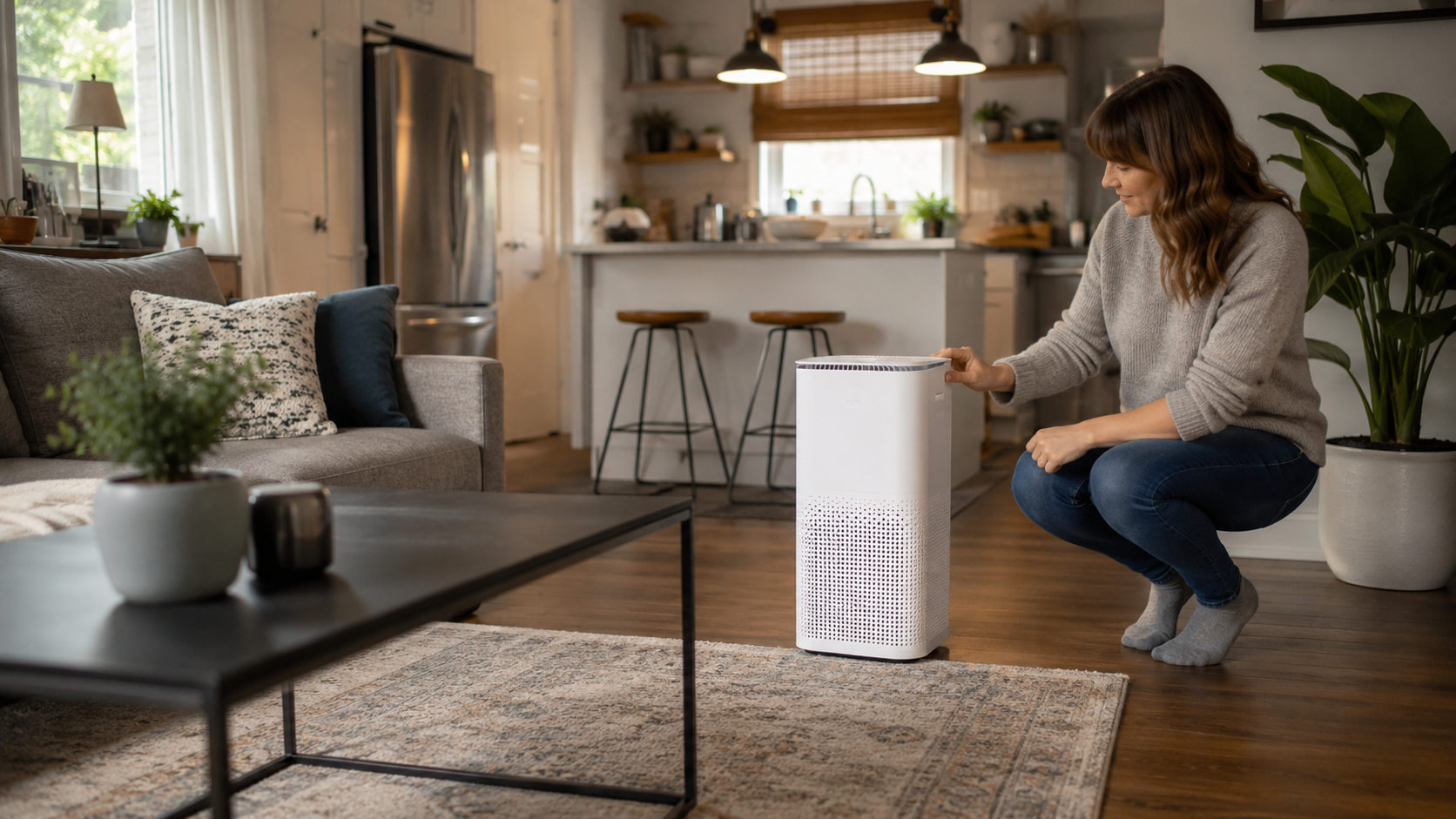
Should you run an air purifier 24/7?
Continuous operation is often useful when particles enter or are generated throughout the day—including during pollen season, wildfire-smoke events, pet activity, occupied bedroom use, or normal dust movement. EPA guidance says that longer runtimes and higher fan speeds generally increase the amount of air filtered.
That does not mean every purifier should stay on maximum speed all day. Use a steady speed that supplies meaningful airflow for the room, increase it before or during known pollution events, and lower it only when the quieter setting still does enough work. Follow the manufacturer’s operating and maintenance instructions, and stop using any appliance that is damaged, recalled, overheating, or behaving abnormally.
Continuous, Auto, Scheduled, or Event-Only?
Each approach can be reasonable, but they solve different problems. Compare the tradeoff that matters in your actual room—not the setting name on the app.
| Strategy | What it does well | Where it can fail | Best fit |
|---|---|---|---|
| Continuous manual speed | Provides predictable airflow instead of waiting for a sensor. | Can create unnecessary noise or energy use if the speed is higher than the room needs. | Steady particle concerns, smoke events, occupied bedrooms, and rooms with unreliable sensors. |
| Auto mode | Adjusts the fan when the onboard sensor detects a supported change. | May react late, sample the cleanest spot, or miss gases and odors the sensor does not measure. | Normal background use after you confirm the sensor and fan logic respond well. |
| Scheduled routine | Runs harder before predictable cooking, cleaning, bedtime, or occupancy. | Cannot anticipate an unexpected source unless a sensor or person overrides it. | Homes with repeatable daily patterns and app or timer controls. |
| Event-only operation | Reduces runtime when the room is rarely used and pollution sources are limited. | Allows particles to accumulate between runs and may start cleaning only after exposure has begun. | Low-use rooms with a clearly defined, occasional need. |
| Maximum speed all day | Moves the most air the purifier can deliver. | Highest noise, energy use, and filter loading; may be intolerable for daily life. | Short heavy-particle events or serious outdoor smoke when the unit and manufacturer guidance support it. |
EPA notes that published CADR is typically measured at the purifier’s highest speed. That matters: the low or sleep setting may deliver much less clean air than the number on the box implies. If you selected the purifier by maximum-speed CADR but can tolerate only its lowest setting, your real room fit may be weaker than the buying calculation suggested.
Before relying on automatic control all day, use the site’s auto mode versus manual speed check. If the built-in display turns green too quickly, the three-point sensor placement test can help determine whether the purifier is measuring the occupied area or mainly the air near its own outlet.
Why Runtime Alone Cannot Fix an Undersized Purifier
Clean Air Delivery Rate combines particle-removal efficiency with airflow. AHAM’s practical starting point is a smoke CADR equal to at least two-thirds of the room’s square footage for a standard eight-foot ceiling. For wildfire smoke, AHAM recommends a smoke CADR approximately equal to the room’s square footage.
150-square-foot bedroom
General starting target: smoke CADR of about 100 or higher.
300-square-foot living room
General starting target: smoke CADR of about 200 or higher.
High ceiling or open door
Recalculate: the real air volume and connected space may require more capacity.
A machine can run every minute of the day and still clean too slowly if its airflow is weak for the space. Start with the complete room-sizing and filtration guide, and do not assume a huge coverage claim means several clean-air cycles per hour. The site’s guide to air purifier room-coverage claims shows why the air-change assumption matters.
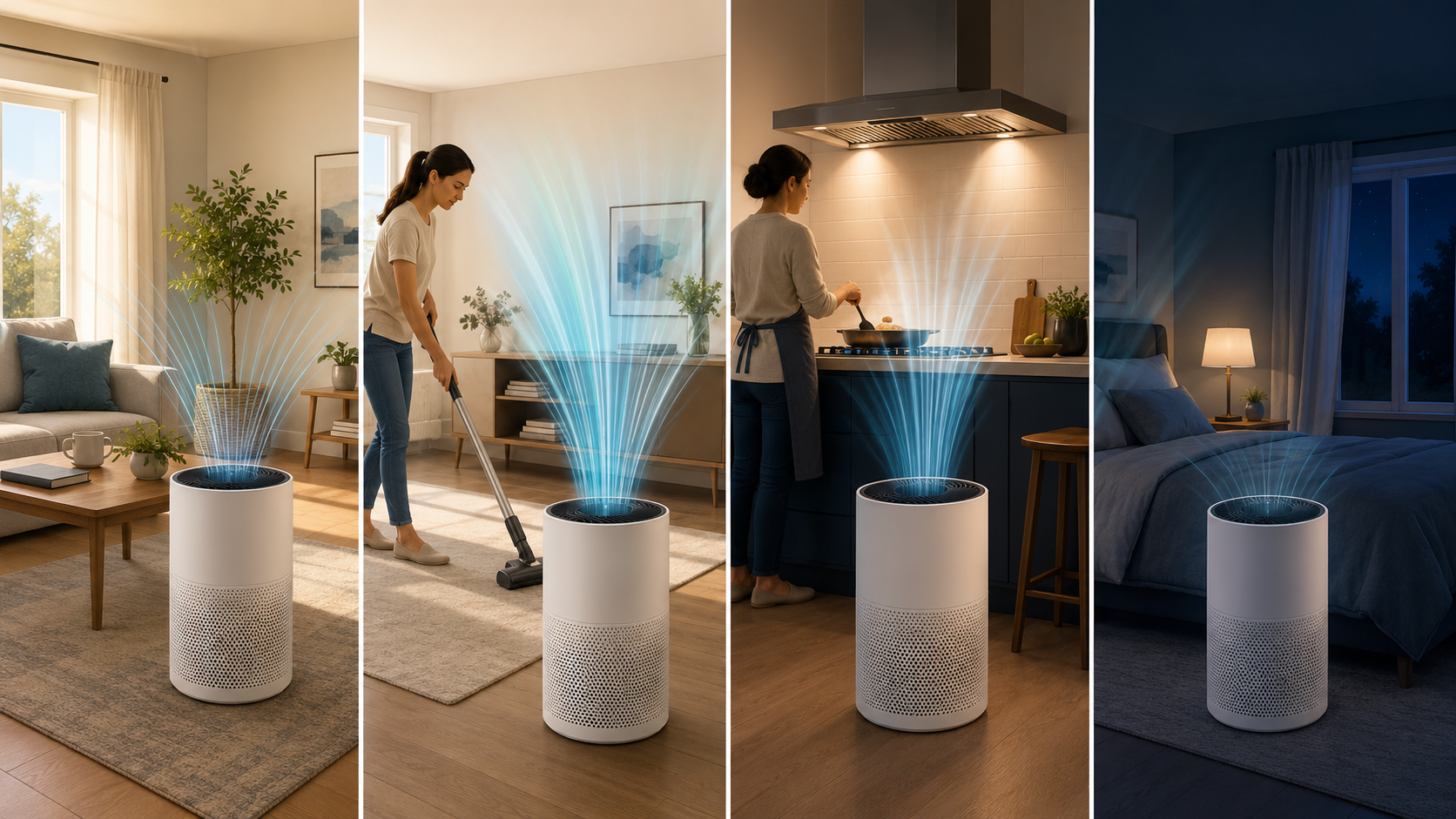
Build a Base, Boost, and Bedtime Airflow Plan
This four-part routine is not a laboratory protocol or a promise of a particular indoor reading. It is a practical way to match fan speed to predictable household activity while changing one variable at a time.
Set the daytime baseline
Use the lowest manual speed that still provides credible airflow for the measured room—or use auto mode only after confirming that it responds to the particles you care about. Keep the intake and outlet clear. A decorative corner, curtain, sofa, or table can turn 24-hour runtime into 24 hours of restricted airflow.
Boost before a known particle event
Increase the fan before dusting, vacuuming, changing bedding, grooming a pet, or beginning a smoky cooking task. Use an outdoor-venting range hood when available and reduce the source first. The purifier is the support layer—not permission to keep generating pollution.
Pre-clean the bedroom
Try a higher tolerable speed before bedtime, then step down for sleep. Compare the particle trend and noise comfort over several similar nights. Keep the bedroom boundary consistent: an open door can connect the purifier to a hall, stairs, and other rooms. See how the bedroom door changes the purifier’s real job.
Review the next morning
Record the fan speed, door position, starting and ending particle trend, noise comfort, and any unusual odor or stuffiness. A low PM reading does not prove that carbon dioxide, excess humidity, carbon monoxide, radon, or an unmeasured gas is acceptable. Use the correct monitor, alarm, source control, ventilation plan, or professional help for those concerns.
When 24/7 Operation Makes the Most Sense
- Outdoor smoke or particle pollution: keep filtering in a defined cleaner-air room while following current AirNow, public-health, heat, and emergency guidance.
- Seasonal pollen: a continuous baseline can help manage particles that enter on clothing, hair, pets, door openings, and building leakage.
- Pets: ongoing operation can capture airborne dander and dust that reach the intake, but it does not replace cleaning, grooming, and source management.
- Occupied bedrooms: long overnight runtime can be useful when the purifier fits the closed or normally used room and remains quiet enough to stay on.
- Continuous indoor activity: a home office, classroom, living room, or caregiving space may benefit from a stable filtration baseline during occupancy.
When to Turn It Down, Reposition It, or Solve a Different Problem
Continuous filtration is not a universal fix. If the room is damp and musty, correct the moisture source. If a combustion appliance may be malfunctioning, leave the area when appropriate and follow emergency or professional guidance. If outdoor air is clean and indoor-generated pollutants need dilution, safe ventilation may matter more than another fan-speed increase.
For HVAC support, remember that a central filter works only while the system fan moves air. Running the thermostat fan longer can increase filtration, but it can also increase electricity use and may affect humidity control during cooling. Read thermostat fan ON versus AUTO for cleaner air before treating a portable purifier and the HVAC blower as the same tool.
Put the Runtime Into the Fit & Filter Planner
The free 15-page Smart Air Purifier Fit & Filter Planner helps you record the real room, CADR target, useful fan speed, filter code, first-year cost, and maintenance schedule. Add your baseline, boost, and bedtime settings so “runs all day” becomes a measurable plan.
Get the Free Fit & Filter PlannerCalculate the Energy and Filter Tradeoff
Continuous operation is not free, but the useful calculation is based on the purifier’s actual wattage at the speed you use—not the maximum wattage printed without context.
Watts × hours per day × 365 ÷ 1,000 = kilowatt-hours per year
Example: A purifier averaging 45 watts for 24 hours a day uses about 394 kWh per year. Multiply the result by the per-kWh rate on your utility bill to estimate cost.
ENERGY STAR says a standard room air cleaner operating continuously uses about 394 kWh per year, while certified room air cleaners are more than 50% more energy-efficient than standard models. The label addresses energy efficiency; it does not prove that the purifier fits your room or cleans every pollutant.
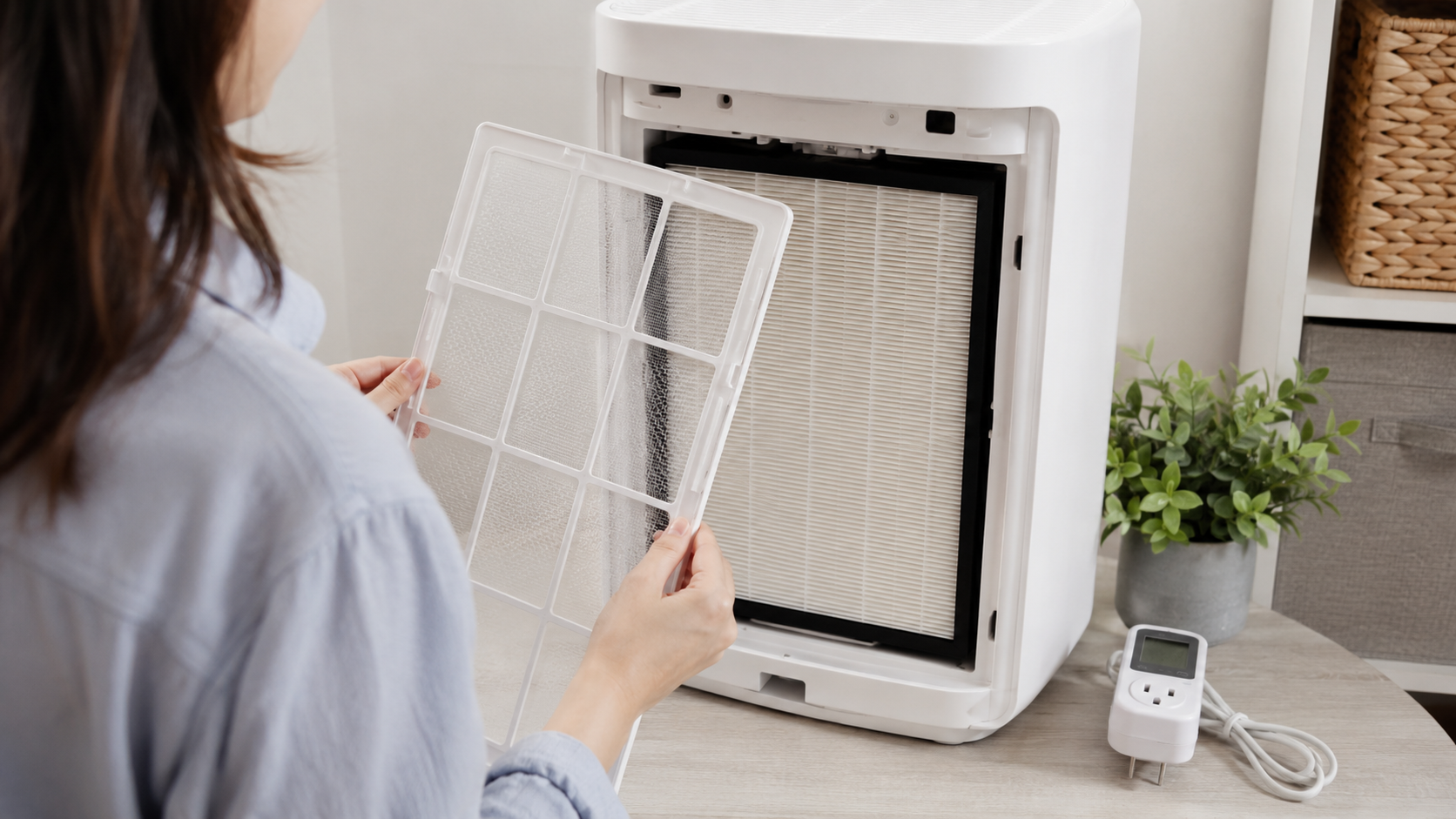
Filter cost also changes with real conditions. Smoke, pets, heavy pollen, renovation dust, frequent cooking, and long runtimes may load a pre-filter or main filter faster. Inspect according to the manufacturer’s directions, and do not reset a reminder merely to silence it.
Before continuous operation, record these seven details
- Exact purifier model and replacement-filter code
- Room length, width, ceiling height, and normal door position
- Smoke CADR and the fan speed used for that published rating
- Normal baseline, event-boost, and bedtime fan settings
- Wattage at the settings you actually use
- Noise comfort in the occupied area—not only beside the machine
- Pre-filter, main-filter, carbon-stage, and sensor-cleaning instructions
If the filter is loaded or the replacement does not seal correctly, longer runtime cannot restore lost airflow. Review the replacement-filter mistake that makes a good purifier underperform before buying another machine.
Need a replacement filter?
Begin with the exact purifier model and filter code. Then verify compatibility, filter stages, package quantity, seller information, specifications, and return terms.
Considering whole-home support?
Review equipment options, then discuss airflow, filter resistance, system compatibility, runtime, humidity, and installation with a qualified HVAC professional.
Comparing total cost?
Price the machine, replacement filters, electricity, accessories, maintenance, and the inconvenience of filters that become hard to find.
Can You Build a Better 24-Hour Airflow Plan?
Choose one answer for each question, then check your score.
Frequently Asked Questions
Is it safe to leave an air purifier on all day?
Many portable air cleaners are intended for extended use, but follow the exact manufacturer’s instructions and current recall information for your model. Keep airflow clear and the cord and plug in good condition. Stop using the purifier if it is damaged, overheating, making unusual noises, producing an electrical odor, or otherwise behaving abnormally.
Should I run an air purifier when nobody is home?
It can be useful when an ongoing particle concern continues while the room is empty, such as outdoor smoke or pollen infiltration. Follow the manufacturer’s unattended-use guidance, keep the unit clear of curtains and obstructions, and do not leave a damaged or recalled appliance operating.
Does 24/7 use wear out the filter faster?
Longer runtime moves more air through the filter, so filter loading can increase. The real rate also depends on fan speed, pollutant concentration, pets, smoke, dust, cooking, renovation work, pre-filter care, and filter design. Inspect and replace filters according to the manufacturer’s directions and actual condition.
Is auto mode good enough for continuous use?
Sometimes. Auto mode is useful when the sensor detects the main particle concern and its fan logic responds quickly enough. It can underperform when the sensor samples unusually clean air, the pollutant is a gas or odor it does not measure, or the automatic minimum speed is too low for the room.
Should I turn the purifier off when I open a window?
First check why the window is open and whether outdoor air is cleaner. Safe ventilation can dilute indoor-generated pollutants, but an open window can also introduce smoke, pollen, ozone, or other outdoor pollution. The purifier may continue filtering particles, but it cannot make polluted outdoor air harmless or replace a sound ventilation decision.
What fan speed should I use at night?
Use the highest setting that remains comfortable enough for sleep and still fits the room’s clean-air need. A practical routine is to pre-clean at a higher speed, then lower the fan for bedtime and compare repeated particle trends. Do not assume the quietest setting delivers the CADR shown for maximum speed.
Authoritative Guidance Used for This Guide
- U.S. EPA: Guide to Air Cleaners in the Home
- U.S. EPA: Improving Indoor Air Quality
- AHAM Verifide: Air Filtration Standards and CADR Sizing
- ENERGY STAR: Room Air Cleaners
Editorial note: BestSmartPurifiers.com provides research-based consumer education. This article is not medical advice, an electrical inspection, an HVAC design, or a guarantee of indoor-air safety. Air cleaners can reduce some airborne pollutants, but they do not replace source control, clean-air ventilation, moisture correction, certified smoke and carbon-monoxide alarms, radon testing, emergency guidance, or qualified professional service.
Keep the Filtration Continuous—Make the Setting Intentional
Running an air purifier 24/7 can be a strong choice when the room has a continuing particle concern and the machine is correctly sized, maintained, safely placed, and tolerable to use. But “always on” should not become “never checked.”
Build a steady baseline. Boost the fan before known events. Pre-clean before quiet hours. Recheck the real room, filter, sensor, noise, and energy use. That is how continuous runtime becomes a cleaner-air plan instead of a glowing button in the corner.
Reader Check-In: What Setting Survived Real Life?
Do you run your purifier all day, schedule it, or change speeds around cooking, cleaning, pets, and sleep? Share the room dimensions, ceiling height, purifier model, smoke CADR, normal fan setting, and what you noticed in the comments. Your real-room example may help another reader see why runtime and airflow must be planned together.