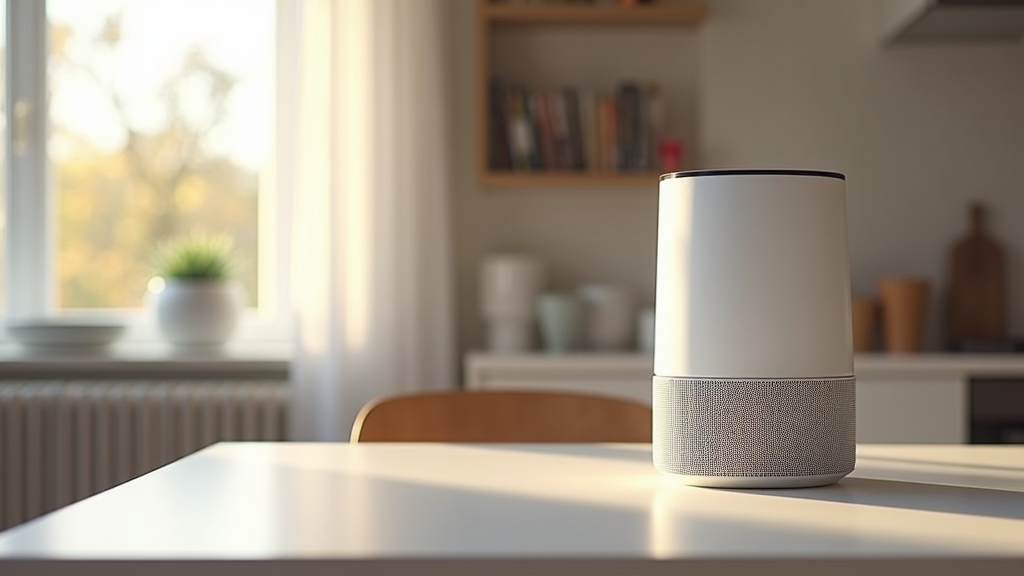
Smart air purifiers do more than just clean the air. With automation, these devices adjust to daily changes, keeping your environment healthy and fresh without constant manual input. Setting up automated routines might seem daunting at first, but with clear goals and a step‐by‐step approach, anyone can optimize indoor air quality with ease.
Automated routines reduce the hassle of managing multiple devices while tailoring your air purification system to your daily habits. Even if you haven’t thought much about indoor air quality before, smart air purifiers offer a straightforward way to bring technology into your home. In this guide, you will learn how to set up automation routines with your smart air purifier, covering everything from initial settings and device integration to maintenance and troubleshooting.
Step 1: Define Your Air Quality Goals
Before jumping into automation, clarify what you want to achieve with your smart air purifier. Understanding your needs helps you design a routine that suits your home and lifestyle. Whether you want to reduce allergens, manage smoke from cooking, or simply maintain a consistent level of freshness during the day, your goals will shape the settings you choose.
Questions to Consider:
- Should the purifier run continuously or only during specific periods?
- What pollutant levels will trigger its cleaning cycle?
- Do settings need to adjust based on weather conditions or indoor activities?
- Must the routine integrate with other smart home devices?
Setting Clear Objectives:
- Operate the unit during peak hours when indoor pollutants are highest.
- Automatically adjust fan speeds in response to sensor readings.
- Activate purification when outdoor air quality is poor.
- Link with HVAC systems to boost overall energy efficiency.
After pinpointing your key goals, map out the time intervals and conditions that’ll trigger your purifier. This planning makes it much easier to configure a system that fits your needs.
Step 2: Set Up Your Device for Automation
Getting your smart air purifier ready for automated routines requires careful setup. Follow these essential steps to ensure that your purifier connects properly and responds reliably to commands from your smart home system.
Initial Setup Tips:
- Download and install the manufacturer’s app on your phone.
- Create a user profile and connect your device to your home Wi‑Fi network.
- Run the calibration process so that sensors are active and accurate.
- Update the firmware to the latest version to enable all automation features.
Integration Points to Check:
- Enable remote access to adjust settings when you’re away from home.
- Confirm compatibility with voice assistants like Alexa or Google Home.
- Link the device with smart home hubs for centralized control.
A strong initial setup readies your purifier for seamless integration with automated routines, reducing the likelihood of glitches later on.
Step 3: Create Customized Routine Settings
Now it’s time to design an automated routine that suits your indoor air quality needs. Customize the schedule and settings based on your daily habits and home environment.
Planning Your Automated Schedule:
- Morning Routine. Start your day with an air quality check. Program the purifier to run at moderate speeds in the early hours while you prepare for your day.
- Afternoon Cycle. As indoor activity increases, have the purifier adjust its intensity to tackle rising pollutants. Sensor feedback can help trigger higher fan speeds if necessary.
- Evening Operation. For a relaxing night, set the purifier to a low, quiet mode so that clean air is maintained without disturbing your sleep.
Using Sensor Data:
- Integrate air quality sensors that automatically adjust the purifier’s operation.
- Use timer settings to reflect predictable daily patterns.
- Set custom thresholds that prompt the device to ramp up when needed.
These settings let you tap into the full benefits of automation by precisely timing the purifier’s operation. Aligning the routine with your everyday schedule yields continuous improvements in air quality and comfort.
Step 4: Integrate With Broader Smart Home Systems
Smart air purifiers perform best when they are part of a larger, interconnected system. Integrating your purifier with other devices not only streamlines control but also gives a boost to overall home efficiency.
Smart Home Connectivity Ideas:
- Link to HVAC Systems. Sync your air purifier with heating or cooling systems so adjustments occur automatically when needed.
- Coordinate with Smart Thermostats. If unusual temperature changes are detected due to poor air quality, the thermostat can prompt the purifier to modify its settings.
- Home Automation Platforms. Use services like IFTTT or SmartThings to set up complex triggers that involve multiple devices. For example, the purifier might start when air quality sensors detect elevated particulates and window sensors indicate that ventilation is required.
Benefits of an Integrated System:
- Saves you the hassle of adjusting each device individually.
- Keeps your home environment stable even when you’re not present.
- Automatically adapts to changes in both indoor and outdoor conditions.
When your smart air purifier communicates with other devices, managing your home’s safety becomes an automated background process instead of a daily chore.
Step 5: Optimize Air Quality Scheduling
After connecting your device and mapping out your routines, focus on fine-tuning the schedule to match your daily patterns and environmental conditions.
Strategies for Scheduling:
- Daily Timers. Set cycles that mirror your most active periods at home.
- Conditional Triggers. Adjust the purifier’s speed and mode based on live air quality readings. For example, if indoor particulate levels rise after cooking, the system can automatically shift to a higher cleaning mode.
- Seasonal Adjustments. Modify routine settings as weather changes or during allergy seasons when air quality tends to fluctuate.
Using Data to Improve Performance:
- Review sensor logs available through the companion app.
- Compare the purifier’s performance on days with different activities to spot recurring patterns.
- Take note of how outdoor air quality affects indoor conditions.
Regularly reviewing performance, even in small ways, can lead to noticeable improvements in both air quality and energy usage. The flexible nature of automation means you can continue tweaking your settings as needed.
Step 6: Troubleshooting and Adjustments
Even the best systems may encounter occasional hiccups. Understanding common issues and knowing how to adjust settings helps you maintain control over your environment. This step focuses on making small tweaks that keep the automated routine running smoothly.
Common Challenges:
- Connectivity Issues. Sometimes the device loses connection with Wi‑Fi or the smart hub. A quick reboot often fixes this.
- Sensor Calibration. If the purifier isn’t responding appropriately to air quality changes, it may need recalibration.
- Routine Inconsistencies. If the automation fails to trigger as expected, review your settings within the companion app to pinpoint the issue.
Ways to Fine-Tune Your System:
- Keep firmware updated to resolve bugs and improve performance.
- Monitor sensor logs and adjust threshold settings as needed.
- Test new routines during off-peak hours to ensure they function without disrupting daily activities.
It’s normal for initial setups to require adjustments. With patience and regular tweaks, you’ll develop a routine that adapts reliably to your needs.
Step 7: Monitor, Maintain, and Adjust
Automation isn’t about setting your device and then forgetting about it. Staying on top of performance and making small changes over time is key to long-term success. Regular maintenance ensures that indoor air quality remains optimal and that your smart system runs efficiently.
Maintenance Tips:
- Set Periodic Reviews. Check sensor readings and the performance of your routines on a monthly basis.
- Keep Firmware Updated. Manufacturers frequently release updates that fix bugs and boost performance.
- Clean and Replace Filters. Regular filter maintenance is really important for keeping the system efficient.
- Monitor Energy Consumption. Adjust routines if you notice the device is using more energy than expected.
Staying Flexible:
- Be prepared to modify automation settings as your living situation or the weather changes.
- Collect feedback from your smart home app and use that data to fine-tune routines.
- Explore new features released by your device’s manufacturer to further improve performance.
Striking a balance between a fixed routine and flexibility ensures that your automated system remains effective and adapts to both technological updates and changes in your lifestyle.
Common Questions & Troubleshooting
What if the purifier doesn’t start automatically?
If your device fails to trigger as planned, check its connectivity settings and Wi‑Fi connection. Ensure the routine conditions are set correctly in the app. Often, a simple software update or a reset will resolve the issue.
How do I further customize the automated routines?
- Explore additional triggers, such as linking air quality readings with temperature or humidity sensors.
- Experiment with different modes during various times of the day to see which setting best maintains air quality.
- Use advanced options on your smart home platform for more refined control.
Can these routines be used in multiple rooms?
Many smart purifiers allow integration with devices in a multi‑room setup. Check out complementary products or refer to the manual to learn how to set up coordinated routines throughout your home.
Final Thoughts & Next Steps
Creating automated routines for your smart air purifier is a practical way to keep your living space comfortable and clean. By defining clear goals, setting up your device correctly, and integrating it with a broader smart home system, you take a significant step toward managing indoor air quality with minimal effort.
Your Action Plan:
- Identify your air quality goals.
- Follow the setup guidelines to connect your device to your home network and smart ecosystem.
- Create a custom schedule that suits your lifestyle.
- Regularly review performance and adjust settings as needed.
Every step brings you closer to a seamless home environment. What automated feature excites you most about your smart air purifier? Share your experiences and help others discover new ways to optimize indoor air quality.
