Smart air purifiers have made a real difference for health-conscious families who want cleaner air at home. As a parent, I know how tricky it can be to make sense of all the tech features and filter options out there. But a smart purifier doesn’t just trap dust—it monitors air quality, connects to your phone, and automates a lot of the chores that come with keeping your home’s air healthy. Here’s my guide to making sense of these gadgets, keeping your family breathing easy, and deciding where to start.
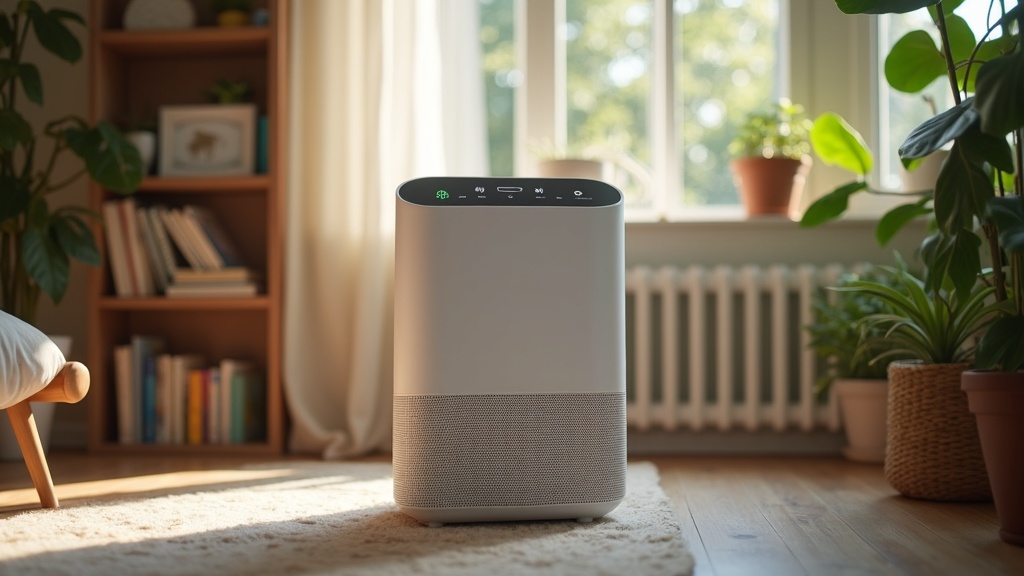
Why Smart Air Purifiers Are Worth a Look for Families
People talk a lot about outdoor air pollution, but indoor air can be packed with allergens, pet dander, smoke, and dust—sometimes even more concentrated than outside. Kids and anyone with asthma or allergies can really benefit from cleaner indoor air. Smart purifiers go the extra mile because they don’t just filter the air. They actually keep tabs on quality, adjust to pollution levels, and give you alerts right on your phone, making it way easier to manage without constantly fiddling with settings.
While regular purifiers work just fine in many cases, families will find that smart features take the guesswork out of protecting everyone’s lungs. Remote control, voice integration, and scheduling are not just “nice to have”—they actually help make sure the house stays healthier, even when life gets busy.
The rise in smart purifier technology has followed growing awareness about air quality. According to the U.S. Environmental Protection Agency, indoor pollution can sometimes be two to five times higher than outdoor levels. No wonder smart purifiers are popping up in homes everywhere. They help parents like me keep air quality top-of-mind without stressing over daily chores.
The Bare Essentials: What Does a Smart Air Purifier Do?
Not all purifiers are built the same, and smart ones bring some cool features that make life easier. Here are some terms and features to know if you’re just starting out:
- HEPA Filtration: Captures the tiniest particles—think pollen, pet dander, and smoke—helping to breathe easier, especially for little ones with allergies.
- Air Quality Sensors: Keeps an eye on pollution and adjusts how hard the purifier works. Super useful for saving energy and making sure the air gets cleaned when it’s really needed.
- WiFi Connectivity: Lets you control settings from your phone or with voice commands (Alexa, Google Assistant, etc.), so you don’t need to remember to switch modes before bedtime.
- Filter Replacement Reminders: Sends a notification when it’s time to swap the filter, so air stays fresh and the machine runs smoothly.
- Auto Mode & Scheduling: Takes care of purifying automatically at certain times or when pollution spikes. Perfect for setting and forgetting.
How to Choose the Right Smart Purifier for Your Family
Choosing a smart air purifier can feel like picking a car—so many options, lots of buzzwords, but only a few that truly fit your everyday needs. Here’s what I look for and what I think really matters:
- Room Size Match: Purifiers are rated for room size. Always check the square footage on the box. Bigger isn’t always better if you’re running it in a small nursery.
- Filter Types: The gold standard is true HEPA. Some purifiers also offer activated carbon for odors (really handy for diaper pails and pets). Some even tackle VOCs (chemicals from paints, cleaners, etc.).
- Noise Level: If you plan to use it in bedrooms, look for units with a quiet or sleep mode. Some can be as low as 20-30 decibels, which is barely more than a whisper.
- Smart Features: Decide if you’ll use smartphone apps, voice integrations, or if filter reminders are important for you. Some models let you remotely monitor home air quality in real time, even when you’re out.
- Energy Use: Families with kids (or just lots of rooms to cover) should check ENERGY STAR ratings. Running several purifiers can add to the electric bills.
The sweet spot is balancing purifying power with features and cost. It’s not about the fanciest gadget—sometimes a simple app or a reliable reminder to change filters is what actually makes life easier.
Setting Up Your Purifier and Getting the Most Out of It
Once you pick a purifier, getting it set up is usually quick. Here’s how I make sure the device actually helps keep our home safe and comfortable:
- Pick the Right Spot: Place the purifier away from walls and furniture to let air circulate. Keeping it in high traffic areas (like living rooms and bedrooms) or spots close to pollution sources (like the kitchen) is a smart move.
- Set Up Schedules: Many devices let you schedule “high speed” times right when kids get home from school or before bedtime. I also like “auto” modes that run quietly in the background but kick into gear if pollution spikes.
- Monitor Air Quality Readings: Most smart models show levels of dust, pollen, or even VOCs in the air. Tracking these trends helps spot problems, like when dust builds up or pollen season hits hard.
- Regular Filter Replacements: Dirty filters lower air quality and make the purifier work overtime. The easiest way I’ve found to keep this chore off my mind is signing up for home delivery of replacement filters. That’s where something like FiltersFast.com comes in super handy, so the right filter shows up right when you need it.
If you want to avoid forgetting filter changes (which I’m definitely guilty of), check out this service: Changing your home filters is as easy as 1-2-3. FiltersFast.com Home Filter Club is a subscription service that protects your family’s health and your investment with filter deliveries for the products you need, on the schedule you need them. Check it off your to-do list today! Click here to sign up.
What Challenges Do Parents Run Into?
No filter or gadget takes care of every problem. Here are some of the snags I’ve hit (and how to deal with them):
- Getting the Right Filter: It’s surprisingly easy to buy the wrong size or type. Triple-check your model before ordering, and keep the filter box handy for reference.
- Filter Costs: Cheaper purifiers sometimes burn through filters faster. Double-check replacement costs and frequency so you’re not hit with an unexpected bill every few months.
- WiFi Issues: Sometimes smart features drop off the network, especially if your router is far away. Keeping the purifier on 2.4GHz WiFi often helps.
- Sensor Confusion: If your air still seems musty even when the purifier claims it’s “good,” consider airing out your home or checking for sources like mold or pet messes that purifiers can’t fully handle.
Room Size and Placement
Picking the ideal place for your purifier really affects performance. I’ve found that putting one in each common area works much better than buying a huge model and hoping it cleans the whole house from the hallway. Keeping doors open or moving the unit around (if it’s lightweight) can help, too.
Noise and Energy Use
Some models are a little loud on high settings, which is fine during the day but not ideal for light sleepers. Running purifiers mostly during the day and overnight on low speed helps keep electric bills in check and ensures everyone sleeps peacefully.
Dealing With Allergies
Air purifiers help, but it’s good to remember they’re one piece of the puzzle. Keeping pets off beds, washing curtains, and regular vacuuming all team up with your purifier to manage allergies for you and the kids.
Tips to Get the Most Family Benefits From a Smart Purifier
Maximizing a smart purifier’s benefits comes down to good habits plus handy tech. Here’s what has worked for me:
Set Reminders, Even for Cleaning the Unit: Most smart apps will notify you when it’s time for filter changes, but it also helps to wipe down the exterior and vents every couple of weeks.
Experiment With Auto Mode: Smart sensors will kick up the fan when air gets stuffy (after cooking, or when a pet runs in muddy), so leaving your purifier in auto saves energy and keeps air quality up.
Track Air Trends Over Time: Seeing when pollen or pollution spikes in your area helps you get ahead of allergy seasons, or even spot trouble when HVAC issues cause an uptick in dust.
Consider Multiple Purifiers: Large homes often need more than one small unit. Setting up several purifiers for bedrooms or playrooms does more good than a single purifier at the end of the hallway.
Keep Filters Coming With a Subscription: Forgetting a filter change means the air isn’t as clean as you think. Having a steady supply delivered on time means you never run out, and it’s one less chore to remember. FiltersFast.com’s club makes that pretty painless for busy parents.
Frequently Asked Questions
Here’s what parents usually ask about smart air purifiers:
Question: Are smart air purifiers safe to use around babies or young kids?
Answer: Yes, as long as you avoid models with ozone generators. Stick with HEPA and carbon purifiers, place them out of reach, and keep an eye on filter changes.
Question: How often do I really need to change filters?
Answer: Most homes need a new HEPA filter every 6-12 months and carbon prefilters every 3 months. Your smart purifier (or a subscription delivery) will take the guesswork out.
Question: Can one air purifier clean my whole house?
Answer: Usually not, unless you have a small apartment. You’ll get better results with separate, smaller purifiers in bedrooms and main living spaces.
Wrapping Up
Smart air purifiers give families extra help in keeping their home’s air safer without extra hassle. With features that make filter changes, scheduling, and air tracking easier, they’re a practical way to handle allergies, odors, and everyday dust. If you want the simplest path to cleaner air, tie in filter delivery, and you’ll always stay a step ahead. Clean air at home means fewer sniffles and more peace of mind for everyone.